

Upload and prepare a document
Get a PDF into the right team and ready for recipients.
Before you start
- A final PDF that no longer needs edits
-
Open the right team
Open the correct team and select Documents.
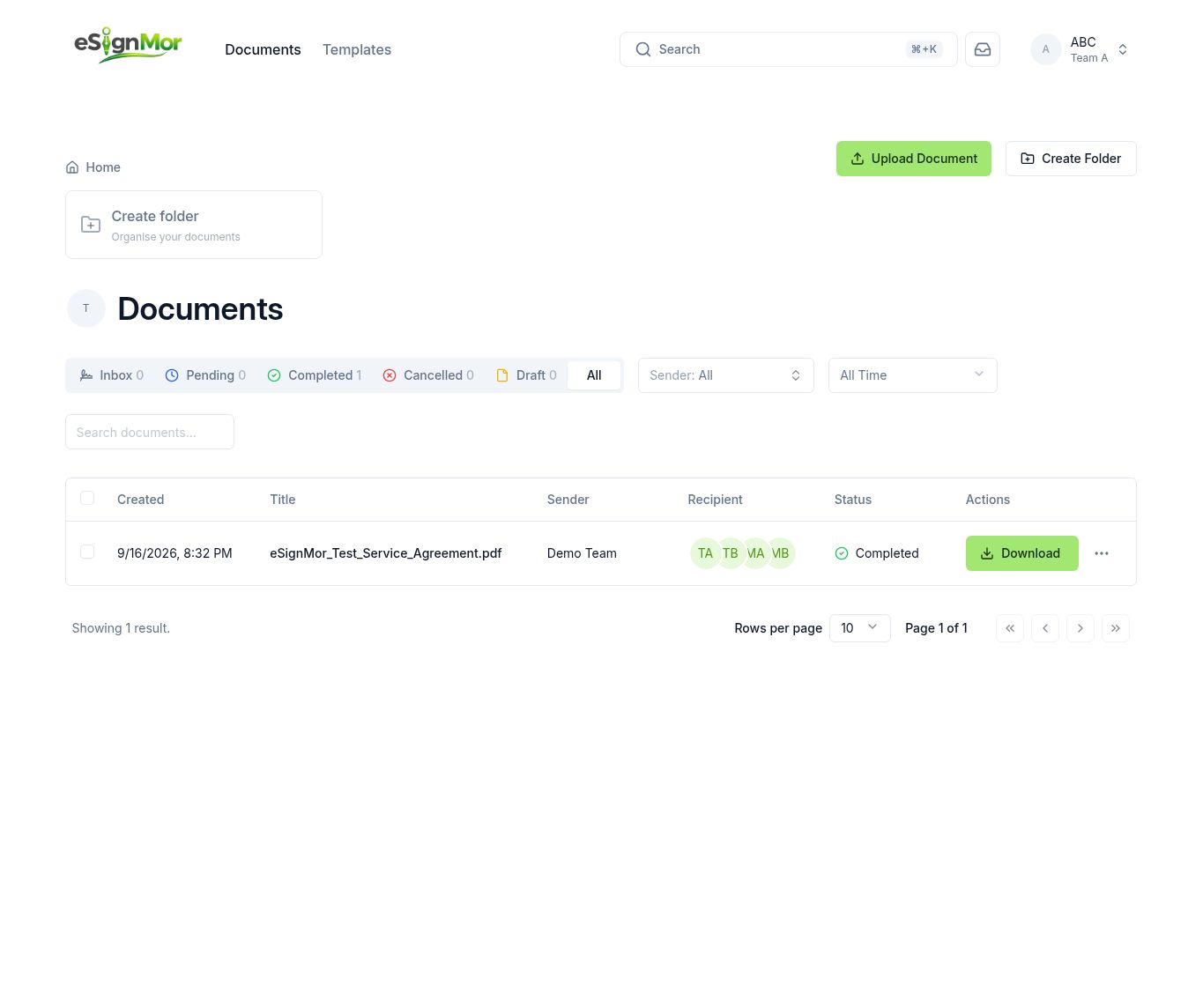 Verify the correct team before uploading.
Note: Uploading into the wrong team can expose the document to the wrong people.
-
Upload the PDF
Select Upload Document or drag a PDF into the upload area. How many files you can upload at once depends on your plan (up to 5 during the free trial).
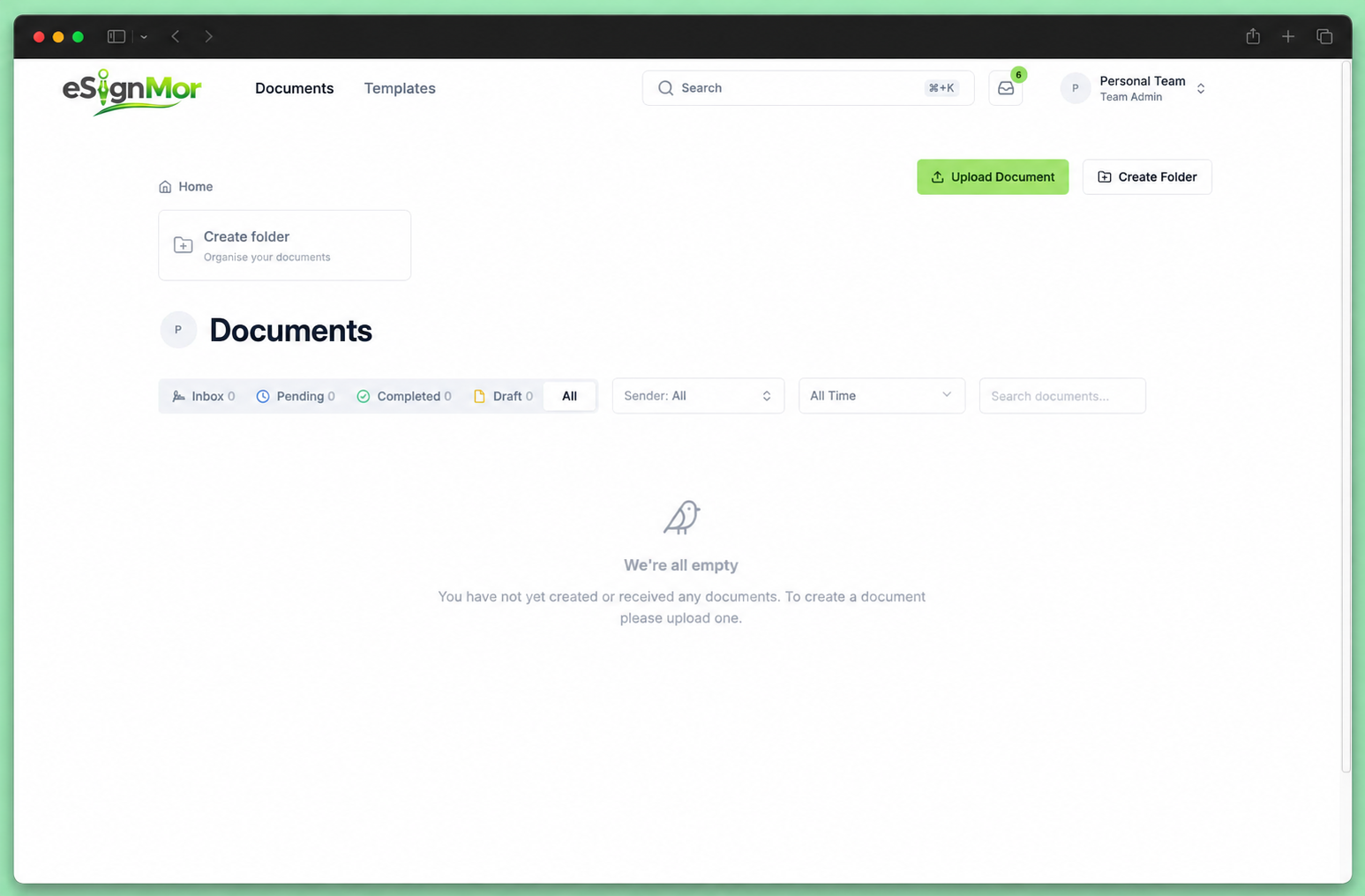 Upload the PDF document.
 -
Confirm titles and order
Confirm the document title and, for multiple documents, their order.
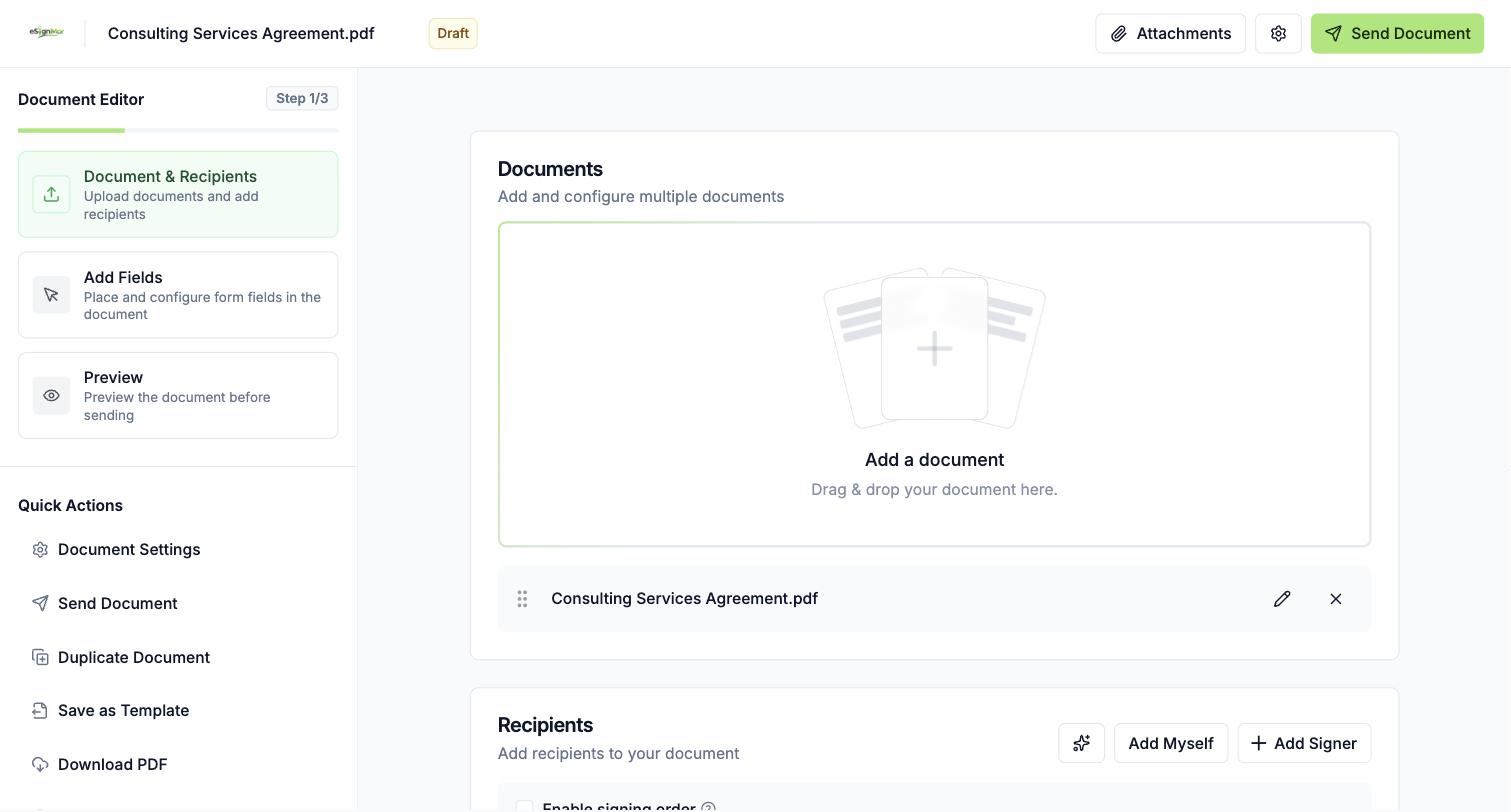 Confirm document names and order.
 -
Add attachments
Add approved attachments if recipients need supporting information.
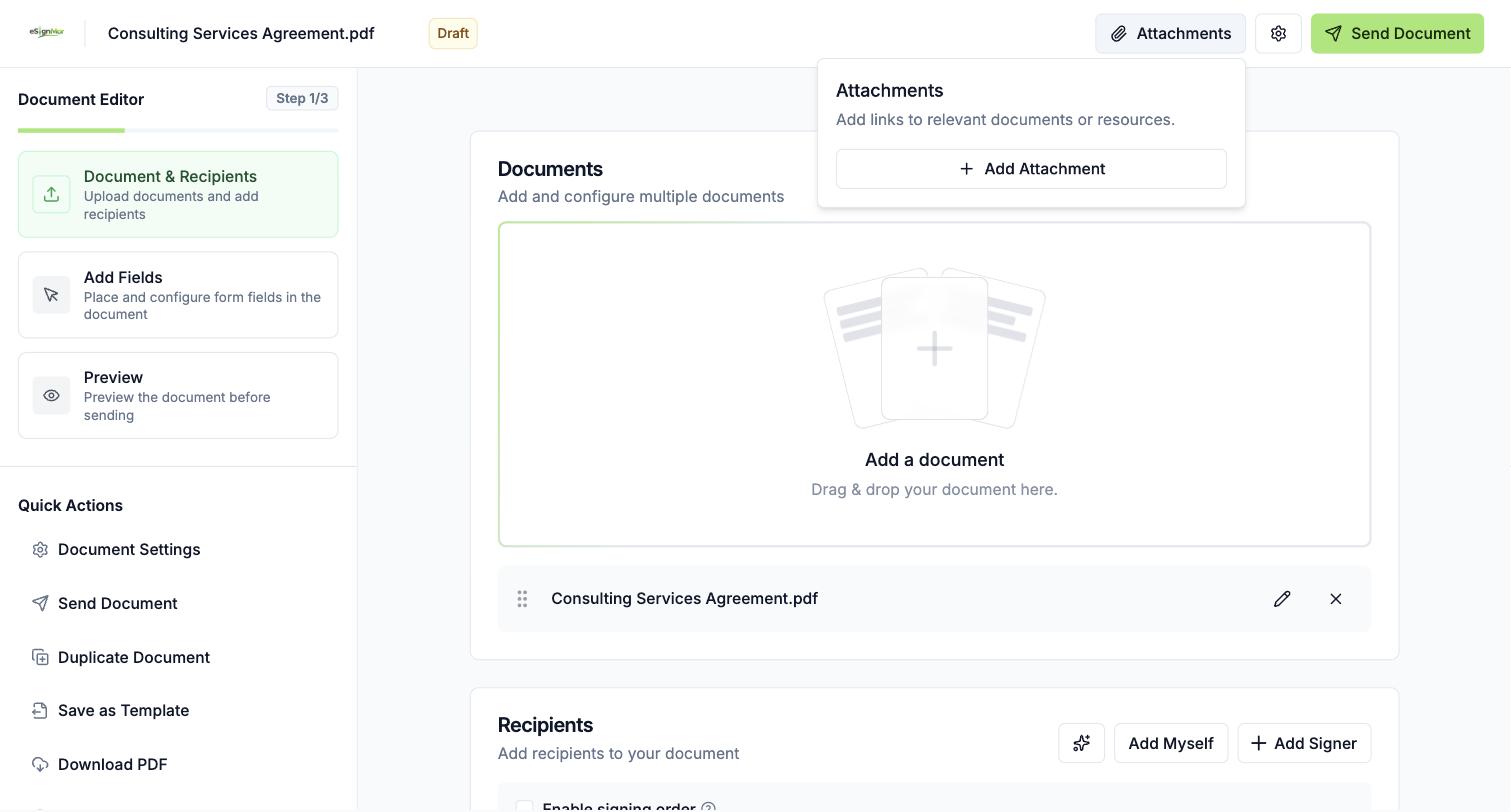 Add only approved supporting attachments.
 -
Continue to the editor
Continue to the recipient editor.
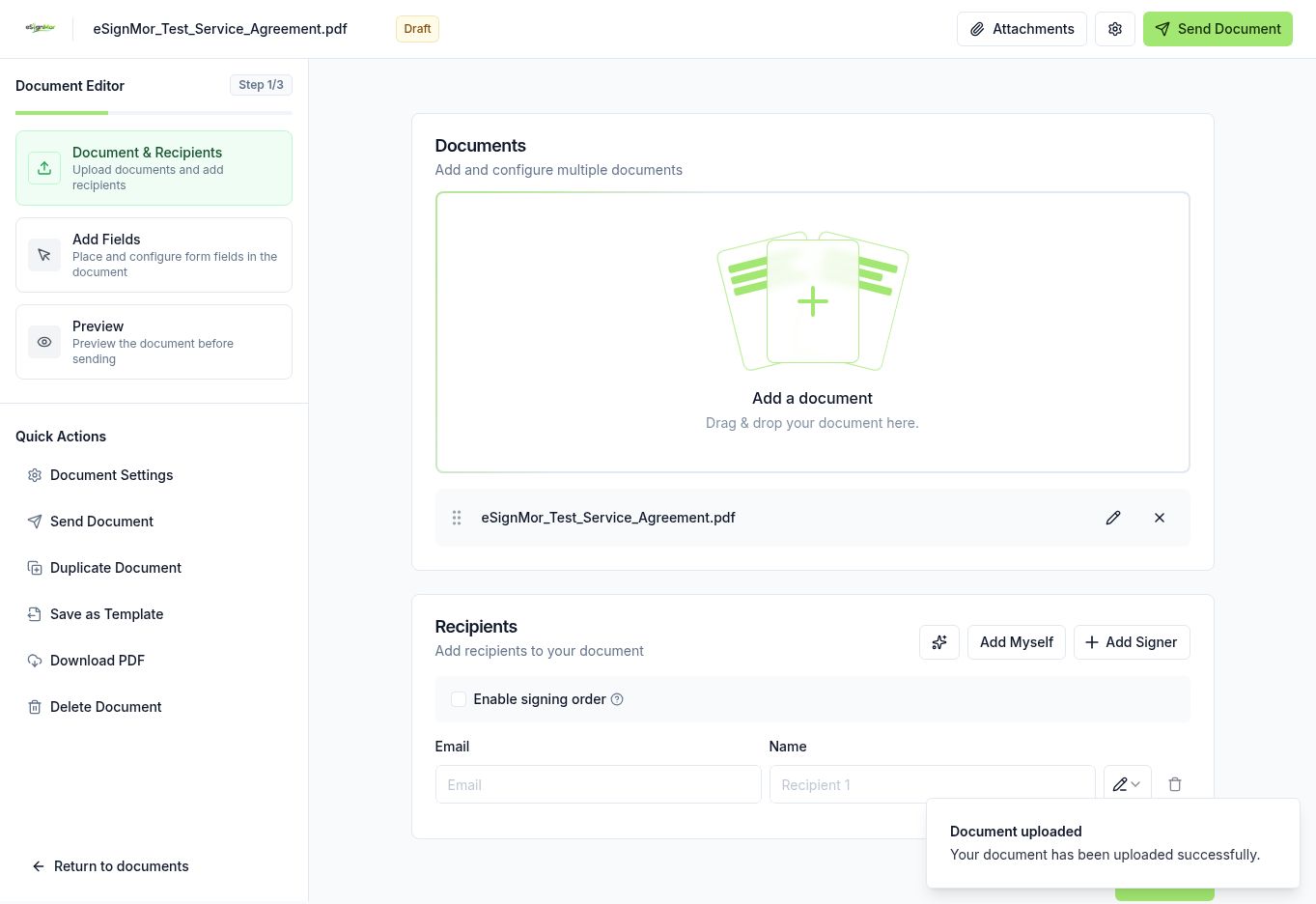 The document is ready for recipient setup.
Result: The document is ready for recipient setup.
Need a hand? Email support@esignmor.com.