

Send your first document
Go from an unsigned PDF to a sent signature request in four steps.
Before you start
- A verified eSignMor account
- A PDF ready to send
-
Upload the document
Open the correct team, select Documents, and upload your PDF. How many files you can upload at once depends on your plan (up to 5 during the free trial).
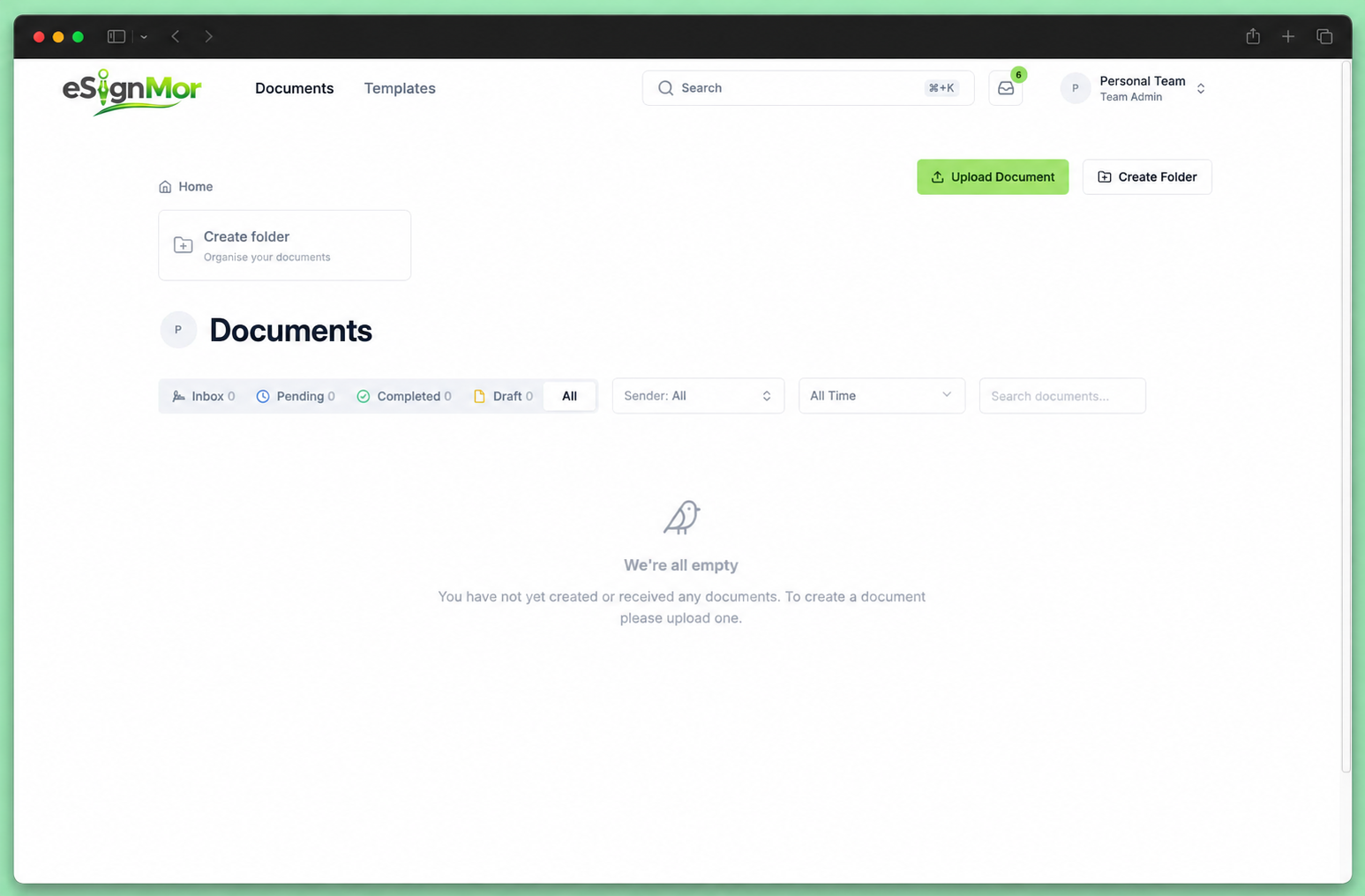 Upload the PDF you want signed.
Result: The document opens in the editor.
-
Add recipients
Add each recipient’s name and email, choose their role, and set a signing order if the order matters.
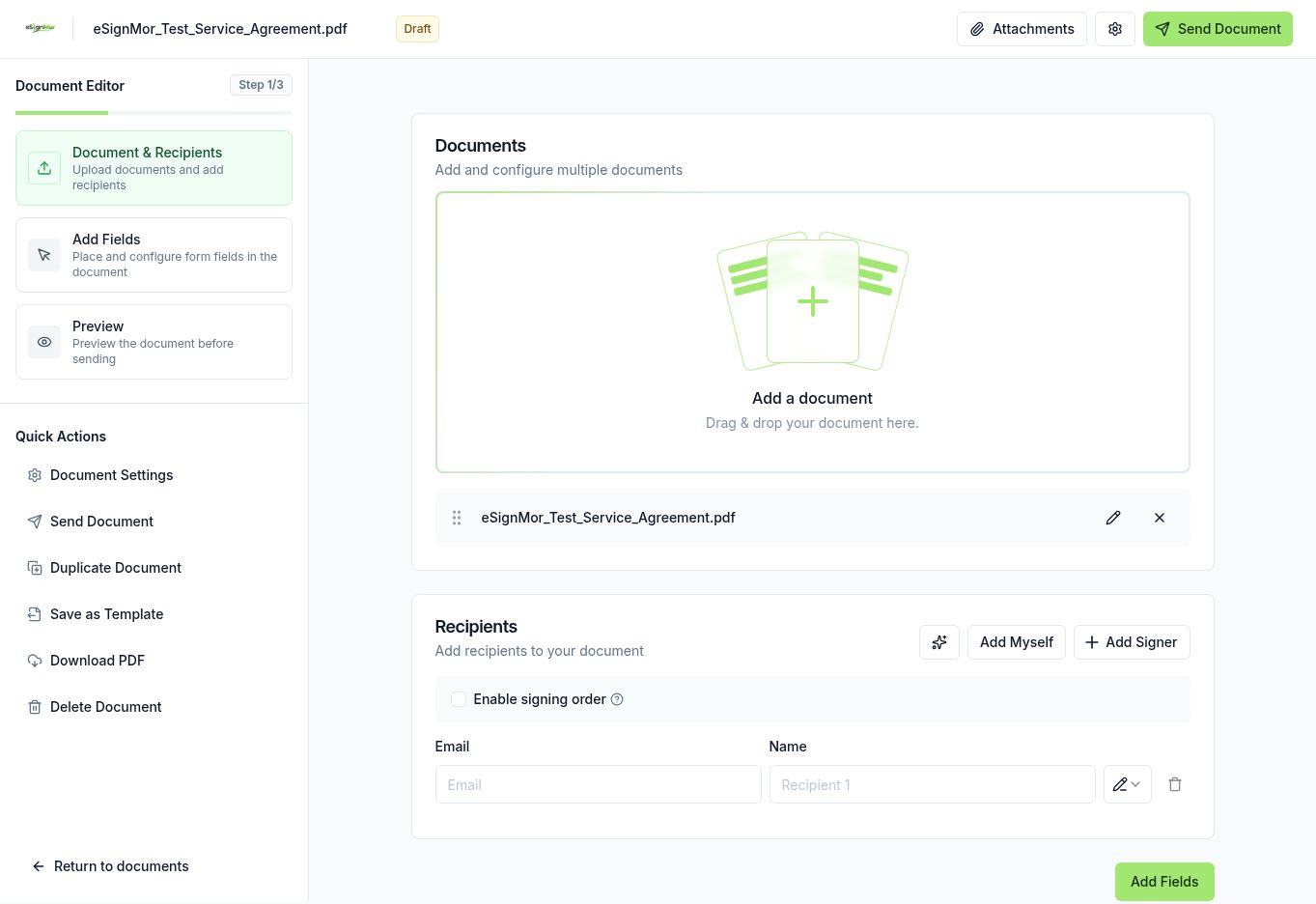 Add the people who need to sign, approve, view, or receive a copy.
Result: Every person who must act is listed with the correct role.
-
Place the fields
Select a recipient, then drag signature, date, and text fields onto the correct pages.
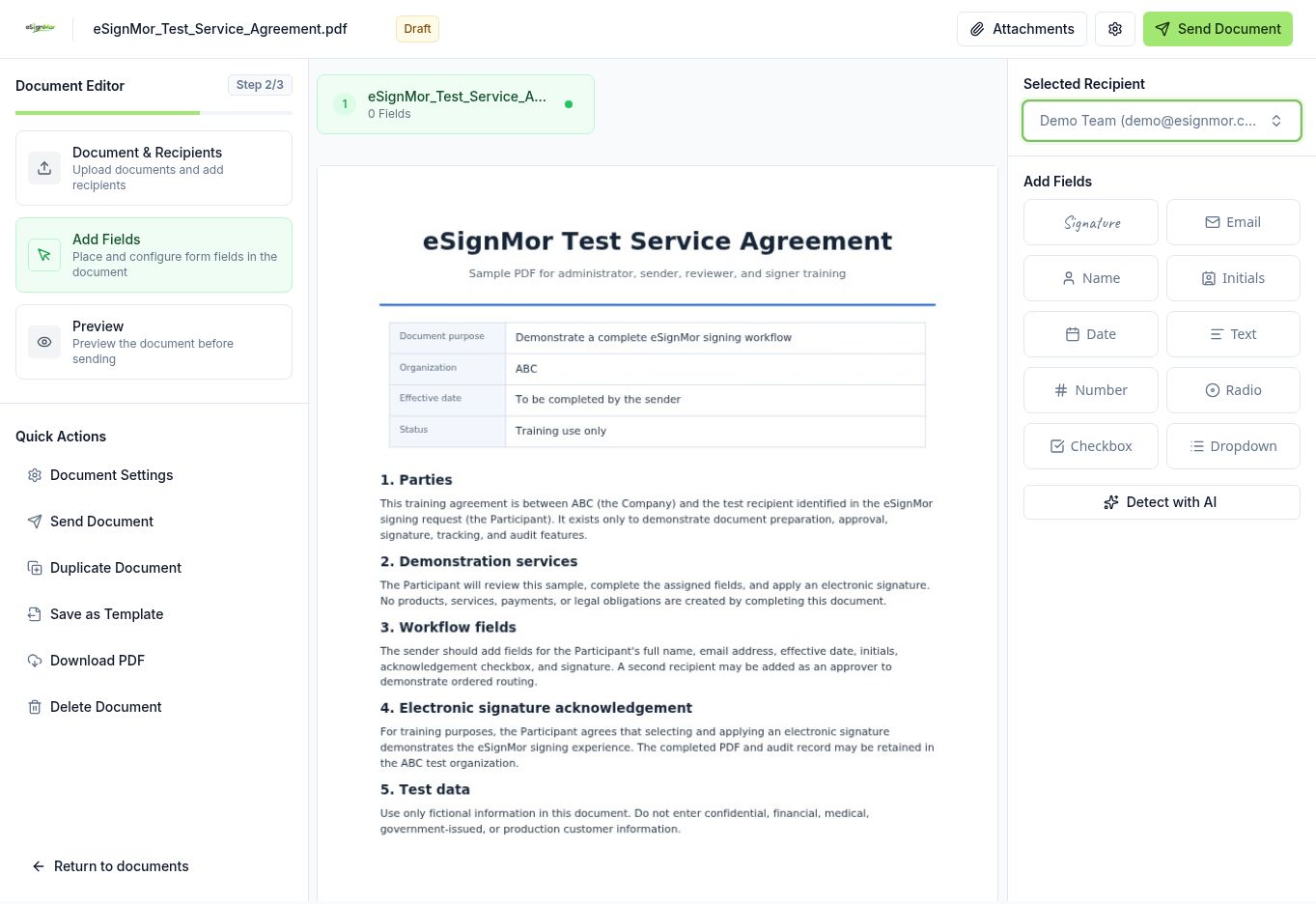 Assign fields to the right recipient before you send.
Result: Each recipient has the fields they must complete.
-
Preview and send
Open Preview, check every page, then send the request and wait for the confirmation.
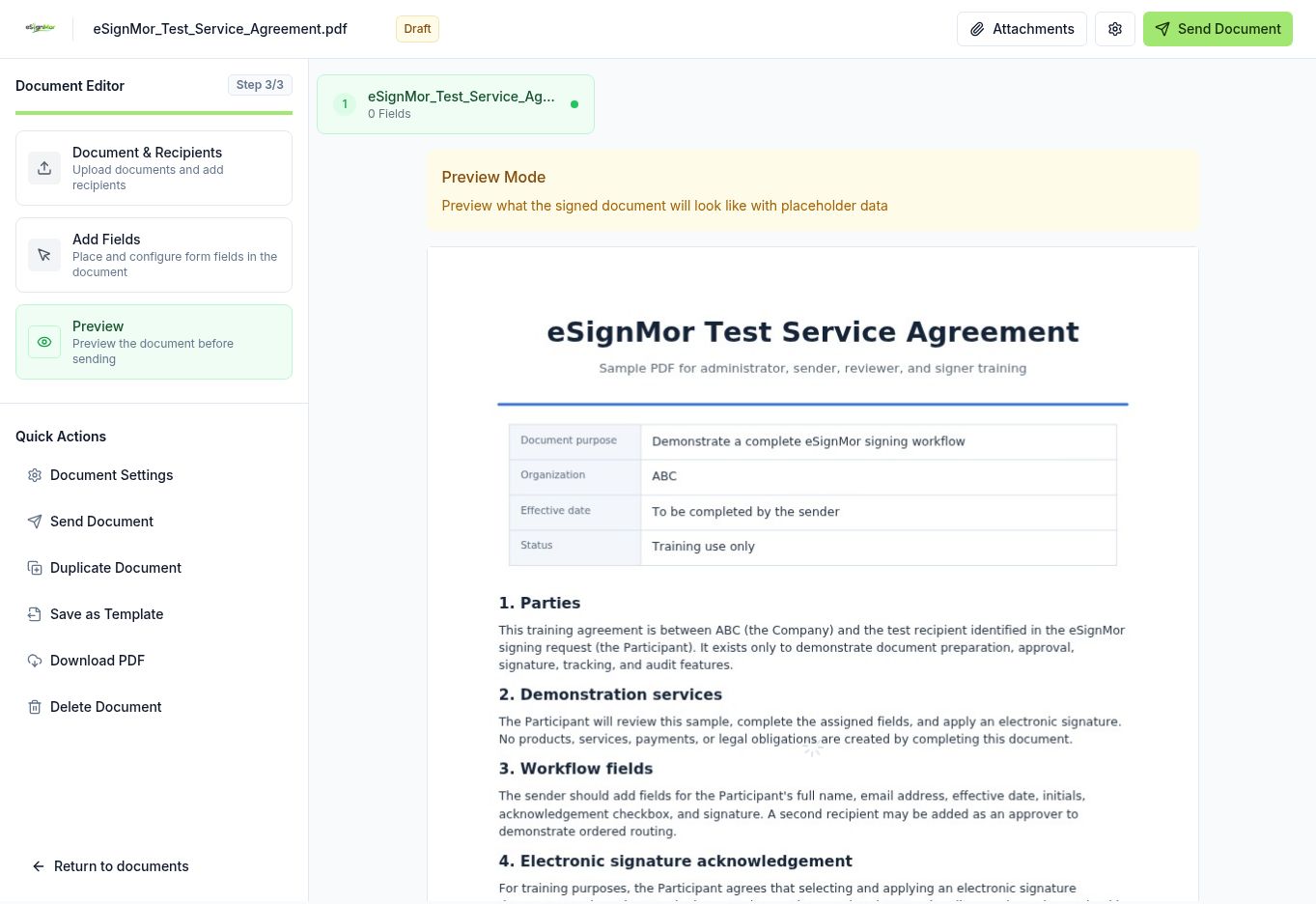 Review the complete envelope before sending.
Result: The document moves to Pending and recipients receive their email.
What happens next
- Track the pending document and send reminders if needed.
Need a hand? Email support@esignmor.com.