

Understand the dashboard
Find documents, templates, filters, and settings from the eSignMor dashboard.
-
Choose the working context
Identify the organisation and team selector.
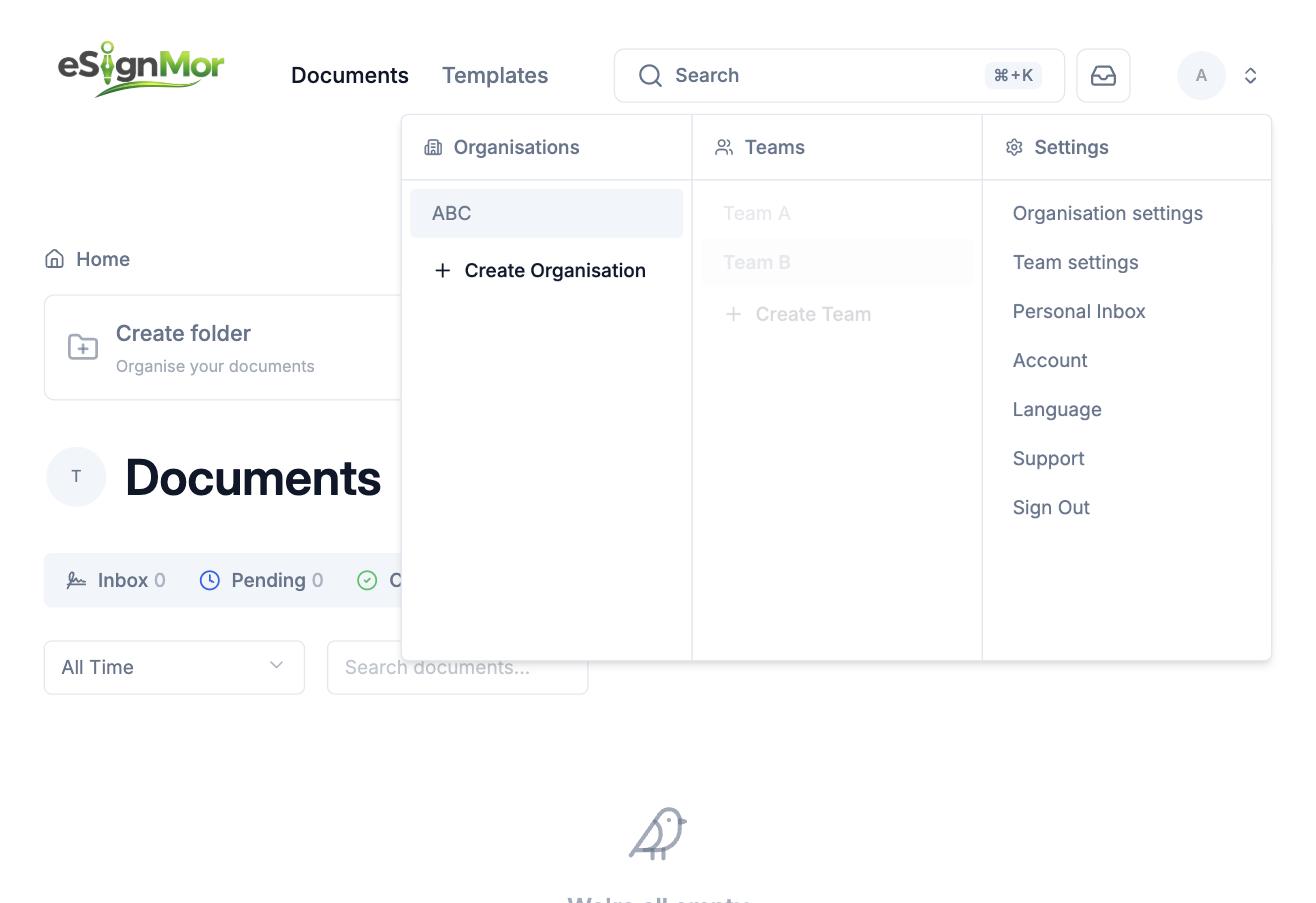 Choose the correct working context.
Result: You are working in the correct organisation and team.
-
Use the main navigation
Review Documents, Templates, and team navigation.
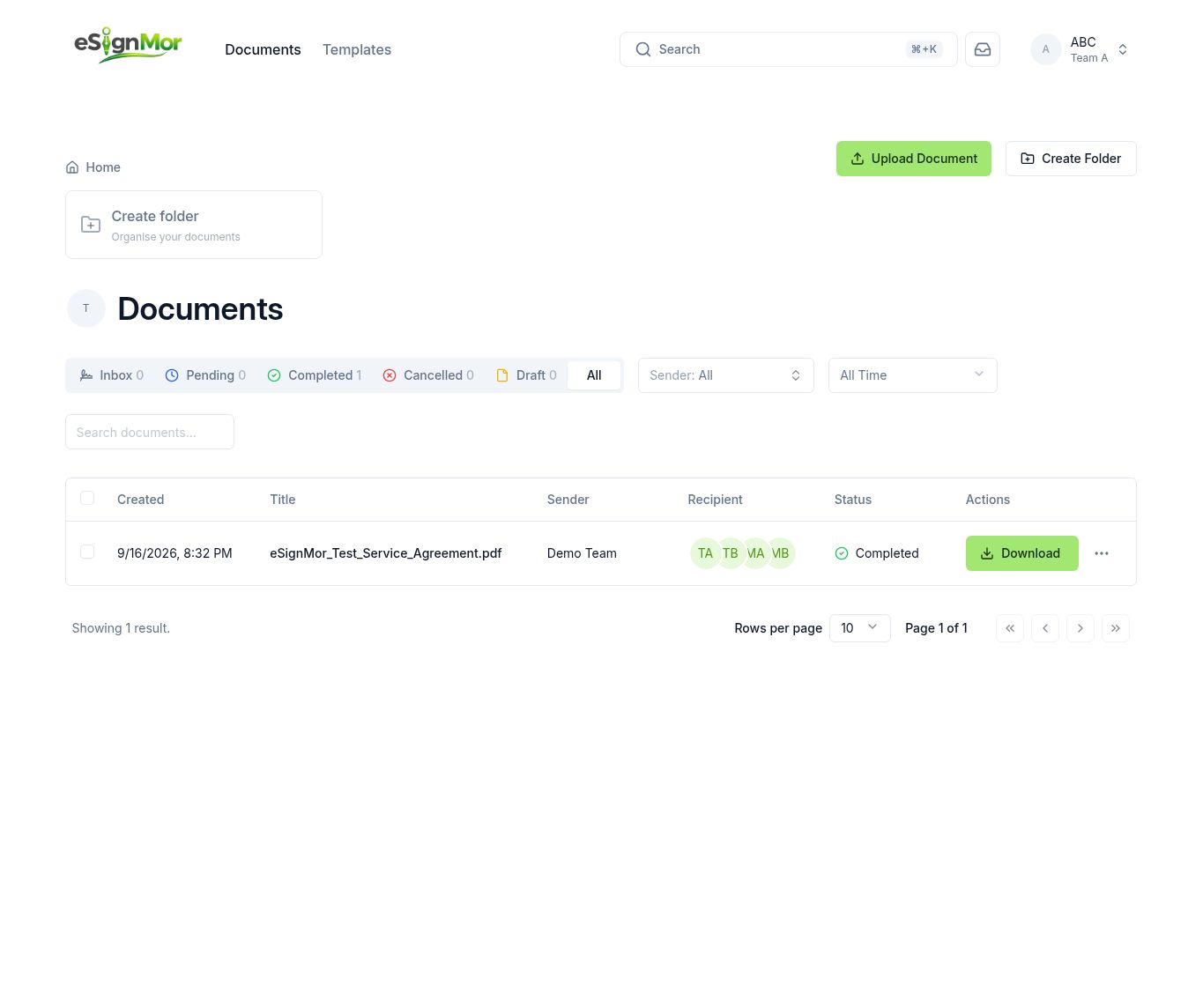 Use the navigation to open documents and templates.
 -
Filter and search
Review document status filters and search.
Result: You can find a record by status or title.
-
Open the profile menu
Open the profile menu to reach account and organisation settings.
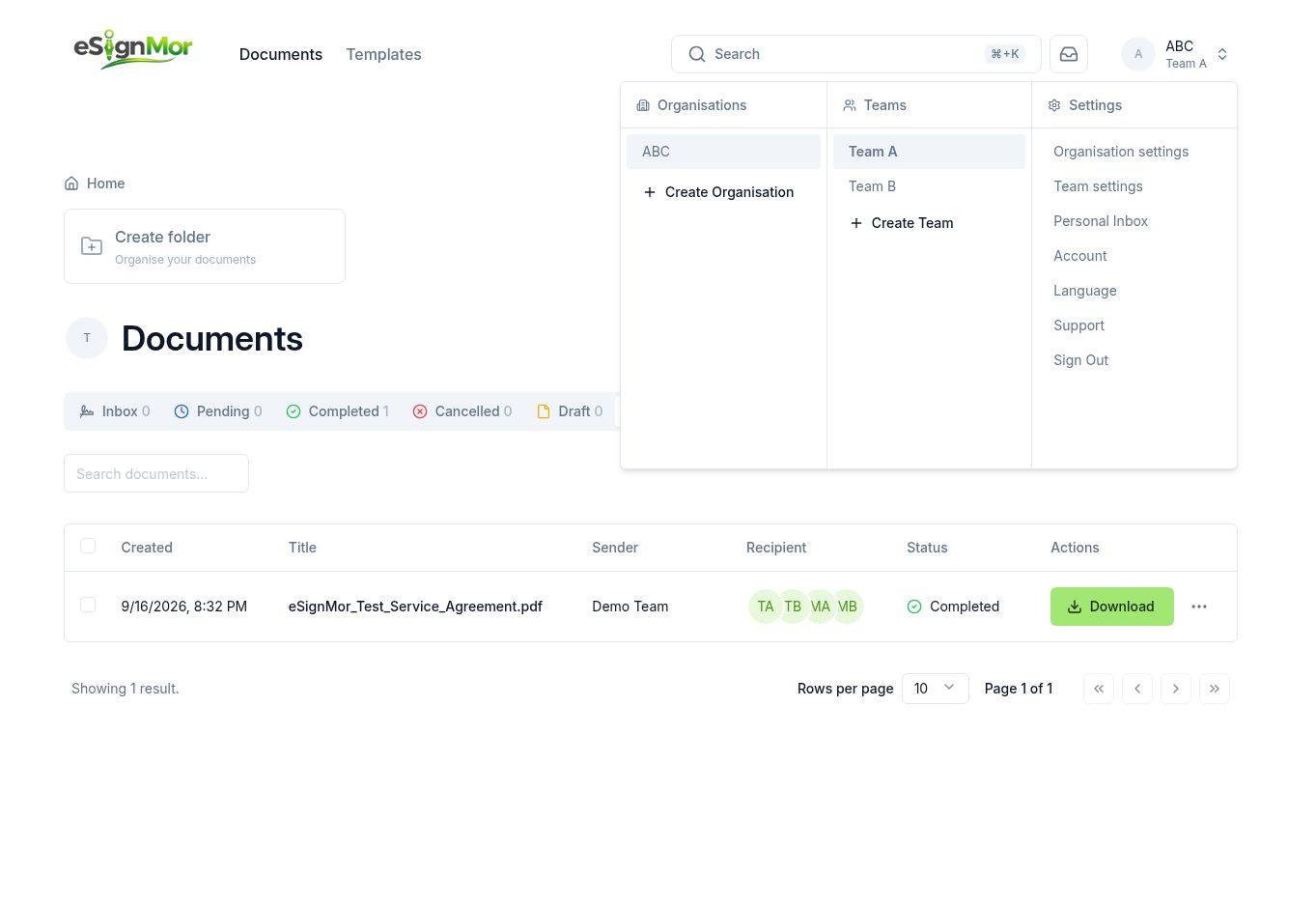 Access personal and administrative settings.
Need a hand? Email support@esignmor.com.