

Track, remind, correct, and cancel a pending document
Stay on top of a live workflow and fix problems without starting again.
-
Find the document
Open Documents and locate the record using search or status filters.
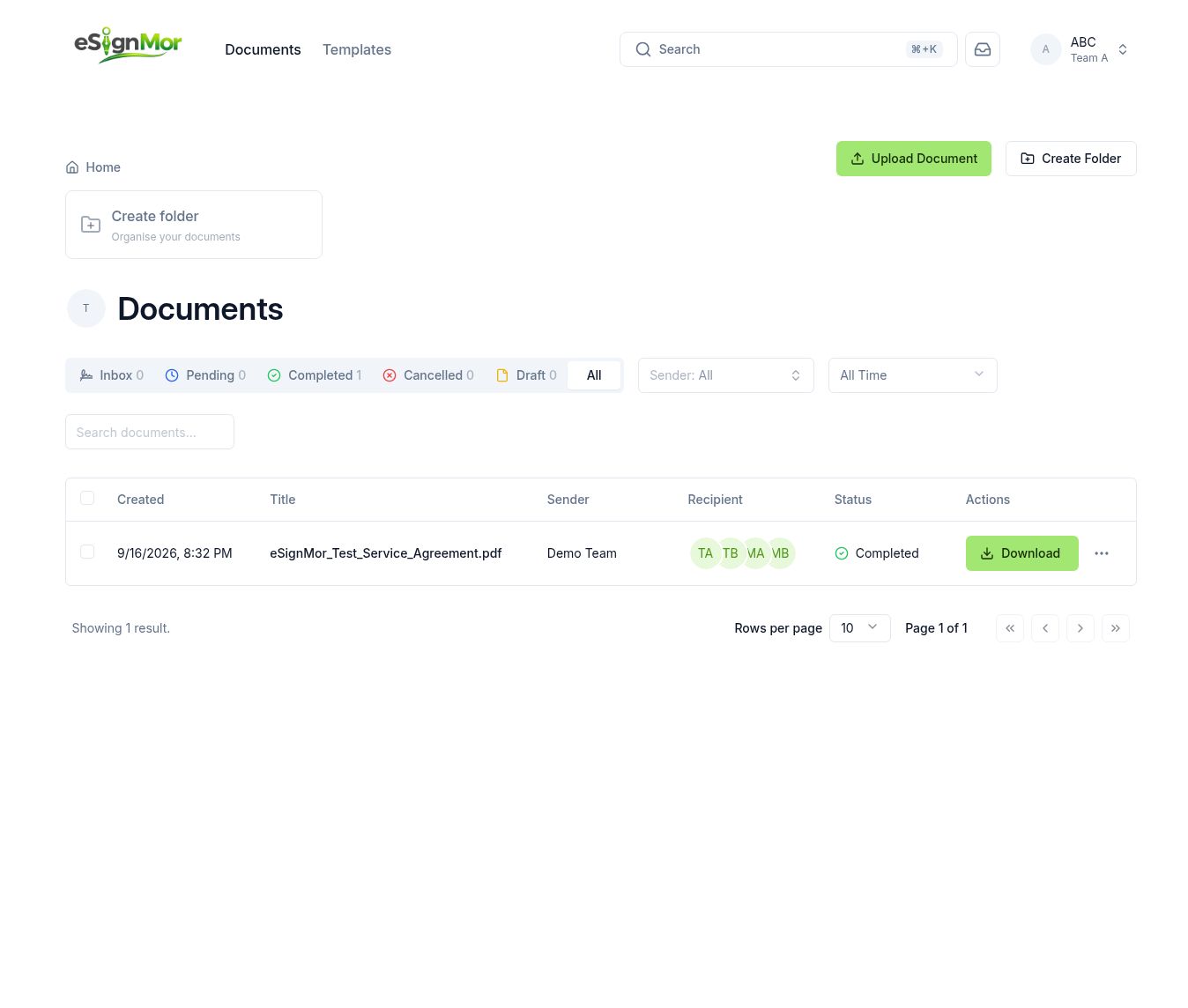 Locate the pending document.
 -
Review recipient status
Open the document details page and review each recipient status.
Result: You know exactly who is holding up the workflow.
-
Send a reminder
Send an approved reminder when enabled and appropriate.
-
Correct recipients
Modify recipients only when the workflow permits it, and record the reason.
-
Cancel or void
Cancel or void only with appropriate authority, and record the reason.
-
Respect retention
Do not delete records required for legal, contractual, or retention purposes.
Important: Deletion can be permanent. Check your retention policy first.
Need a hand? Email support@esignmor.com.