

Sign a document
Complete a signature request from the email to the confirmation.
-
Check the request
Open the signing-request email and confirm the sender, document title, and that you expected it.
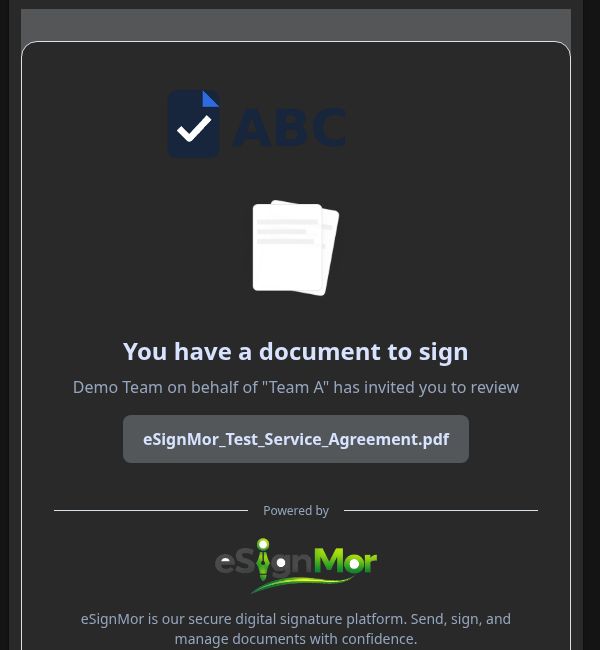 Confirm the request before opening it.
Important: If you did not expect the request, verify with the sender before opening the link.
-
Open the secure link
Open the secure signing link.
Open the secure recipient experience. -
Review the document
Review the disclosure and the document.
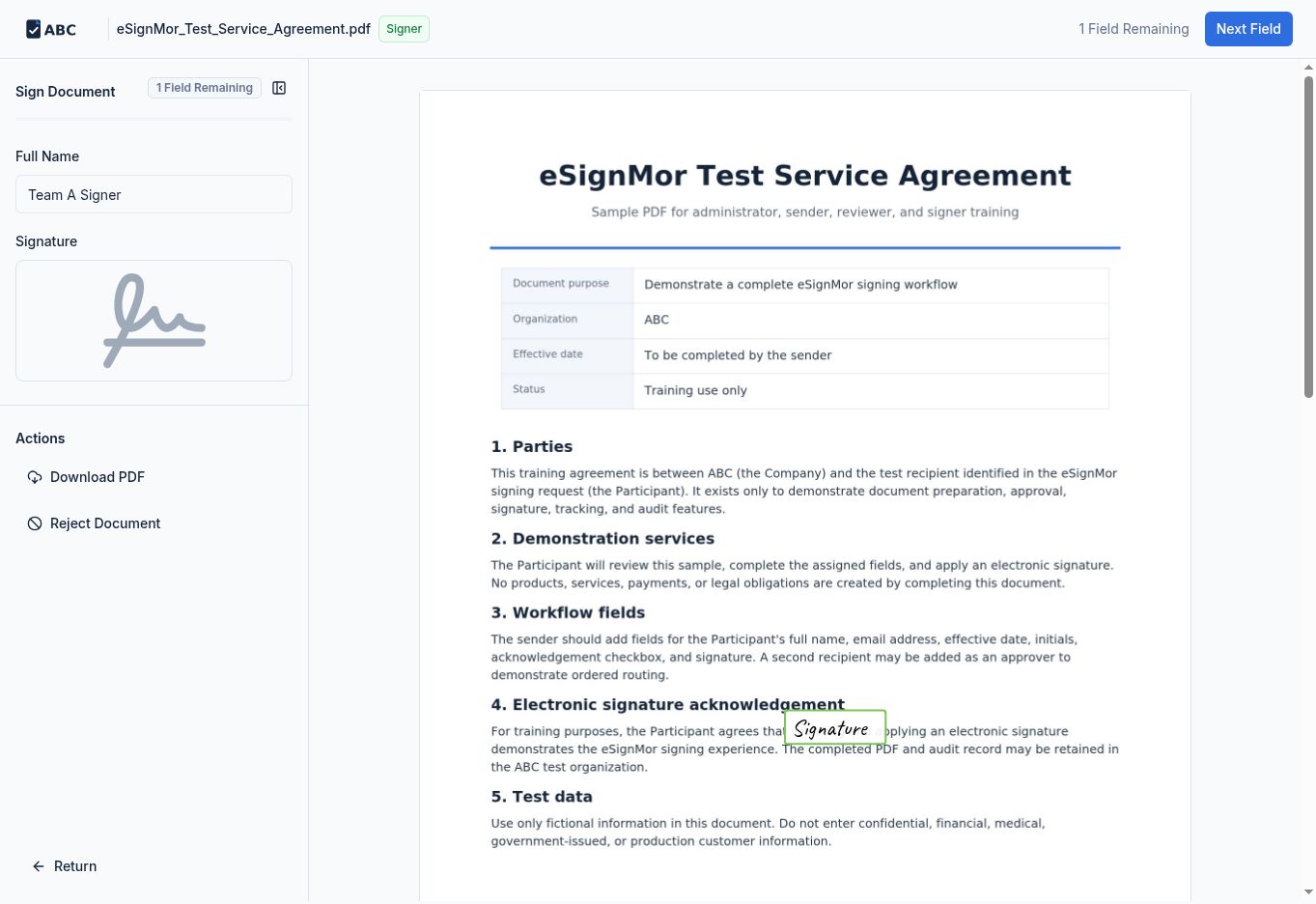 Review the document before completing fields.
 -
Complete the fields
Complete required fields in the guided order.
Complete every required field. -
Apply your signature
Create or select a signature using an allowed method: type, draw, or upload.
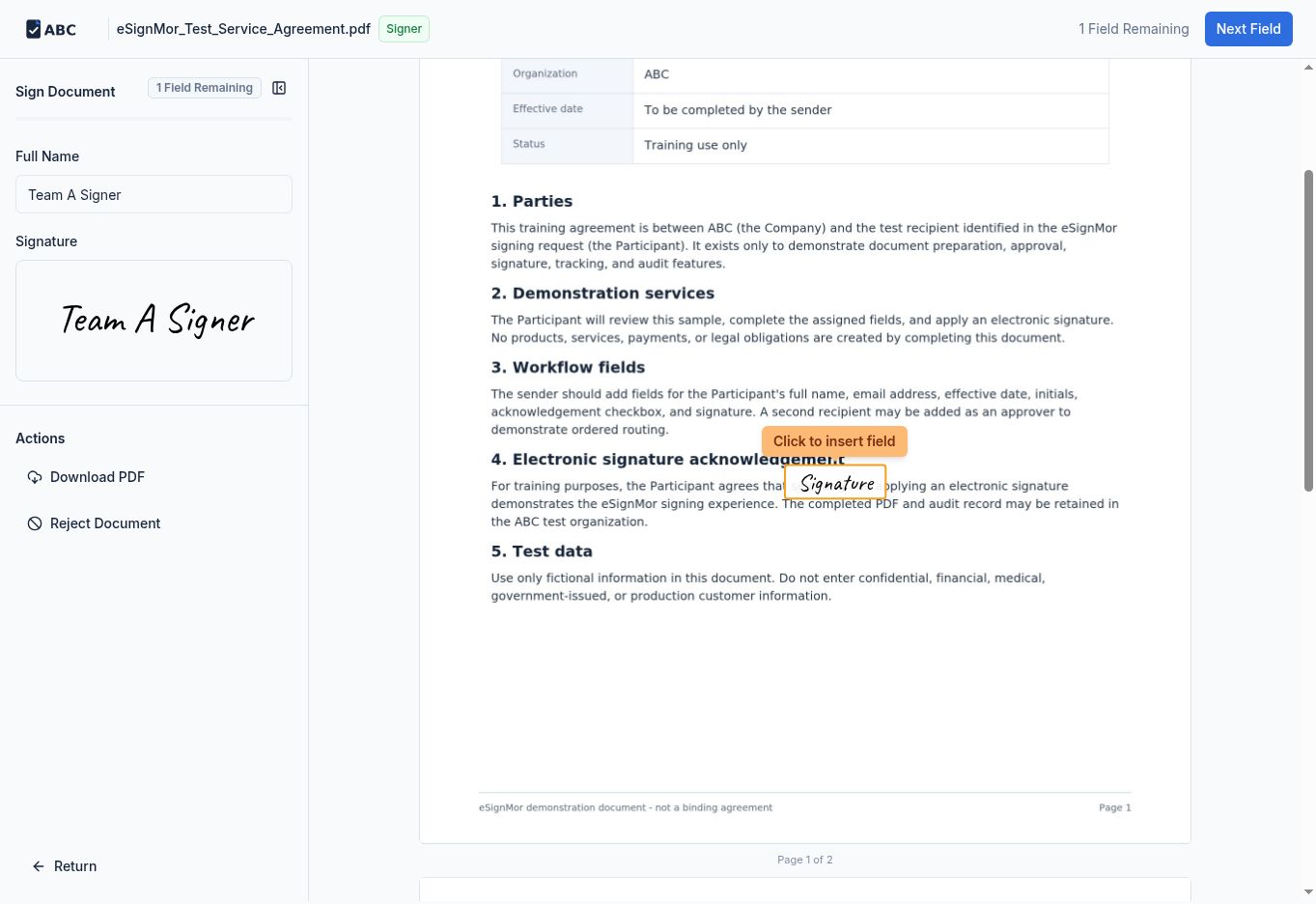 Apply the electronic signature.
 -
Submit
Submit and wait for the completion confirmation.
Confirm that the signing action was recorded.Result: Your signature is recorded and the workflow moves on.
Need a hand? Email support@esignmor.com.