

View and acknowledge a document
Open a document sent to you for review and record your acknowledgement.
-
Open the request
Open the request from your email.
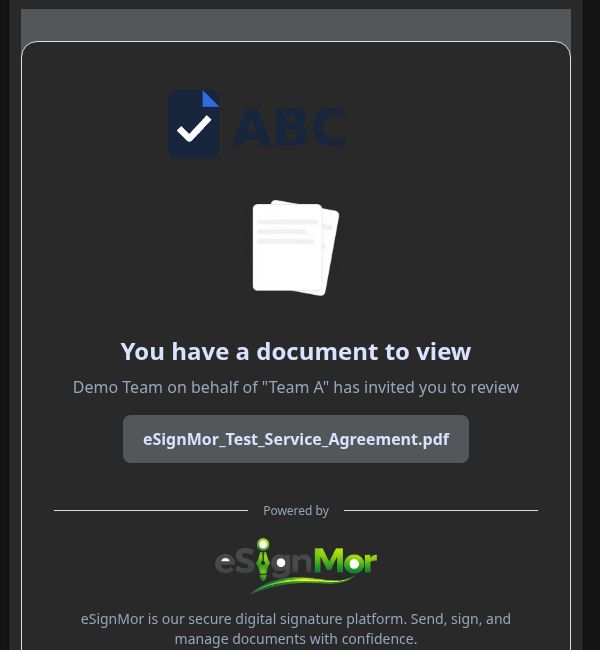 Open the viewing request.
 -
Review the document
Review the document in full.
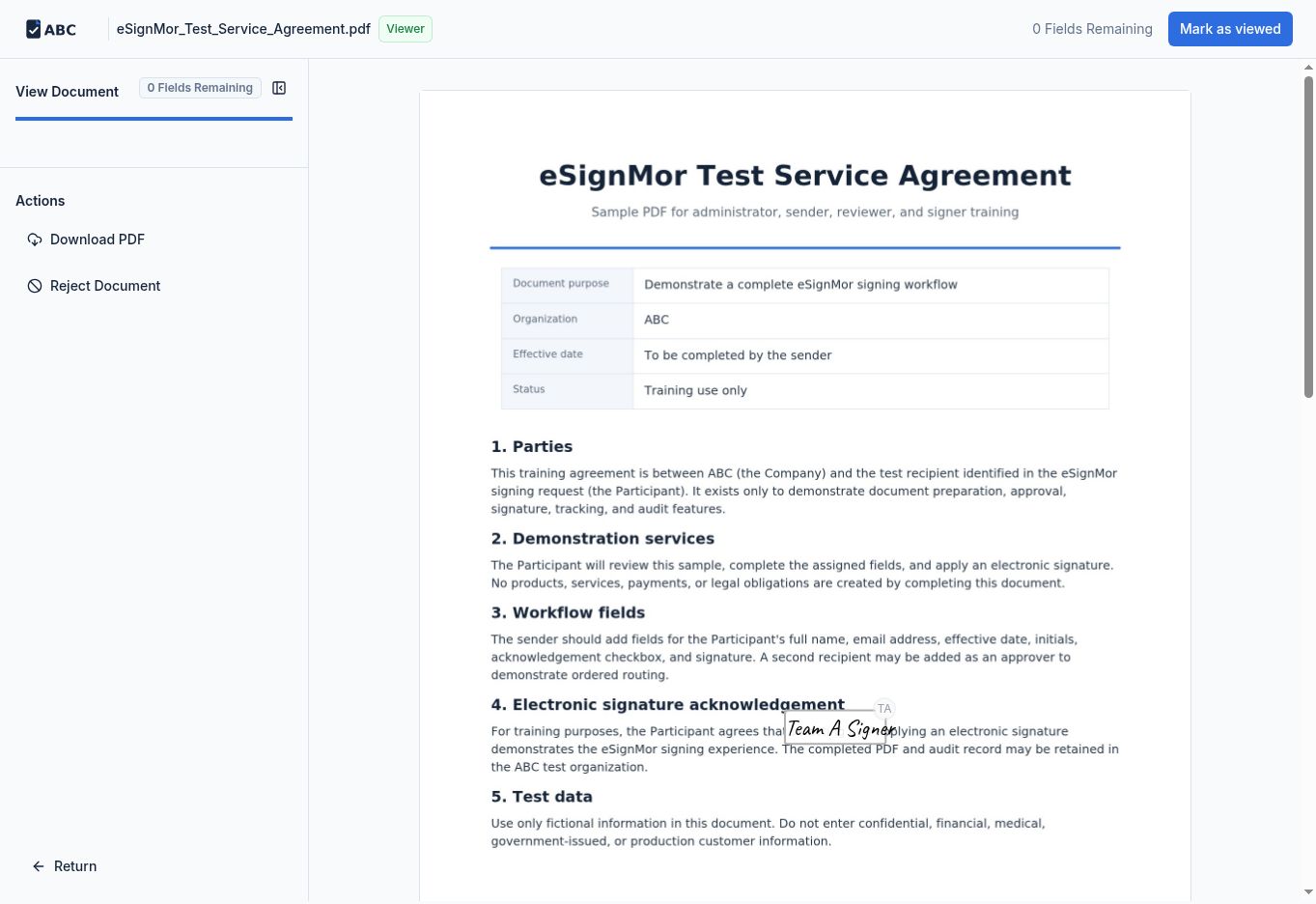 Review every page.
 -
Acknowledge
Select the required acknowledgement or view action.
Record that you viewed the document. -
Confirm completion
Confirm that your action was recorded.
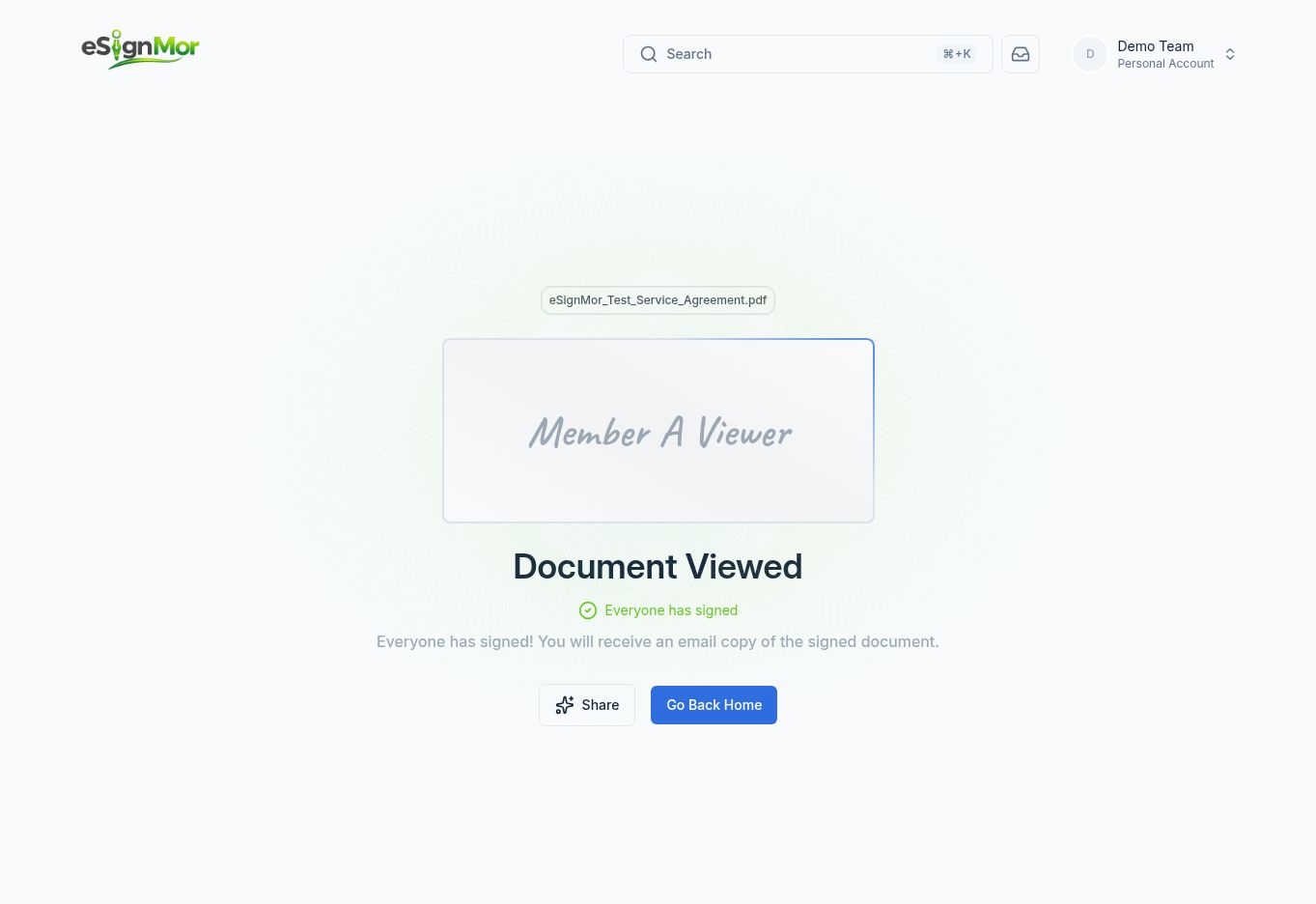 Confirm the recorded view.
Result: Your view is recorded in the document history.
Need a hand? Email support@esignmor.com.