

Resolve invitations and access problems
Fix invitations that never arrive and people who cannot see a team.
-
Check invitation status
Open Organisation Settings, select Members, and check the Pending tab before resending.
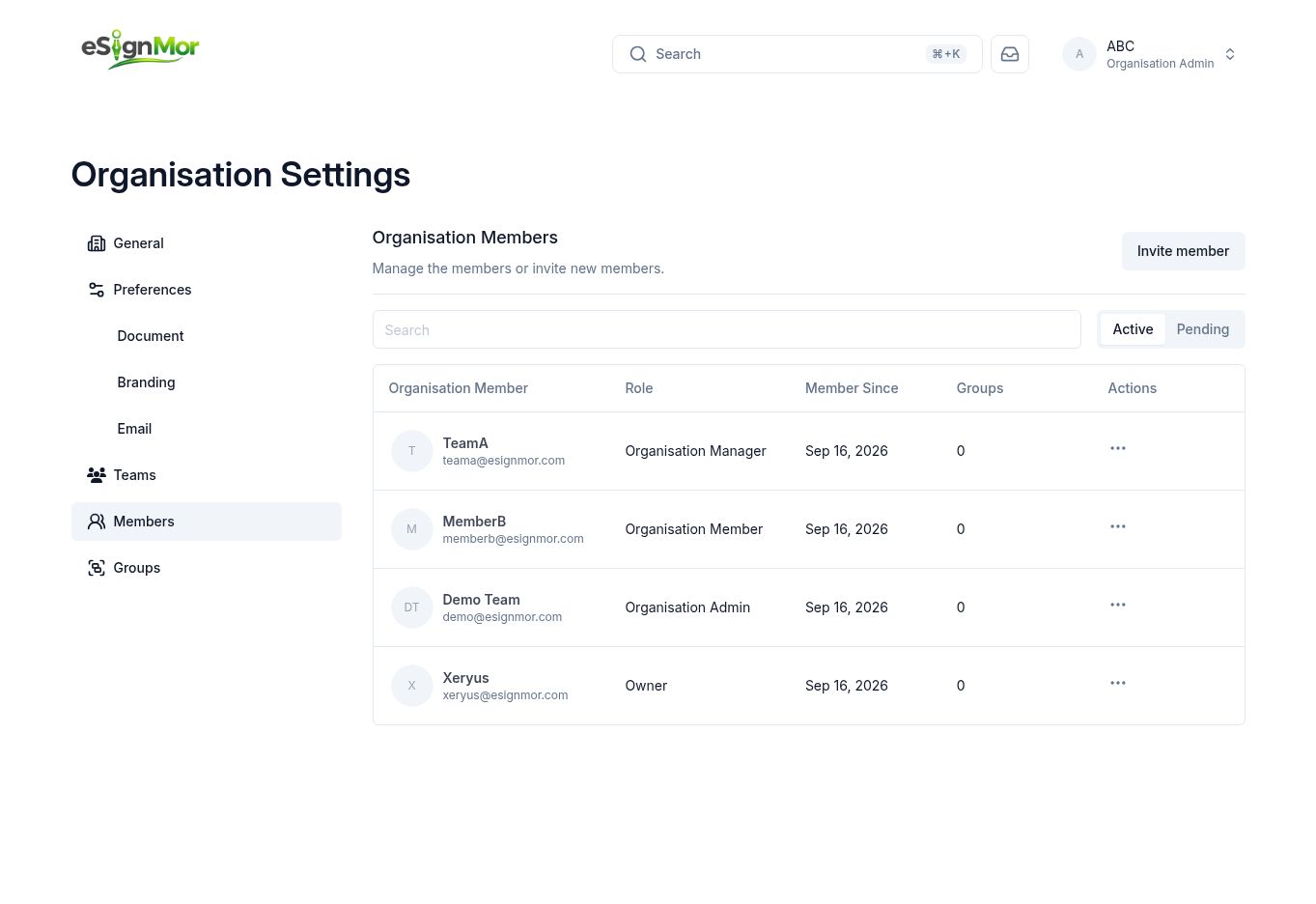 Check whether the invitation is still pending.
 -
Confirm the address
Confirm the email address is correct and ask the person to check spam and quarantine folders.
-
Check role and group
If someone signs in but cannot see a team, check their organisation role and group assignments.
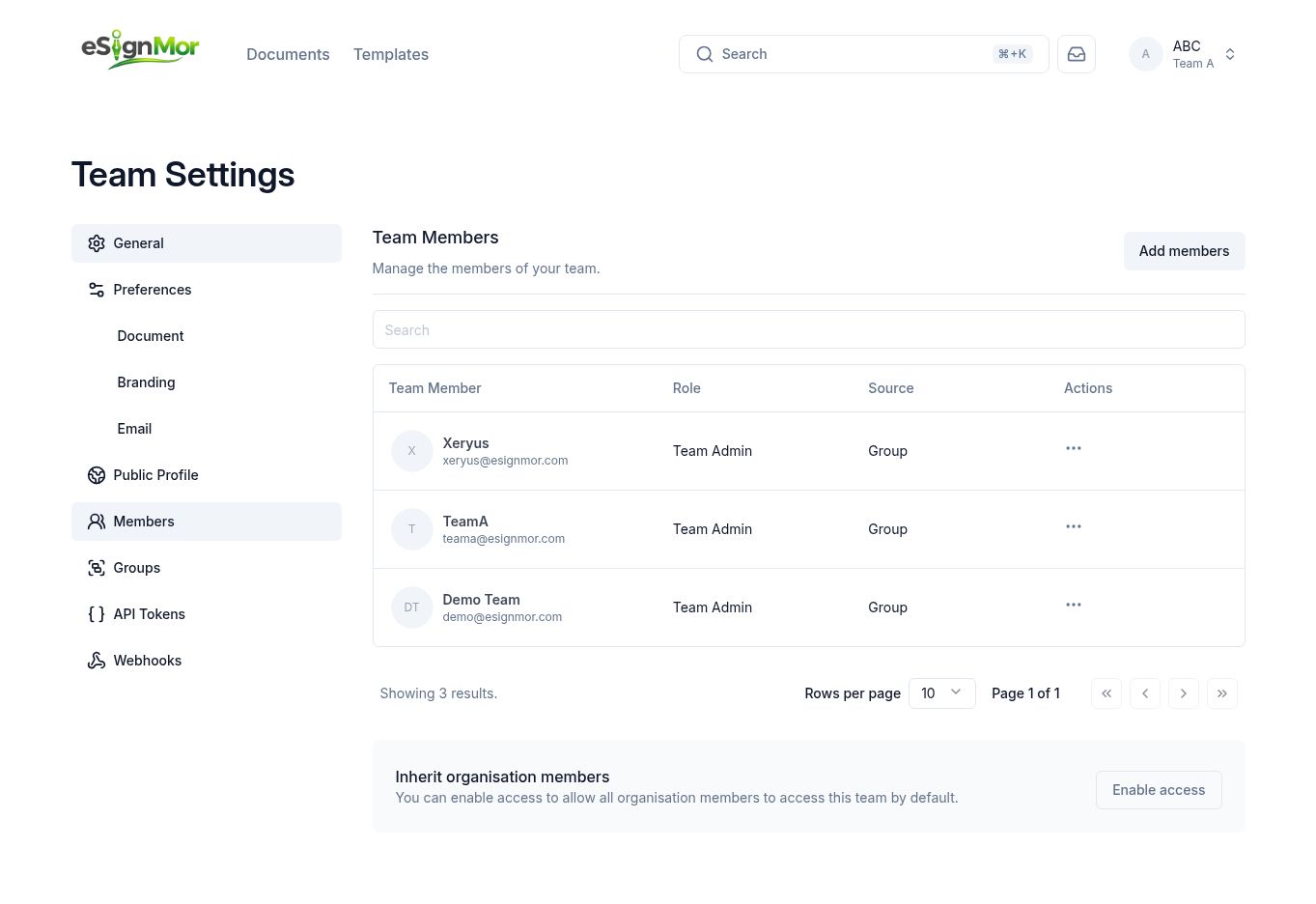 Access usually comes from a group or team assignment.
 -
Re-test access
Ask the person to sign out and back in, then confirm they can reach the team.
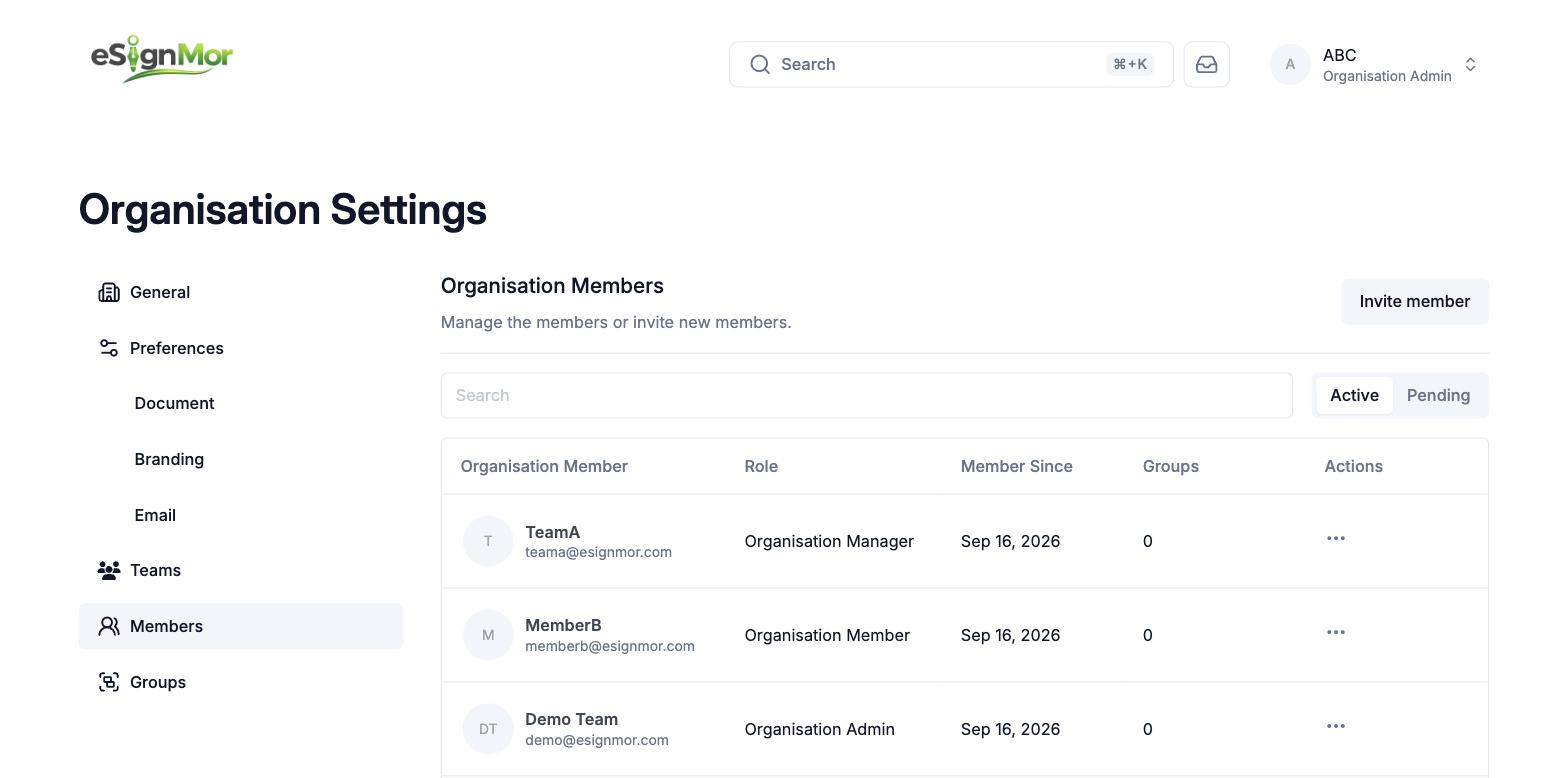 Confirm the fix with the affected user.
Result: The member has the intended access.
Need a hand? Email support@esignmor.com.