

Resolve email and branding problems
Fix missing notifications and branding that does not appear.
-
Check notification settings
Open Organisation Settings, select Email, and confirm the relevant notifications are enabled.
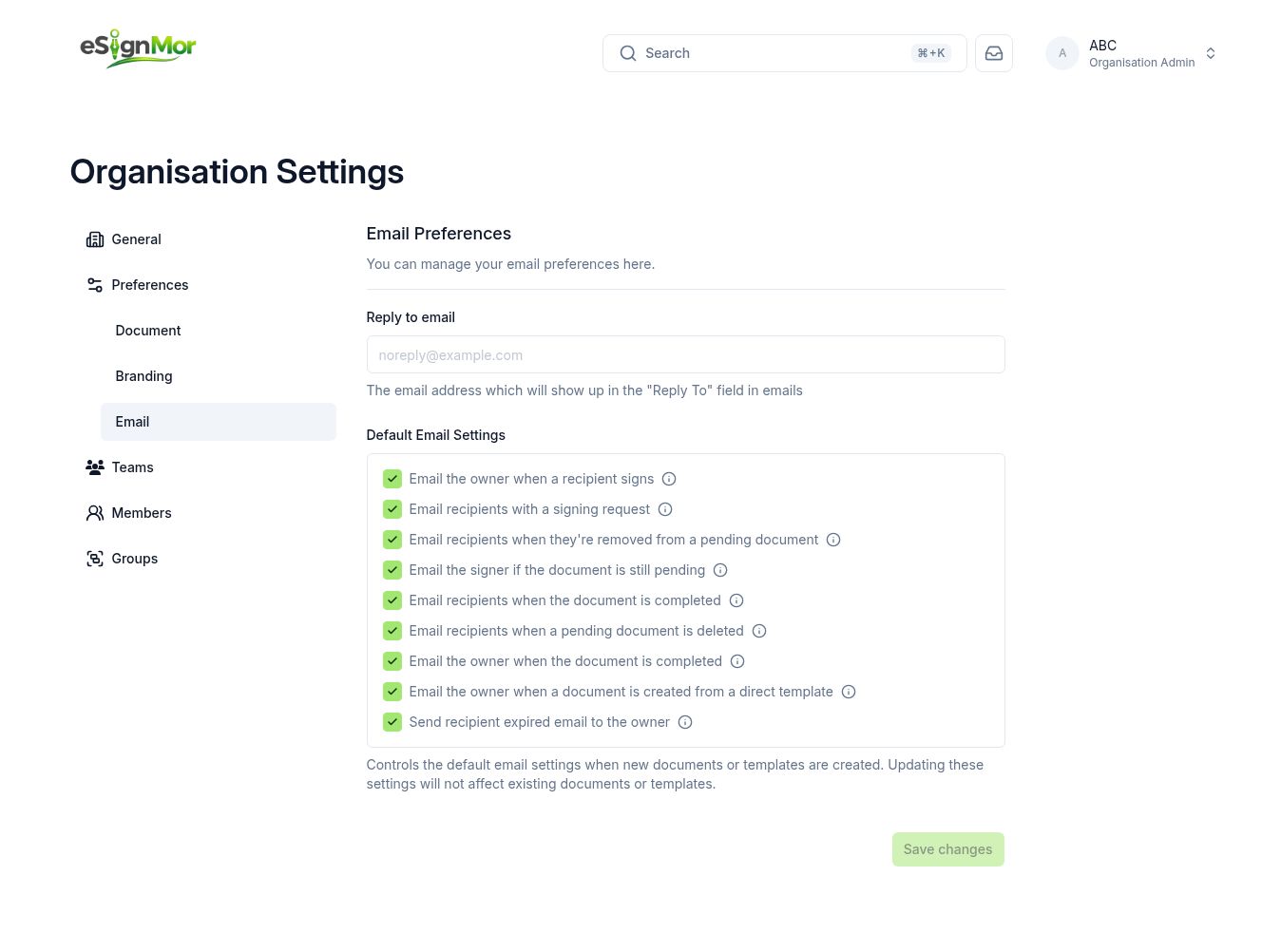 Confirm which notifications are switched on.
 -
Check the Reply-To
Confirm the Reply-To address is valid and monitored.
-
Ask the recipient to check filters
Ask the recipient to check spam, quarantine, and any mail rules before you resend.
-
Verify branding
If branding is missing, confirm custom branding is enabled and whether the team overrides it.
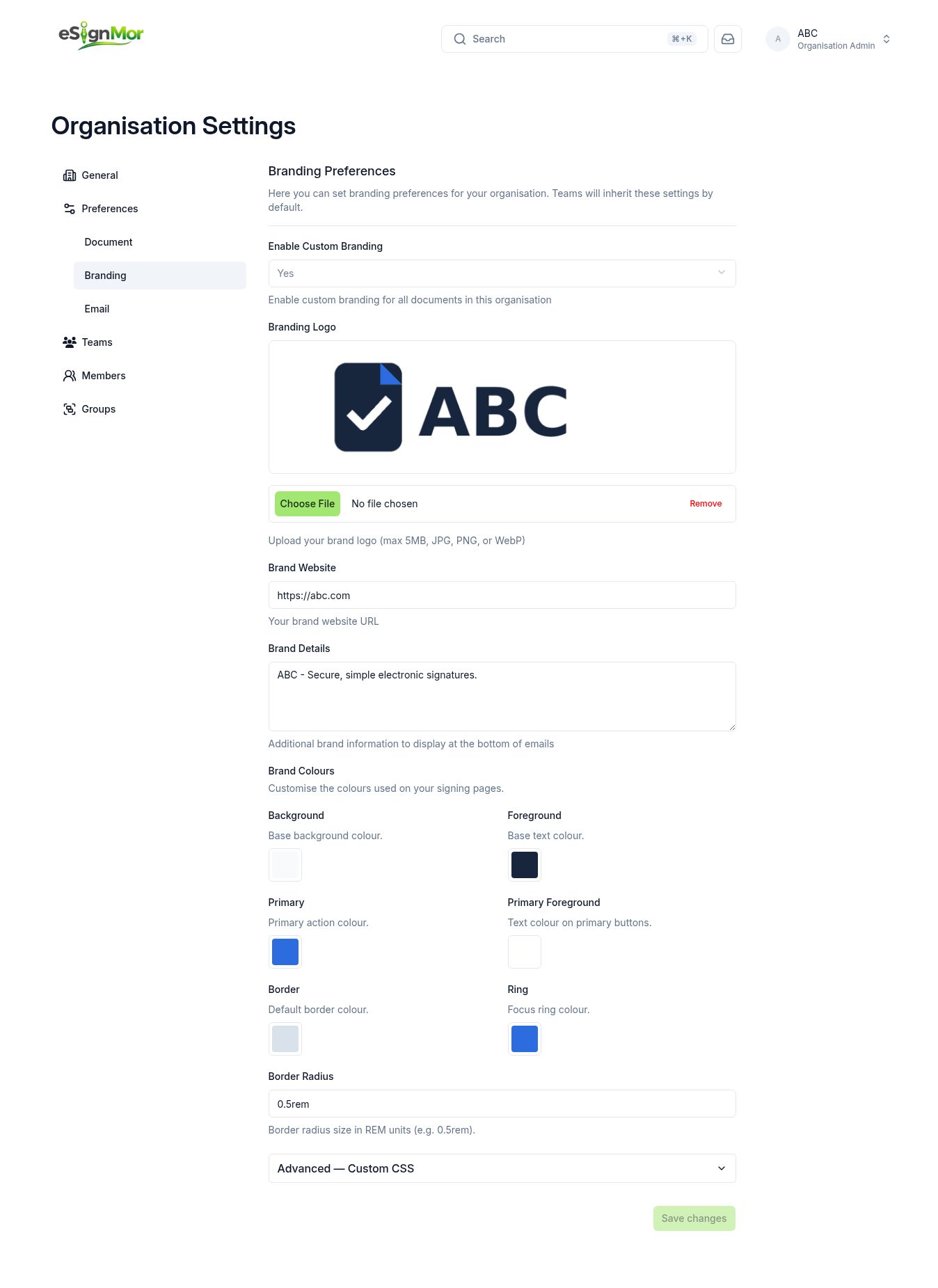 Confirm branding is enabled and saved.
Result: Emails arrive with the correct branding.
Need a hand? Email support@esignmor.com.