

Resolve document and recipient problems
Fix documents that will not send and recipients who cannot complete them.
-
Check for missing fields
If the document cannot be sent or a signer cannot finish, confirm every actionable recipient has at least one field.
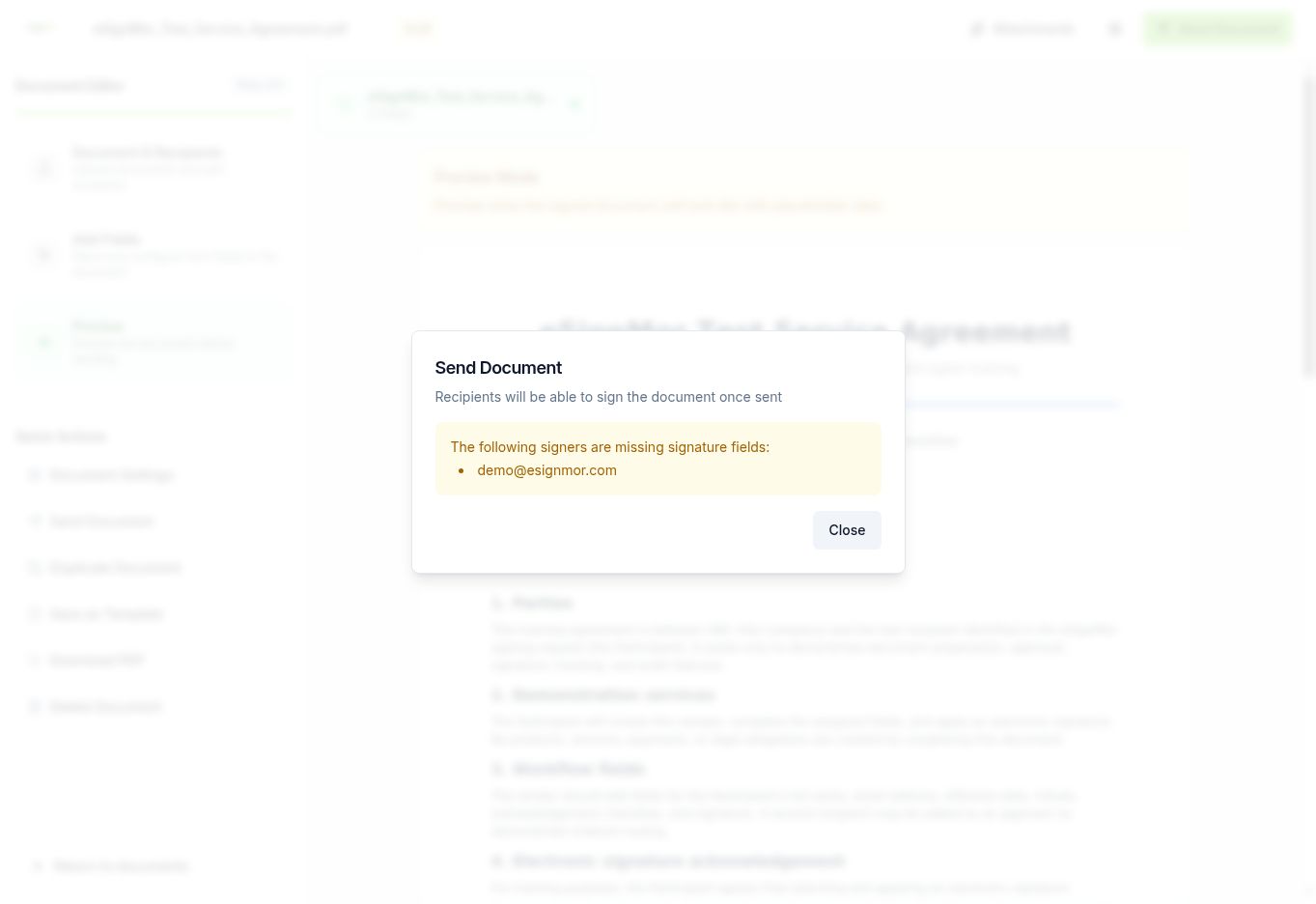 A recipient with no field blocks sending and signing.
 -
Verify recipient details
Check each recipient’s email address and role on the document details page.
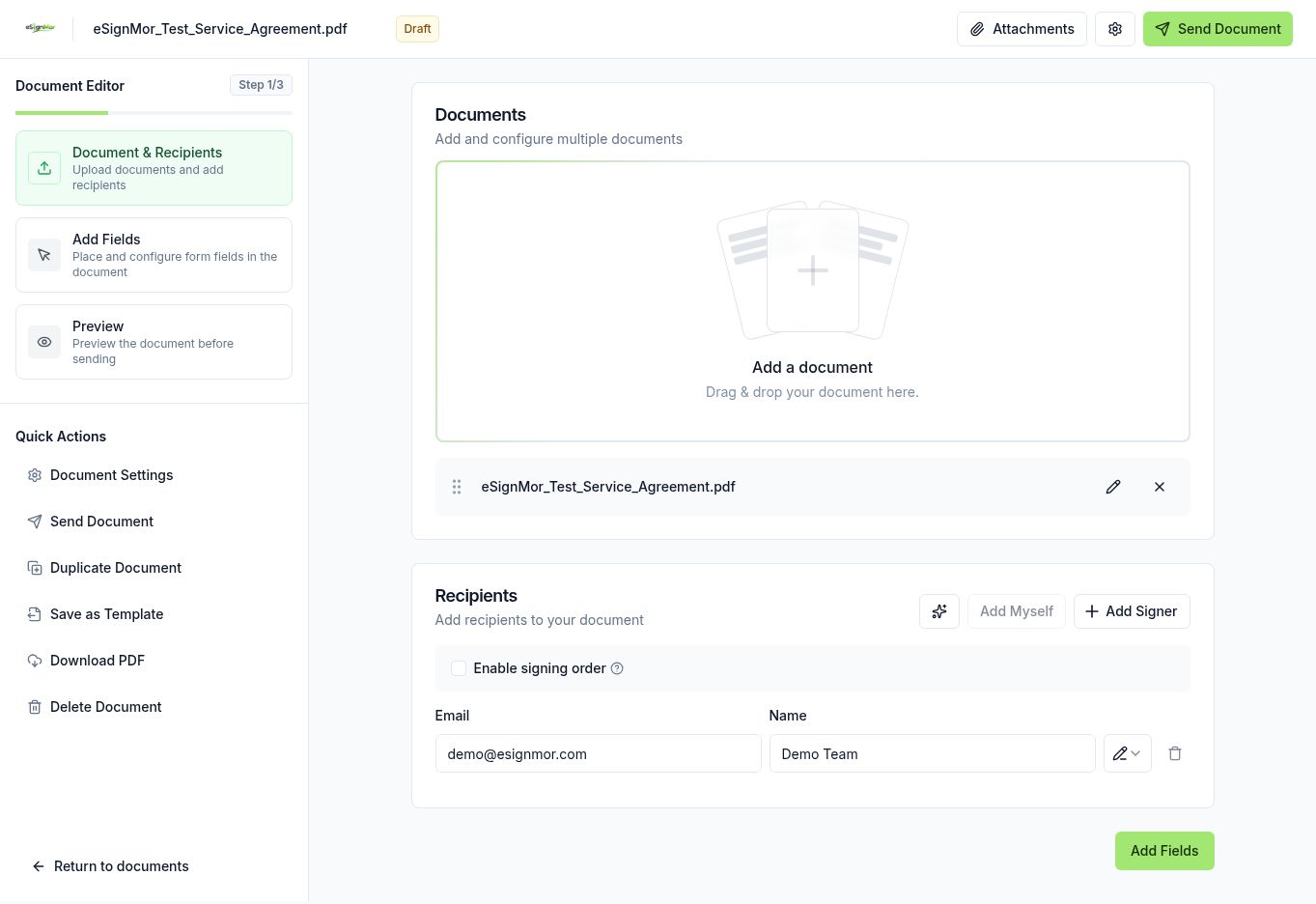 Confirm the recipient addresses and roles.
 -
Check the signing order
With signing order on, later recipients only receive the request after earlier steps finish.
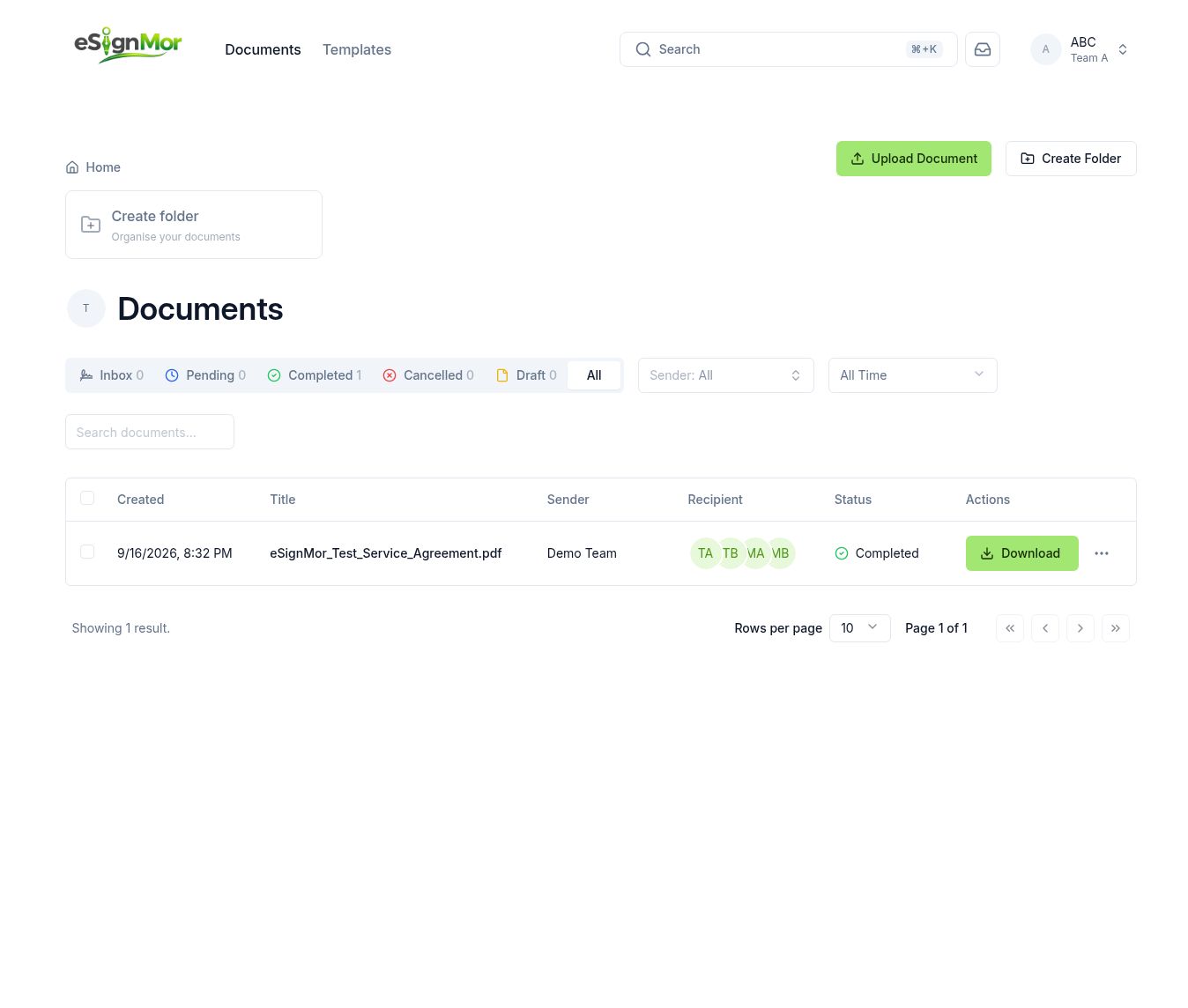 Find the pending record and see who is next in line.
 -
Correct or restart
Correct the recipient if the workflow allows it; otherwise cancel and resend a corrected document.
Result: The recipient can complete the document.
Need a hand? Email support@esignmor.com.