

Invite and manage organisation members
Invite colleagues, give them the right role, and keep access current.
-
Open Members
Open Organisation Settings and select Members.
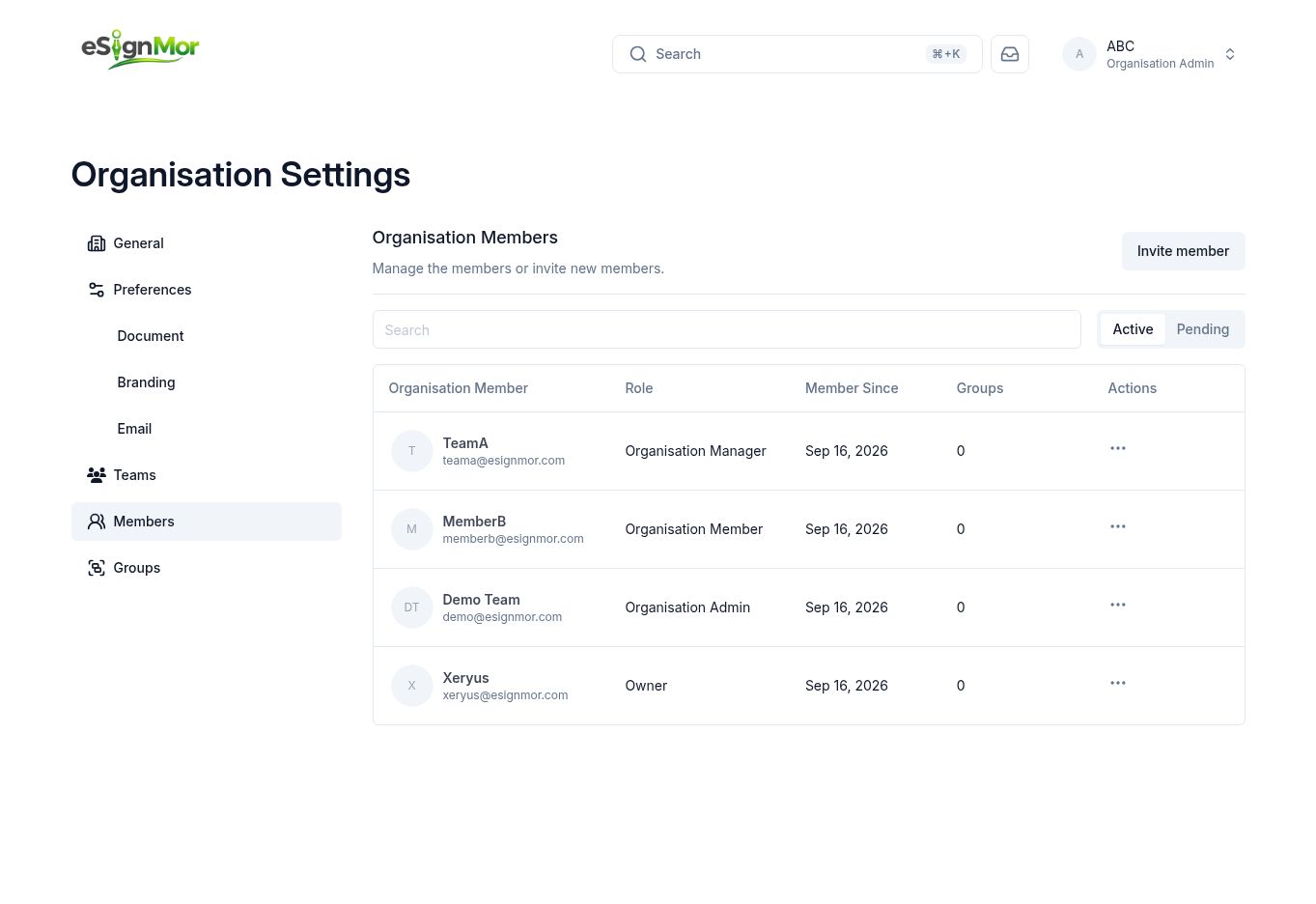 Open the organisation member list.
 -
Start an invitation
Select Invite member.
-
Set email and role
Enter the member’s email address and select Admin, Manager, or Member.
Note: Assign the lowest role that supports the person’s work.
-
Invite a batch
Add additional recipients only when the same role and invitation context apply.
-
Send the invitations
Verify addresses and roles, then send the invitations.
Result: Invited people receive an email to join the organisation.
-
Monitor invitation status
Review the Active and Pending tabs; resend or cancel pending invitations when necessary.
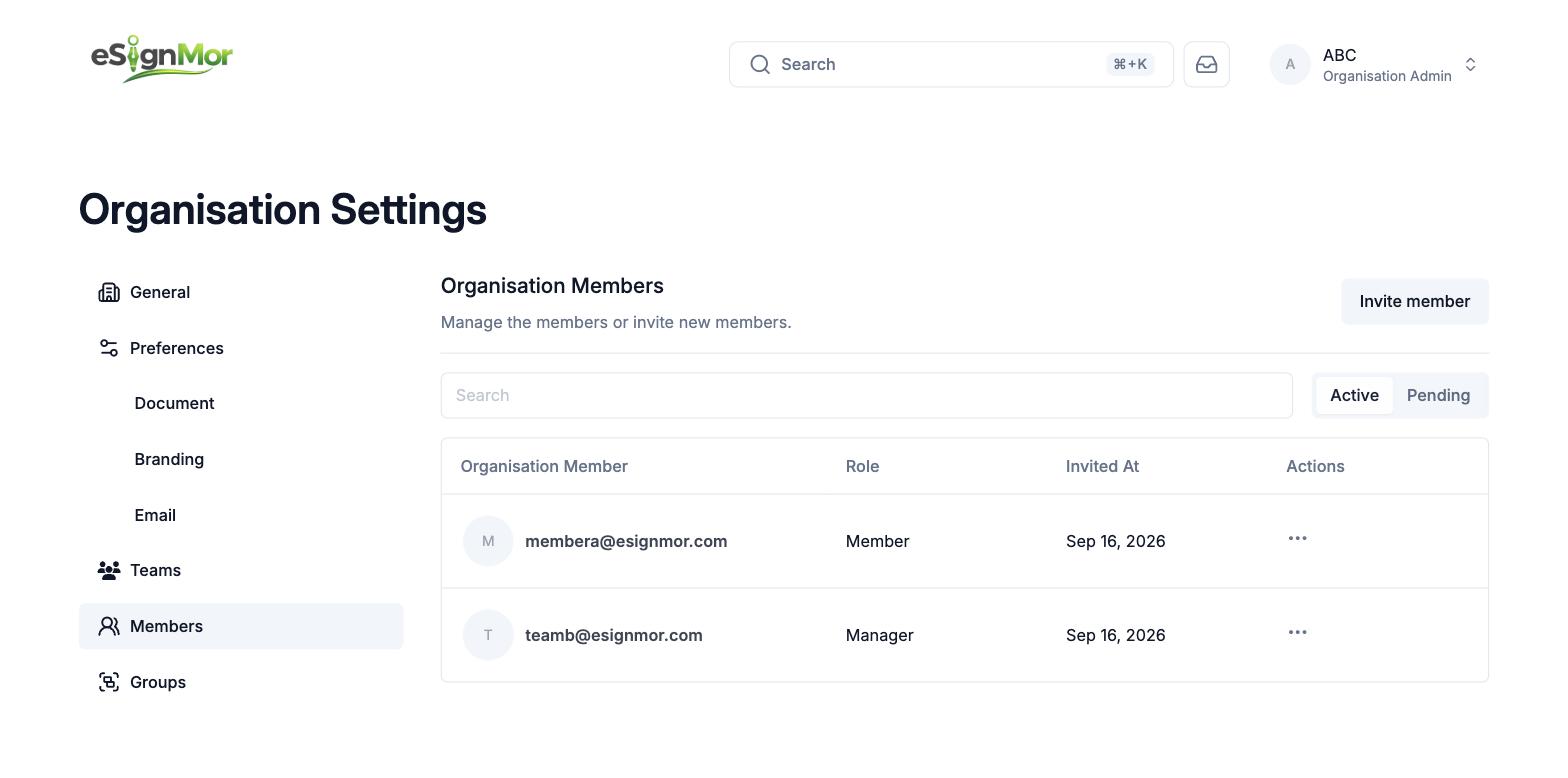 Monitor invitation status.
 -
Change access later
Open the member menu, update the role or group assignment, and verify the result.
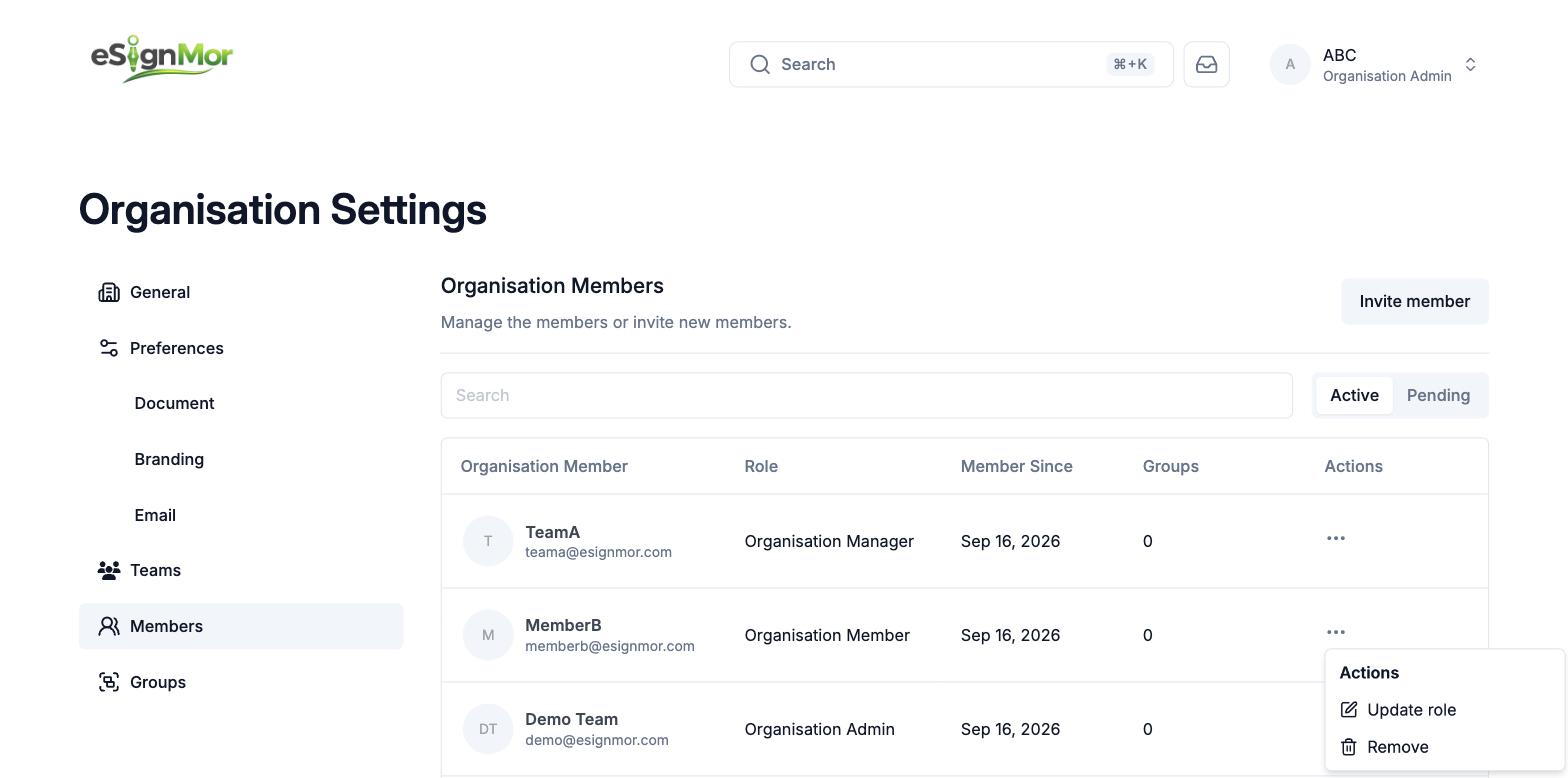 Update member access carefully.
Need a hand? Email support@esignmor.com.