

Create and configure a team
Create a team workspace with its own documents, branding, and access rules.
-
Open Teams
Open Organisation Settings and select Teams.
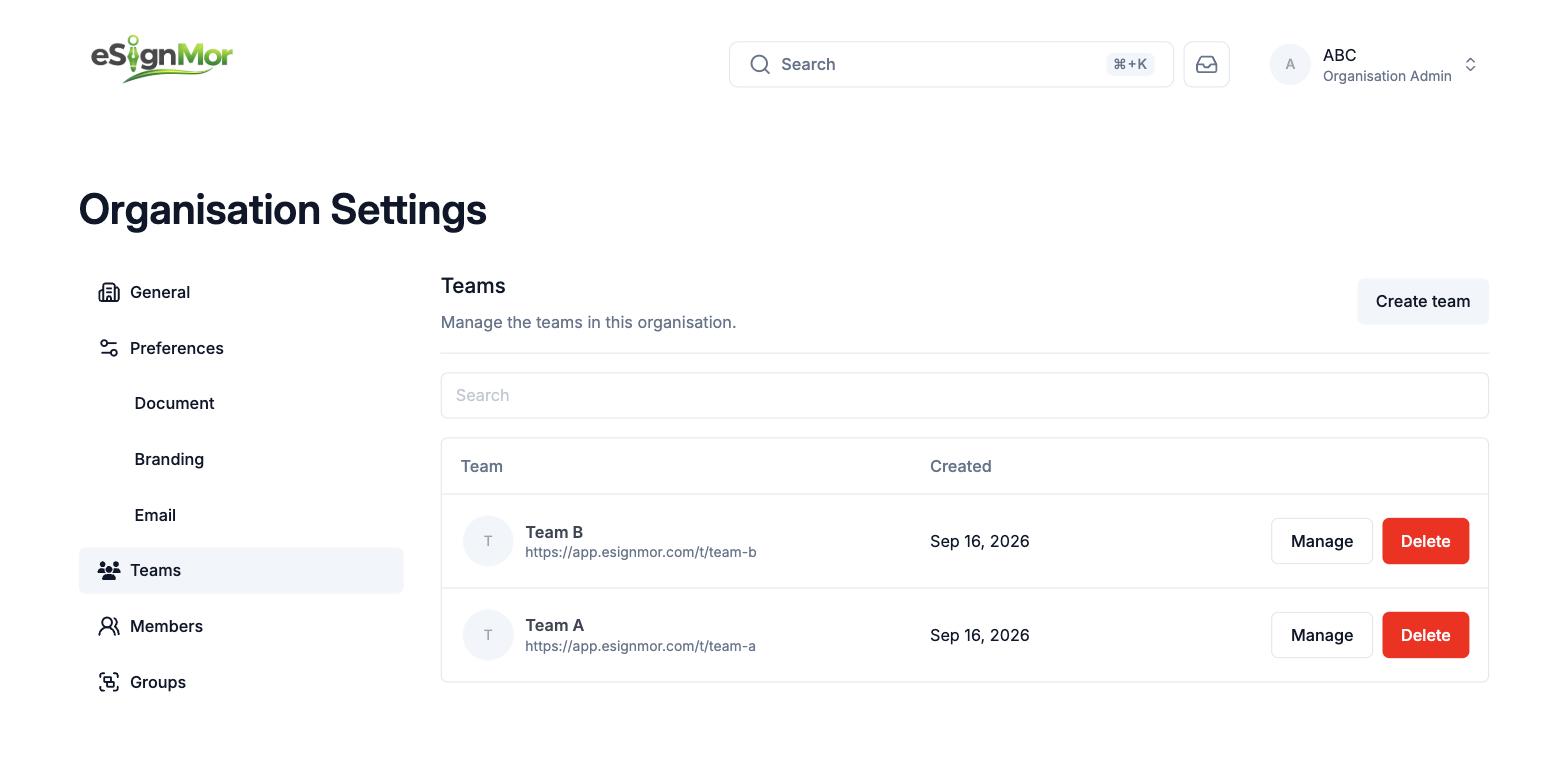 Open team administration.
 -
Select Create team
Select Create team.
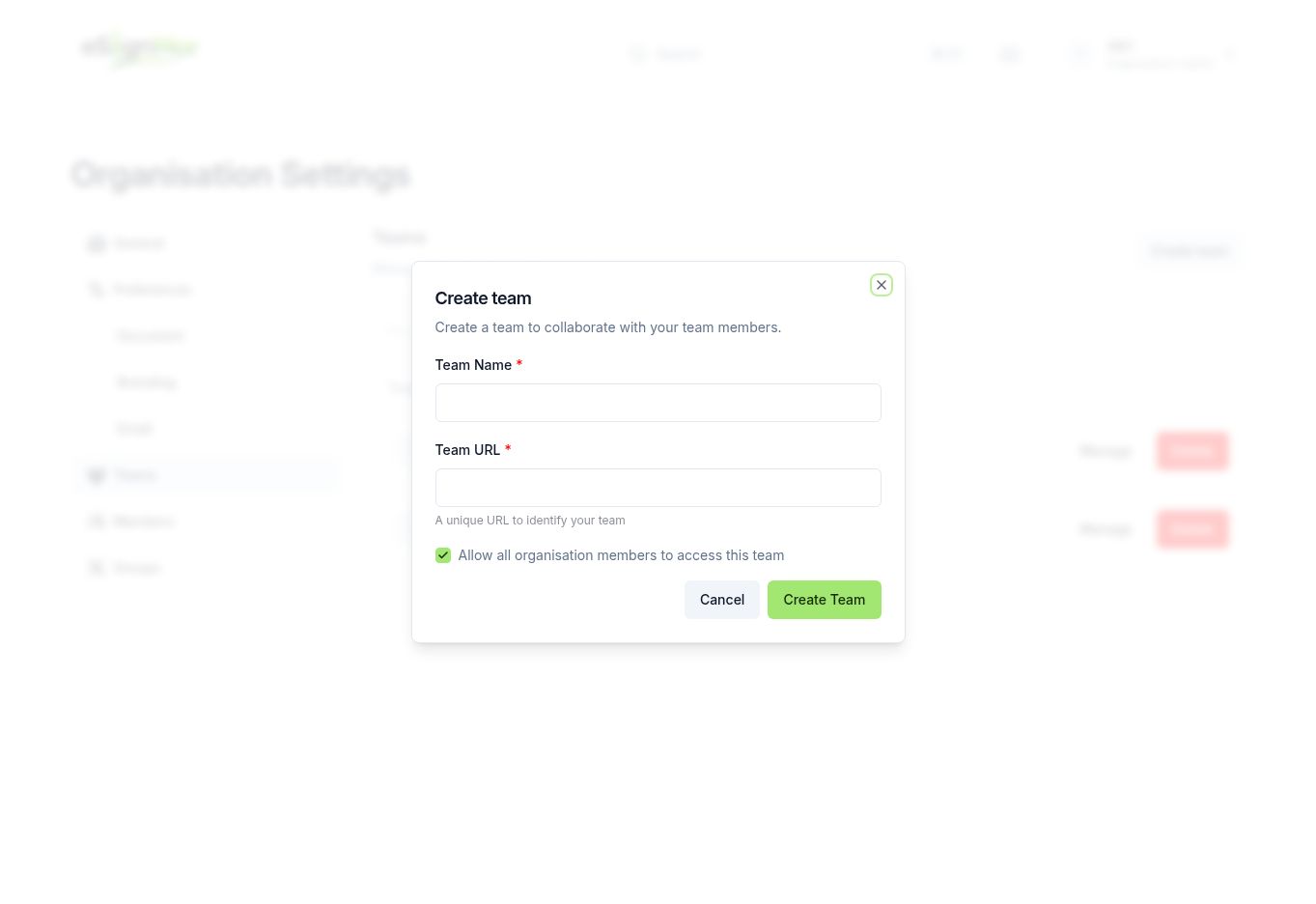 Start creating a team.
 -
Name the team
Enter the team name and a unique team URL.
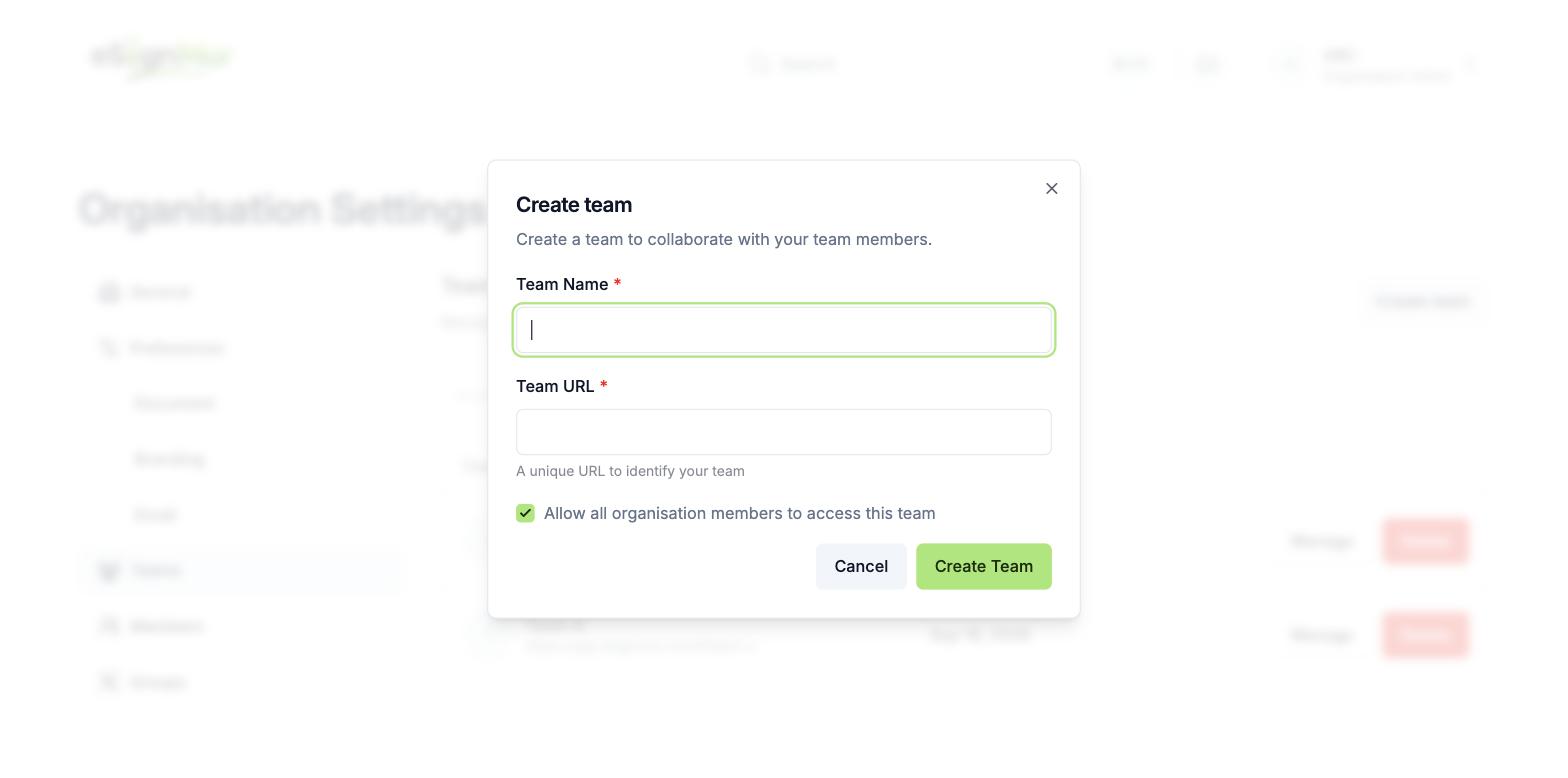 Choose a descriptive team name and stable URL.
 -
Decide on inheritance
Decide whether all organisation members inherit access to this team.
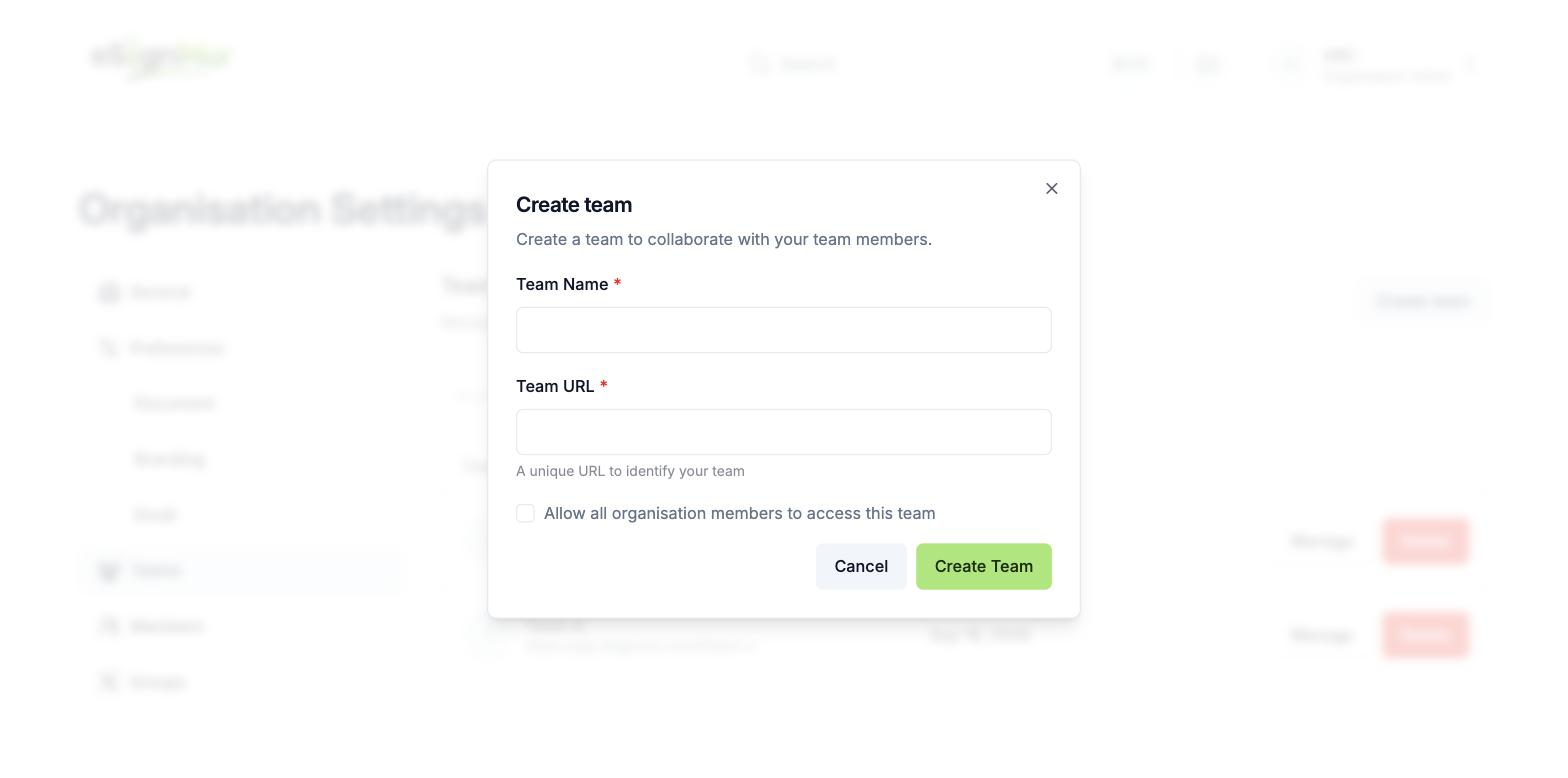 Use restricted access for confidential teams.
Note: Use restricted access for confidential teams such as HR or Legal.
-
Open Manage
Create the team and open Manage.
Result: The team configuration page opens.
-
Review team settings
Review General, Document, Branding, Email, Public Profile, Members, Groups, API Tokens, and Webhooks.
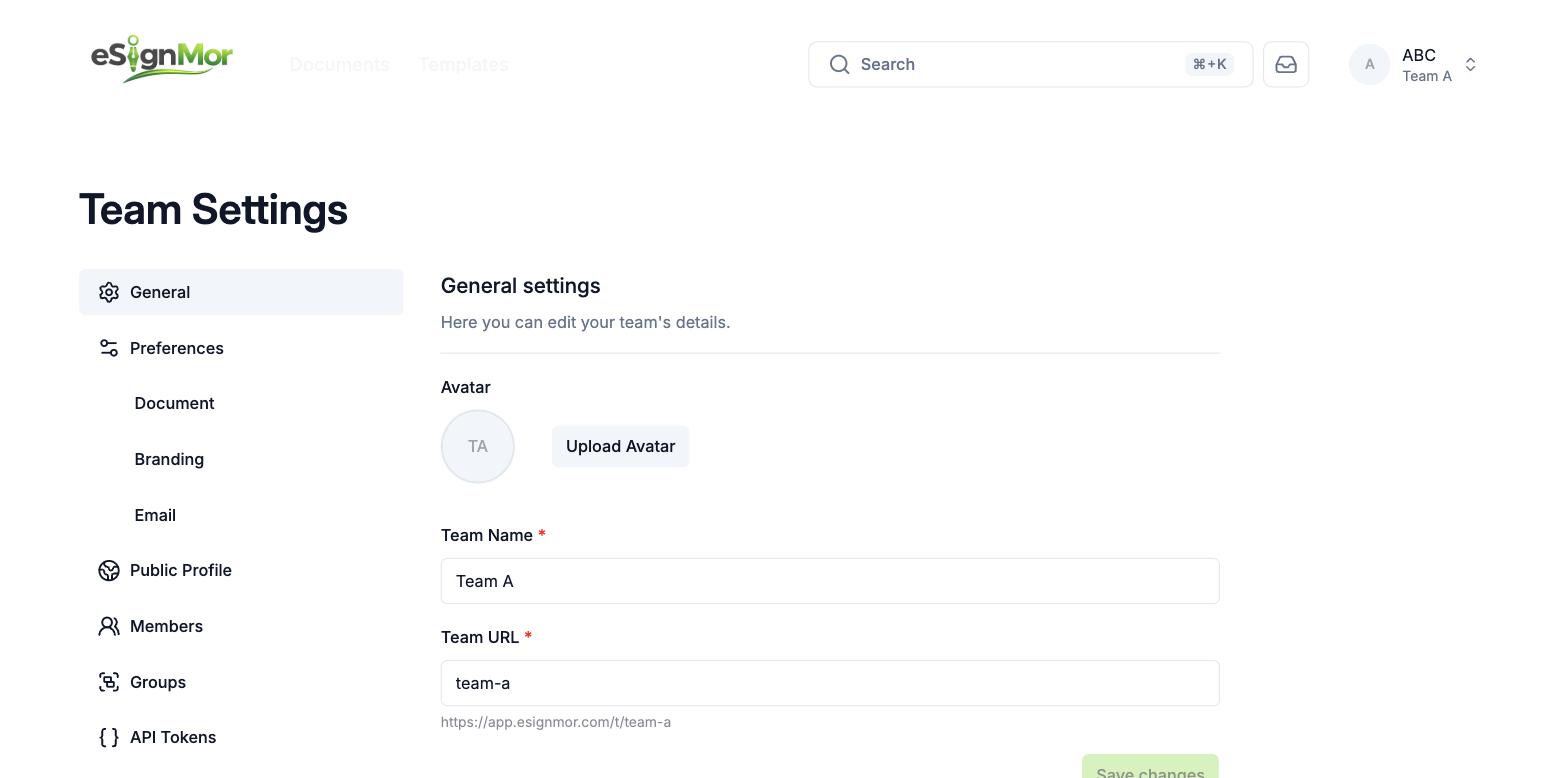 Review all team-level settings.
Need a hand? Email support@esignmor.com.