

Create groups and assign team access
Bundle members into groups so team access stays consistent as people join and leave.
-
Open Groups
Open Organisation Settings and select Groups.
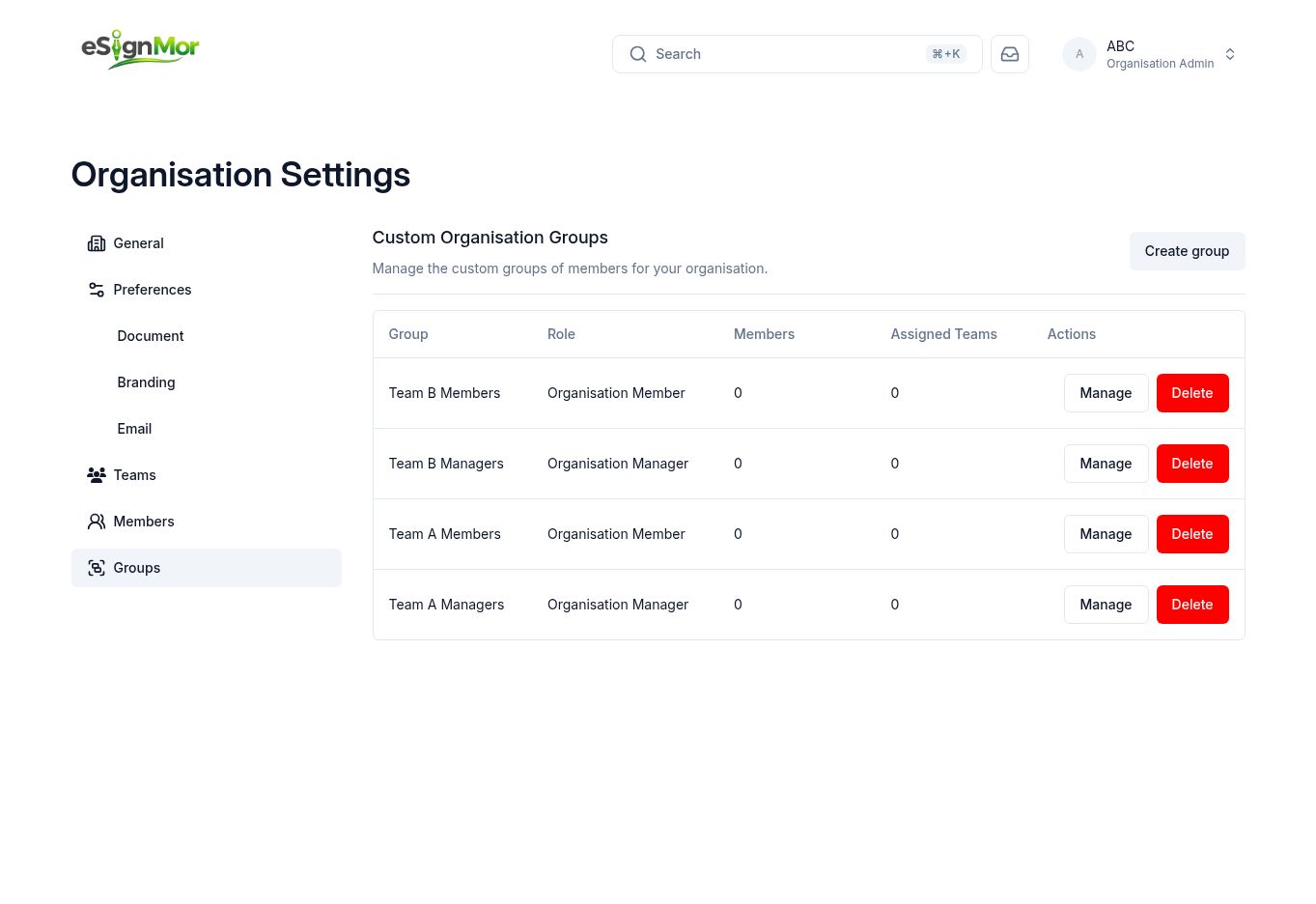 Open organisation groups.
 -
Create a group
Select Create group and enter a descriptive name.
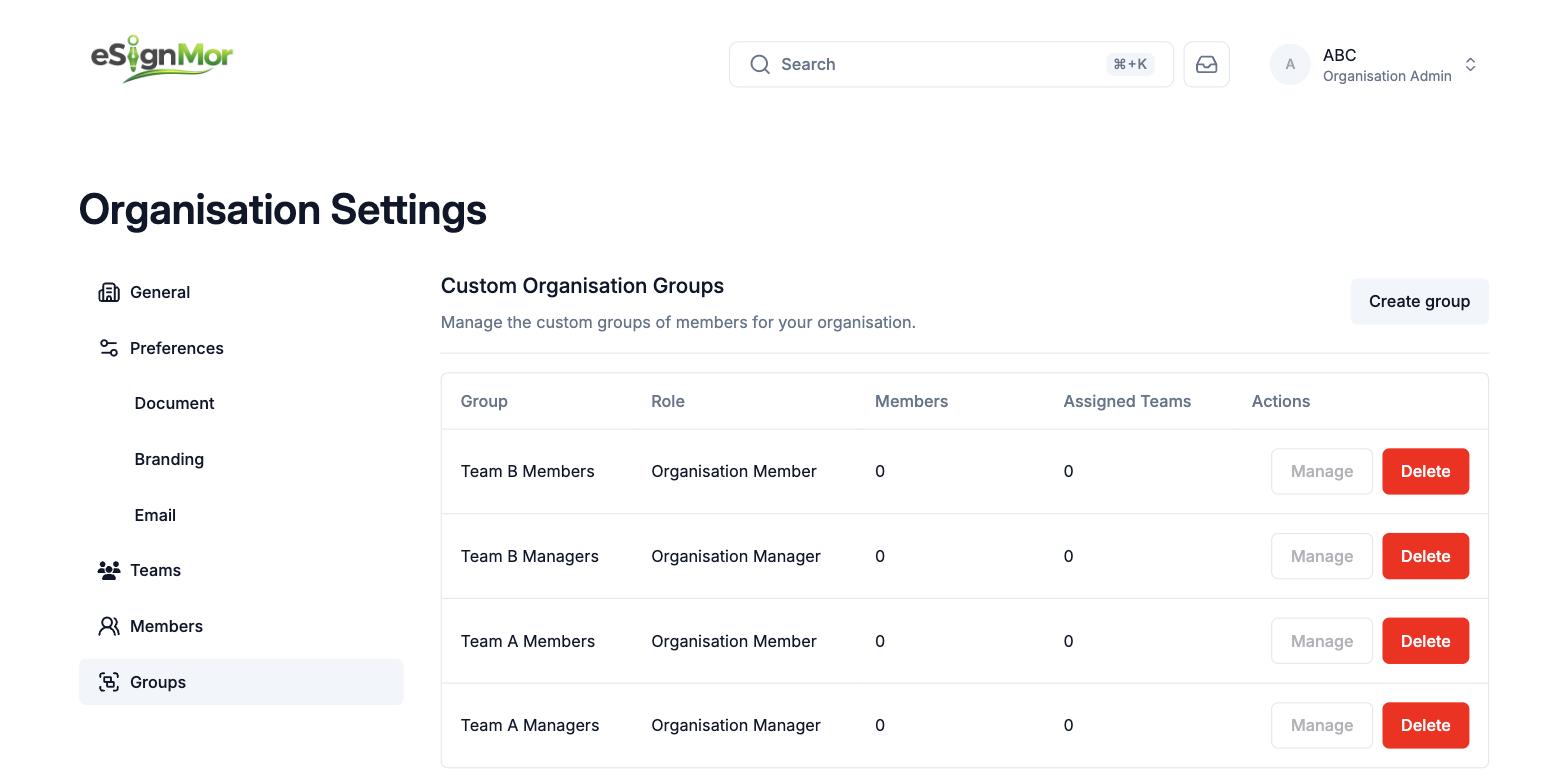 Name the group by function and team.
 -
Set the group role
Select the organisation role applied to group members.
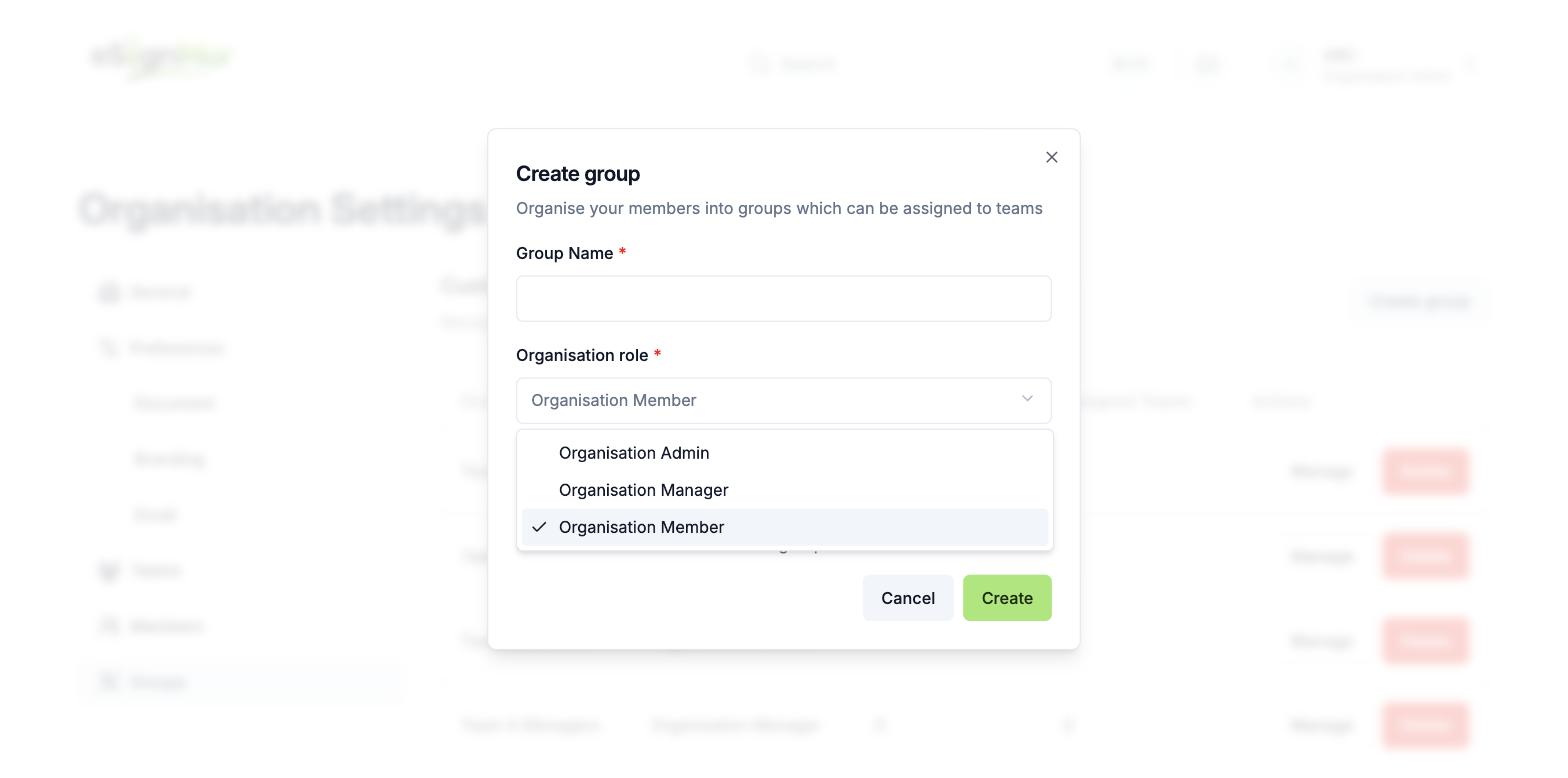 Assign the correct organisation role.
 -
Add members
Add active members and create the group.
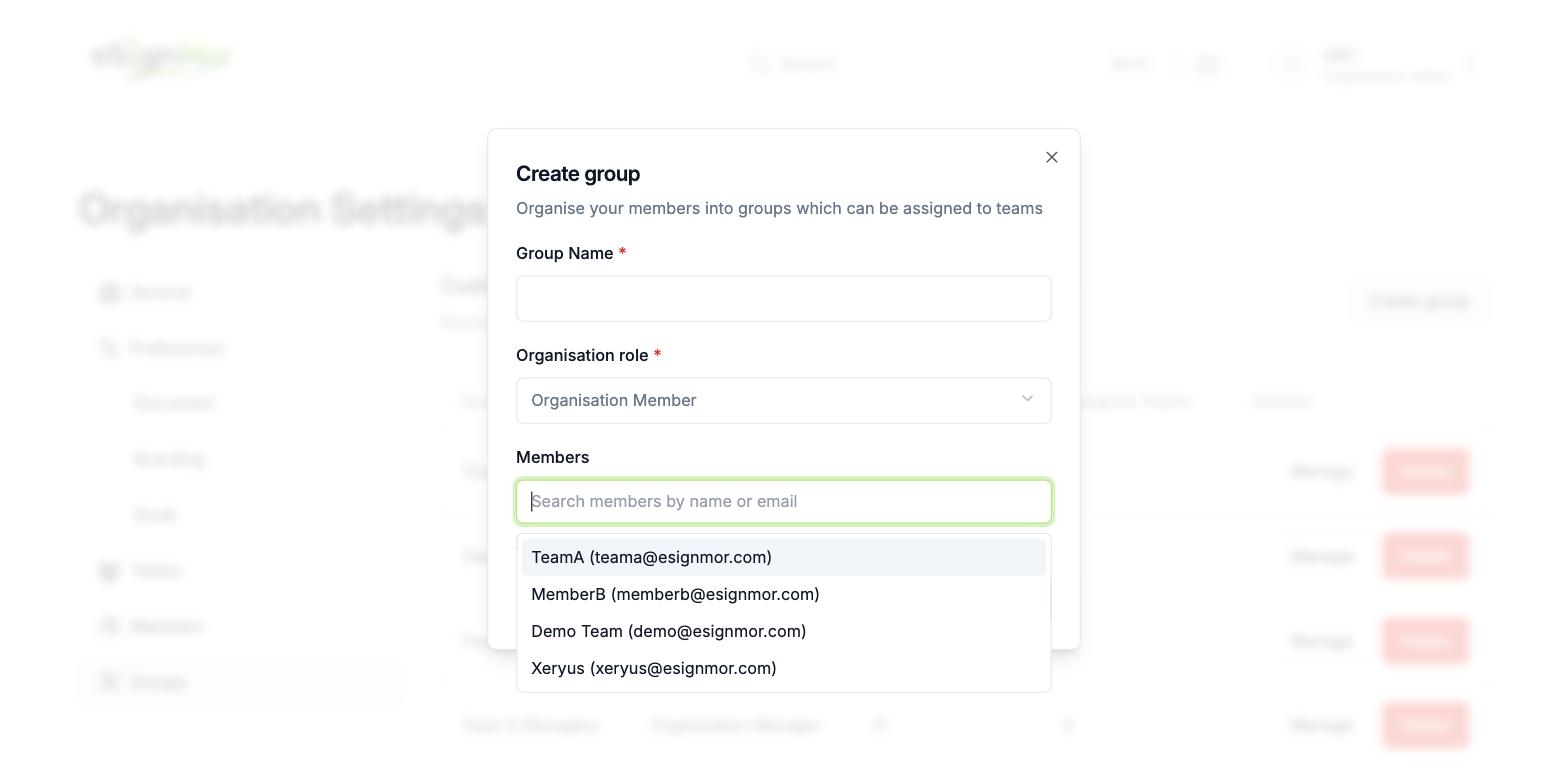 Add the intended active members.
 -
Attach the group to a team
Open the target team, select Groups, and choose Add groups.
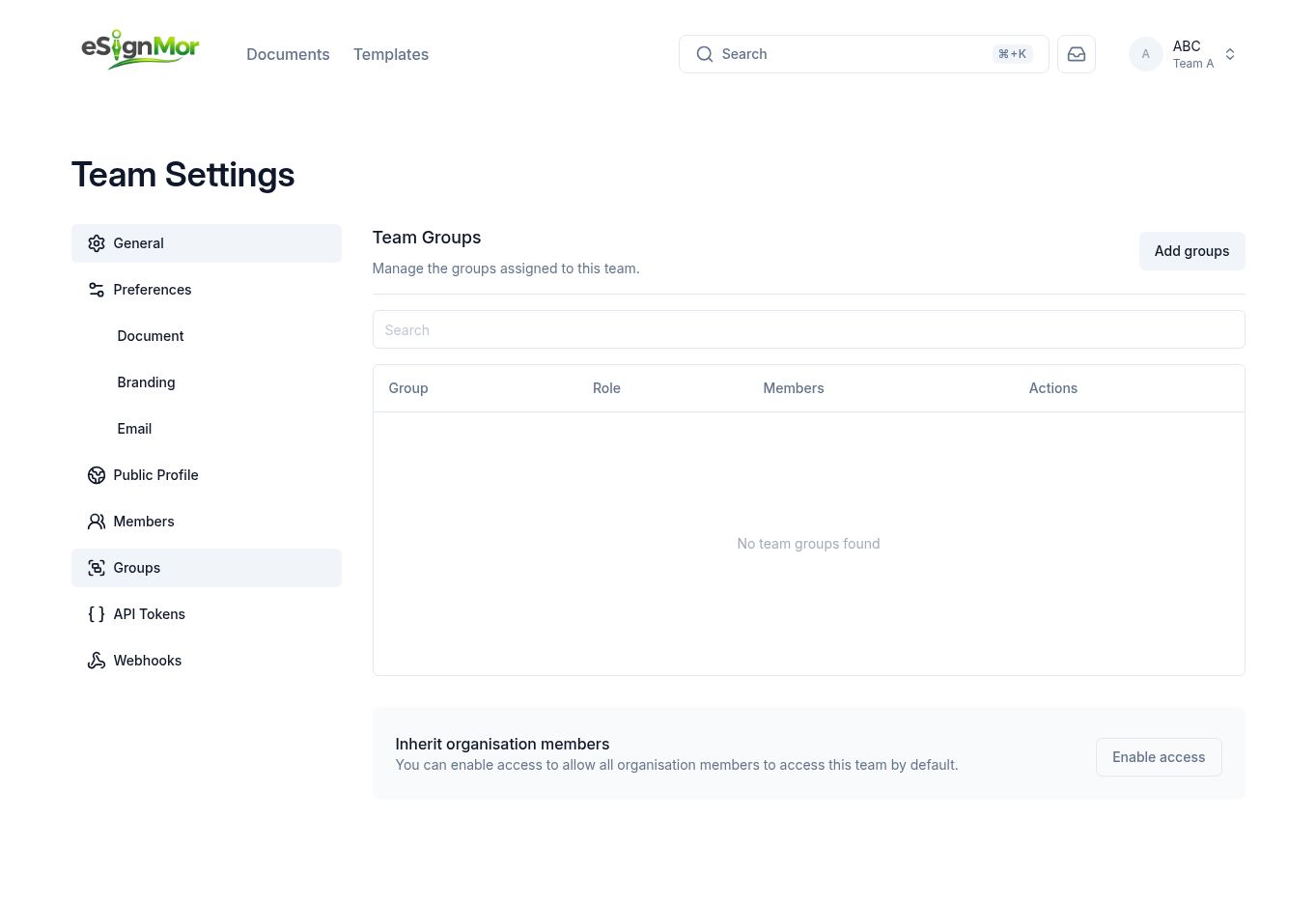 Connect the organisation group to a team.
 -
Verify access
Assign the group and verify the resulting team access.
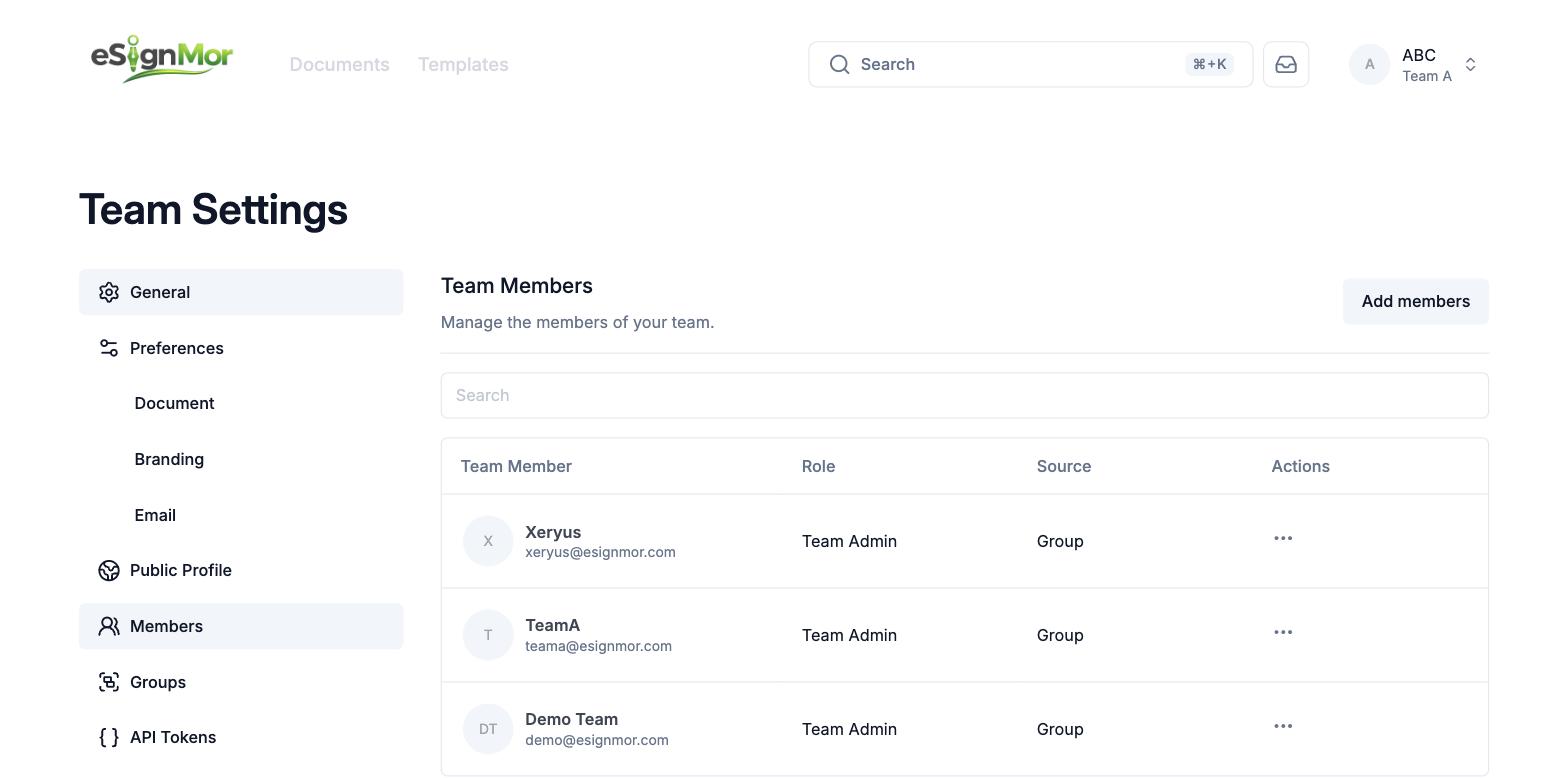 Verify inherited team access.
Result: Group members inherit the intended team access.
Need a hand? Email support@esignmor.com.