

Create an organisation
Set up the organisation that holds your teams, branding, and document defaults.
-
Start organisation creation
Open the profile menu and select Create Organisation.
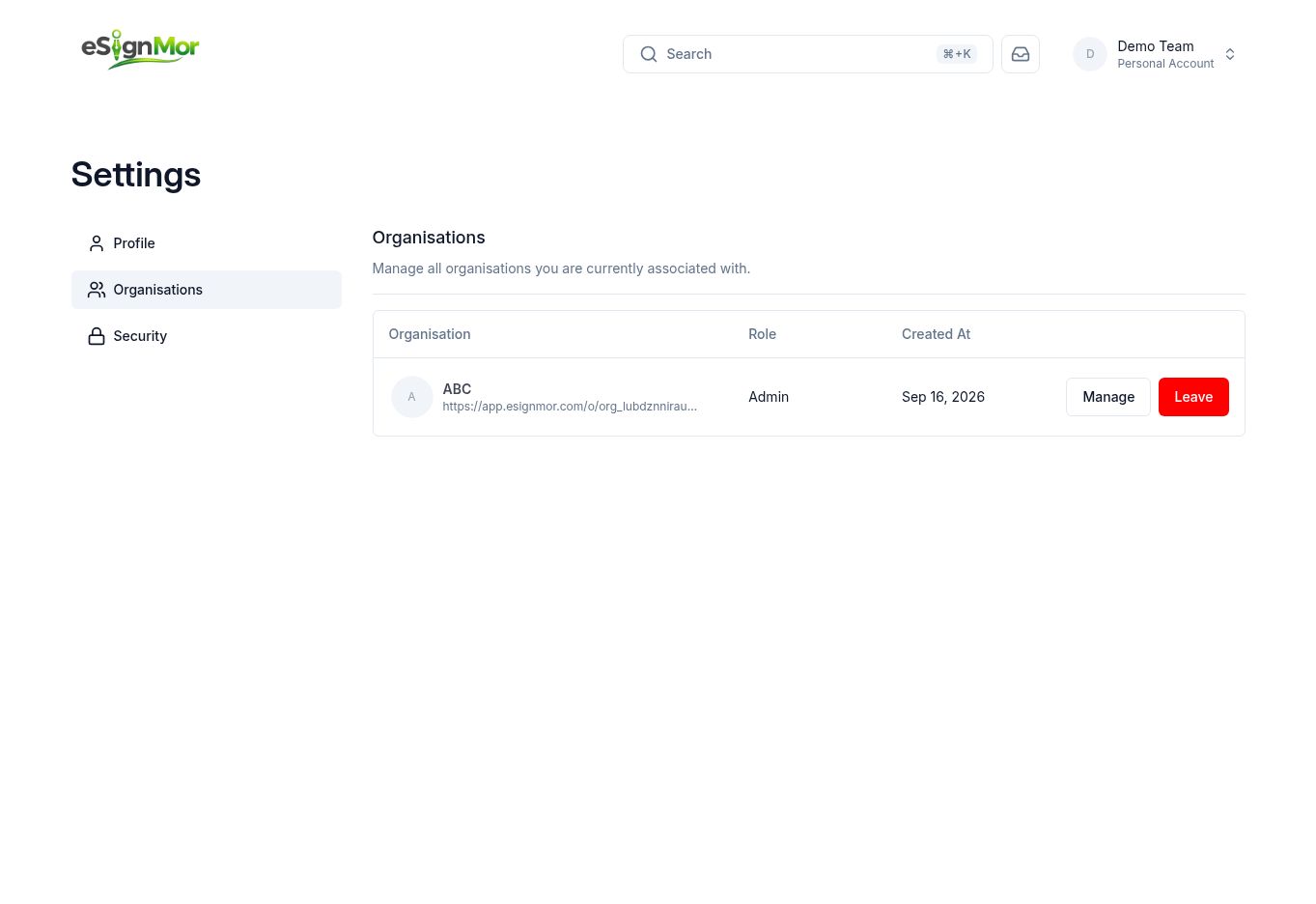 Start organisation creation from the profile menu.
 -
Enter the organisation name
Enter the customer-facing organisation name.
-
Choose the organisation URL
Enter or confirm the organisation URL. Changing it later can break bookmarks and integrations.
Important: Choose a stable URL before you share links or connect integrations.
-
Create the organisation
Review the details and create the organisation.
Result: The organisation is created and you become its owner.
-
Review organisation settings
Open Manage and verify General, Document, Branding, Email, Teams, Members, and Groups.
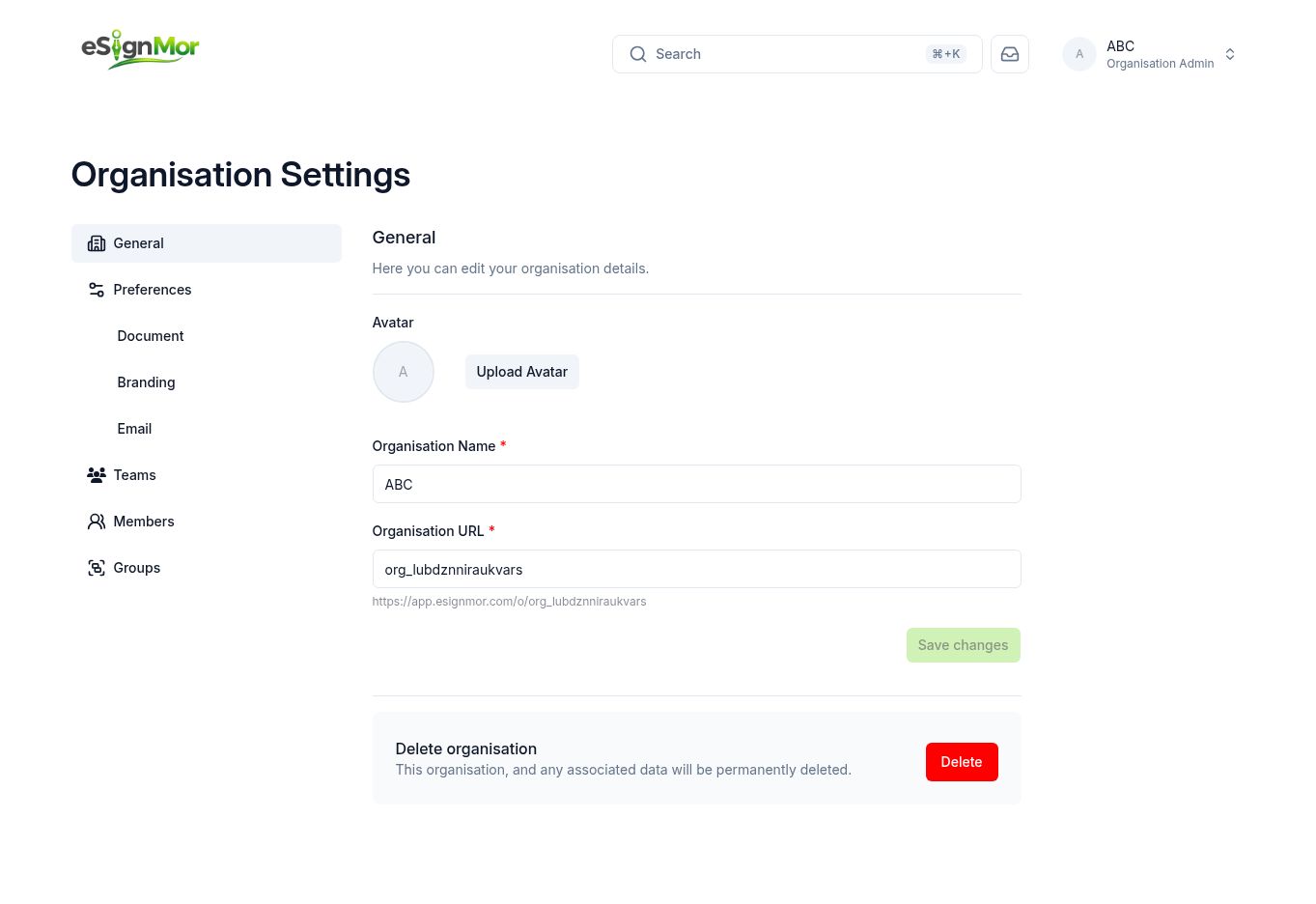 Organisation settings centralize administration.
Result: All administration is available in one place.
What happens next
- Set document defaults, branding, and email preferences before inviting members.
Need a hand? Email support@esignmor.com.