

Configure organisation document settings
Set the defaults every new document inherits, from visibility to reminders.
-
Open Document settings
Open Organisation Settings and select Document.
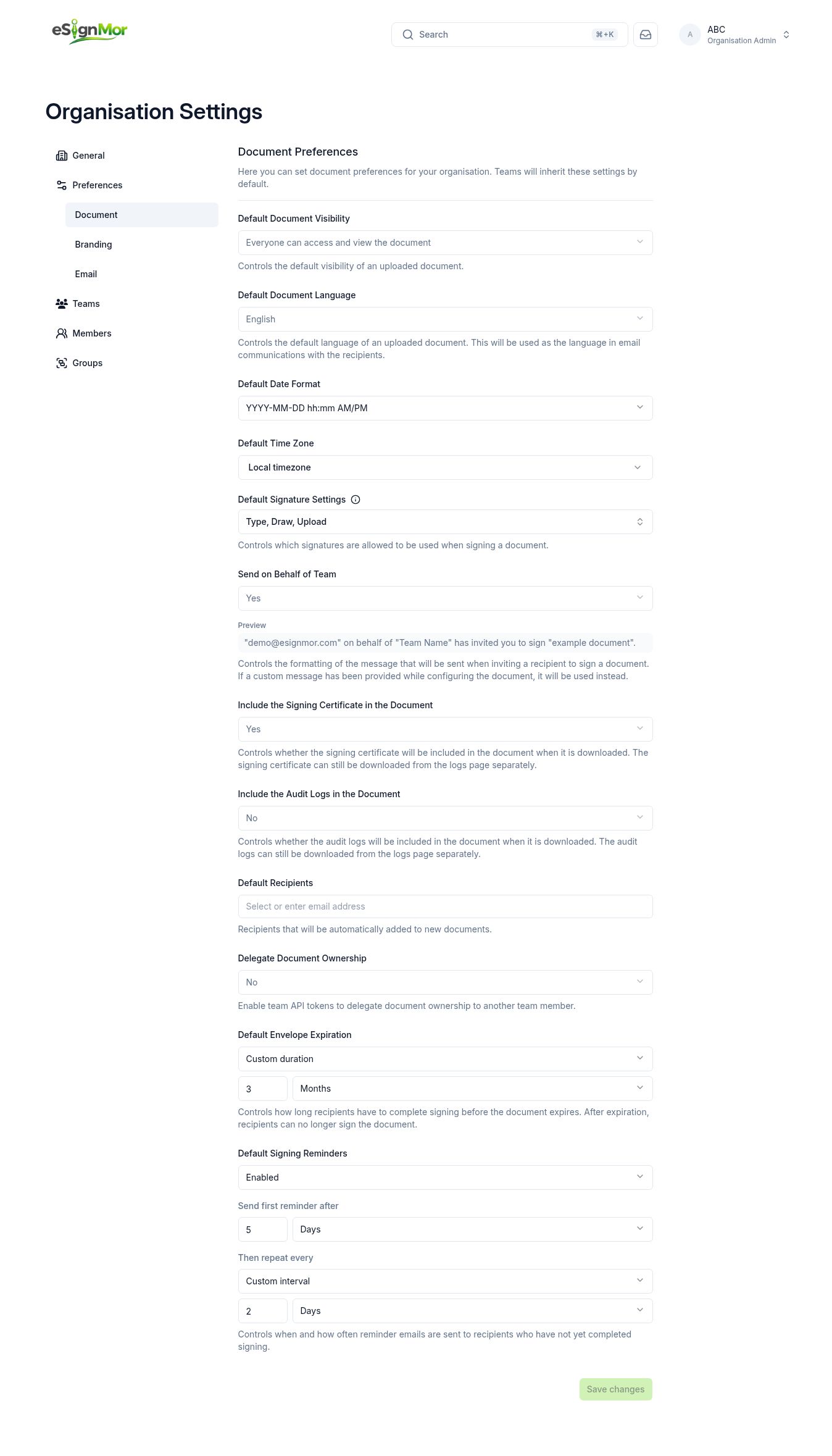 Open organisation-wide document defaults.
 -
Set default visibility
Choose the default document visibility.
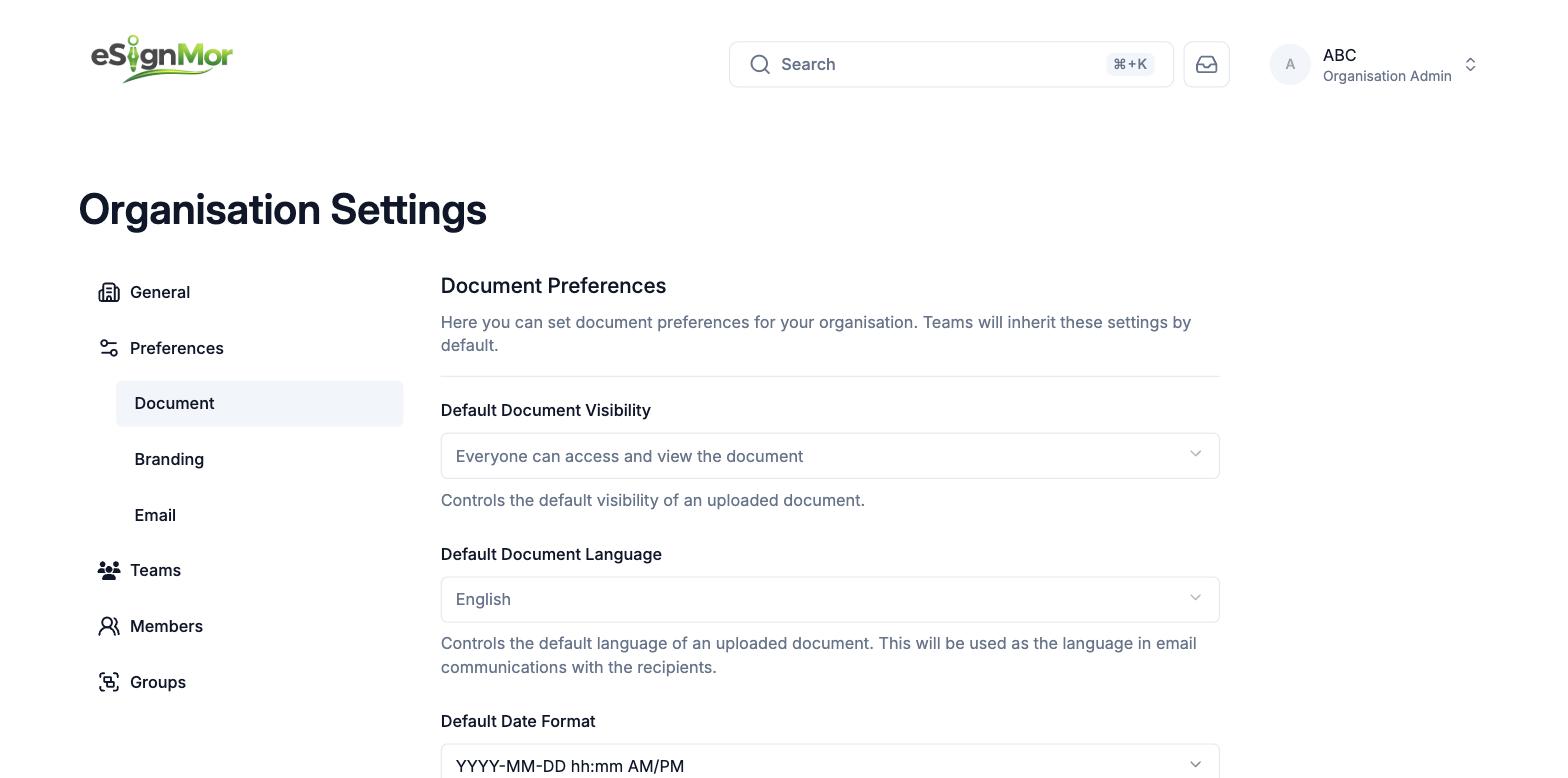 Limit document visibility according to policy.
 -
Set language and locale
Set language, date format, and time zone.
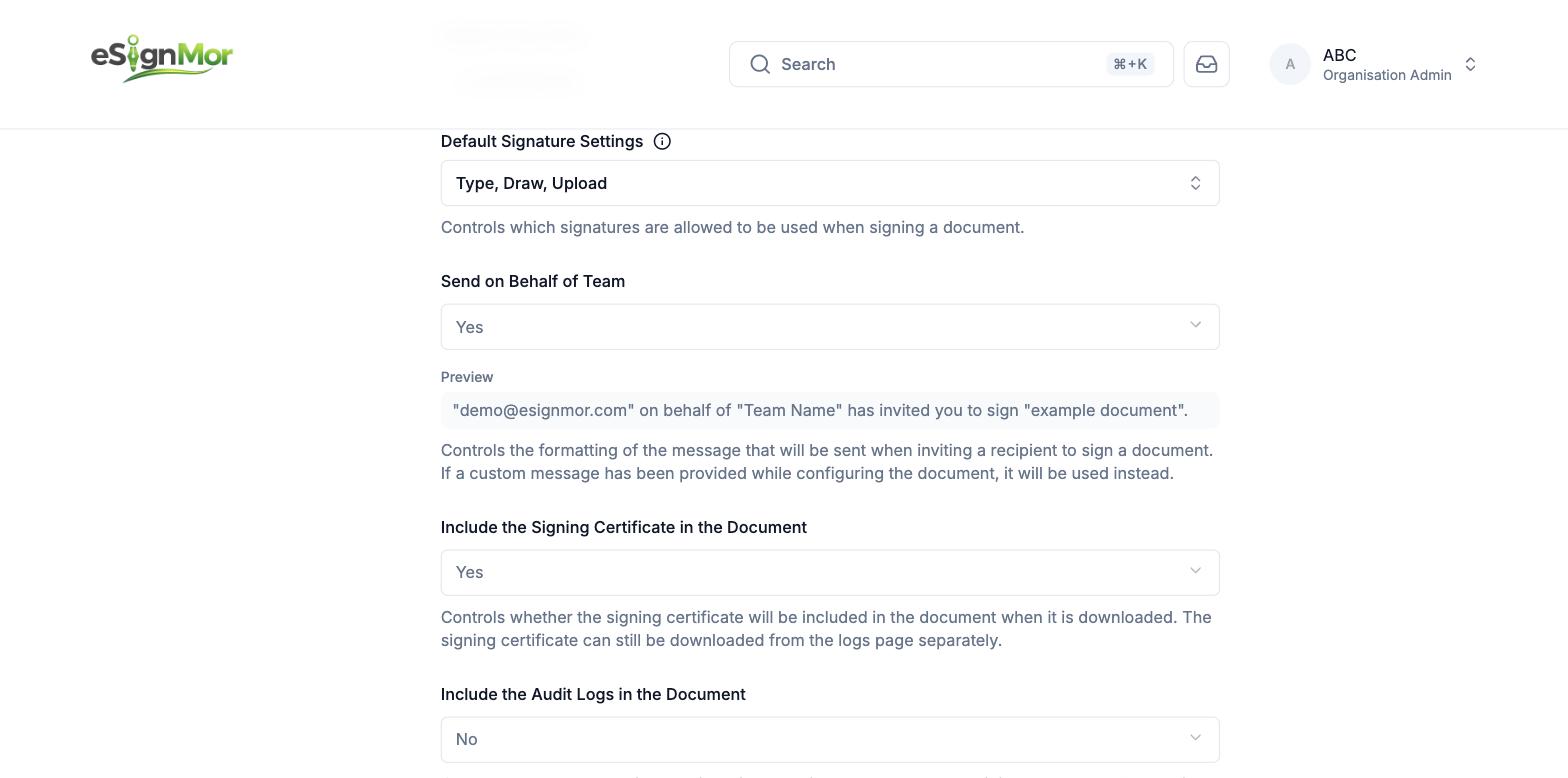 Set the defaults used in document communications.
 -
Choose signature methods
Select permitted signature methods: type, draw, and upload.
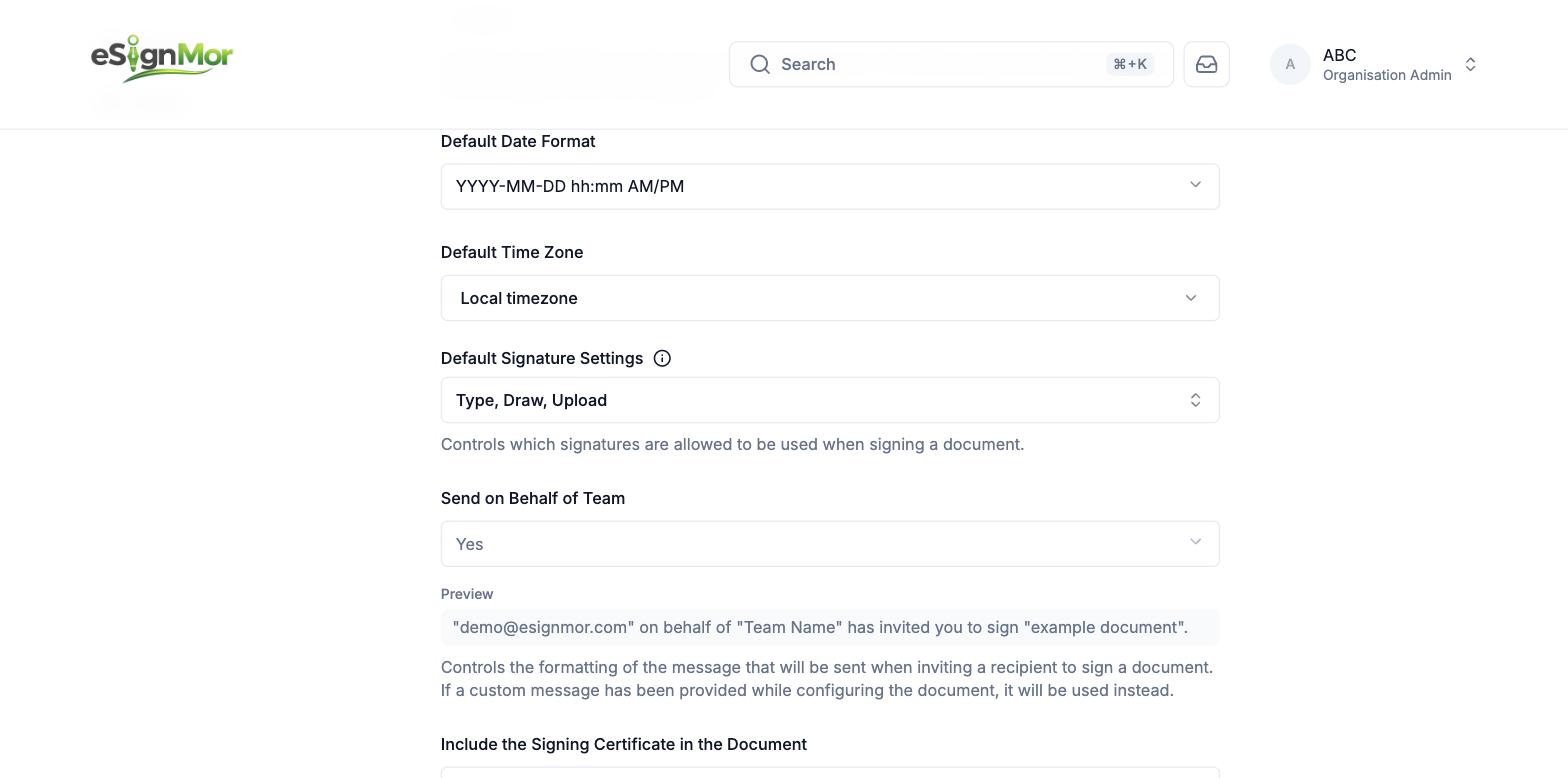 Choose the permitted signing methods.
 -
Configure workflow defaults
Configure certificate and audit inclusion, recipient defaults, delegation, expiration, and reminders.
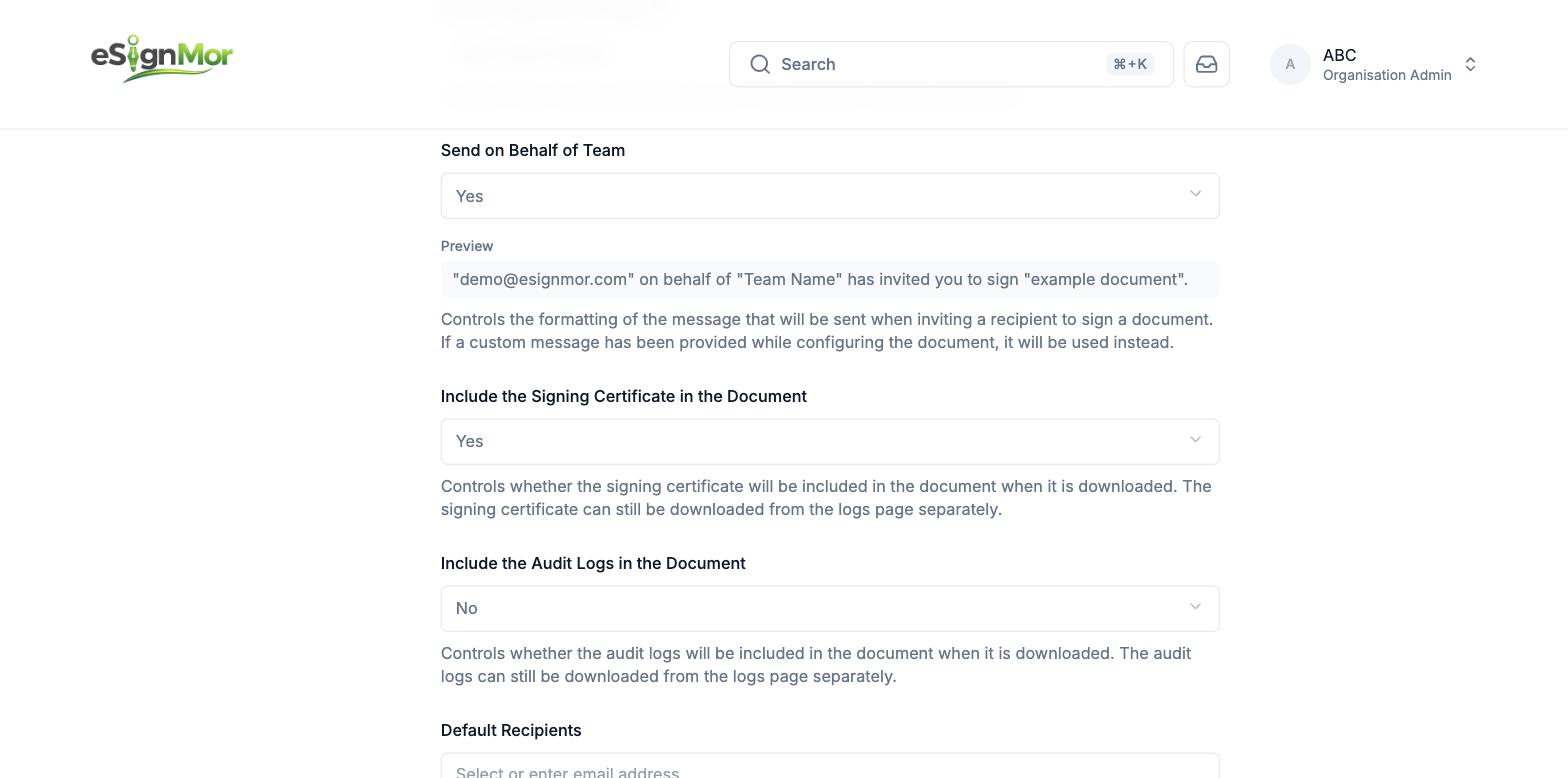 Configure evidence and workflow defaults.
 -
Save the defaults
Save and note which changes affect only future documents.
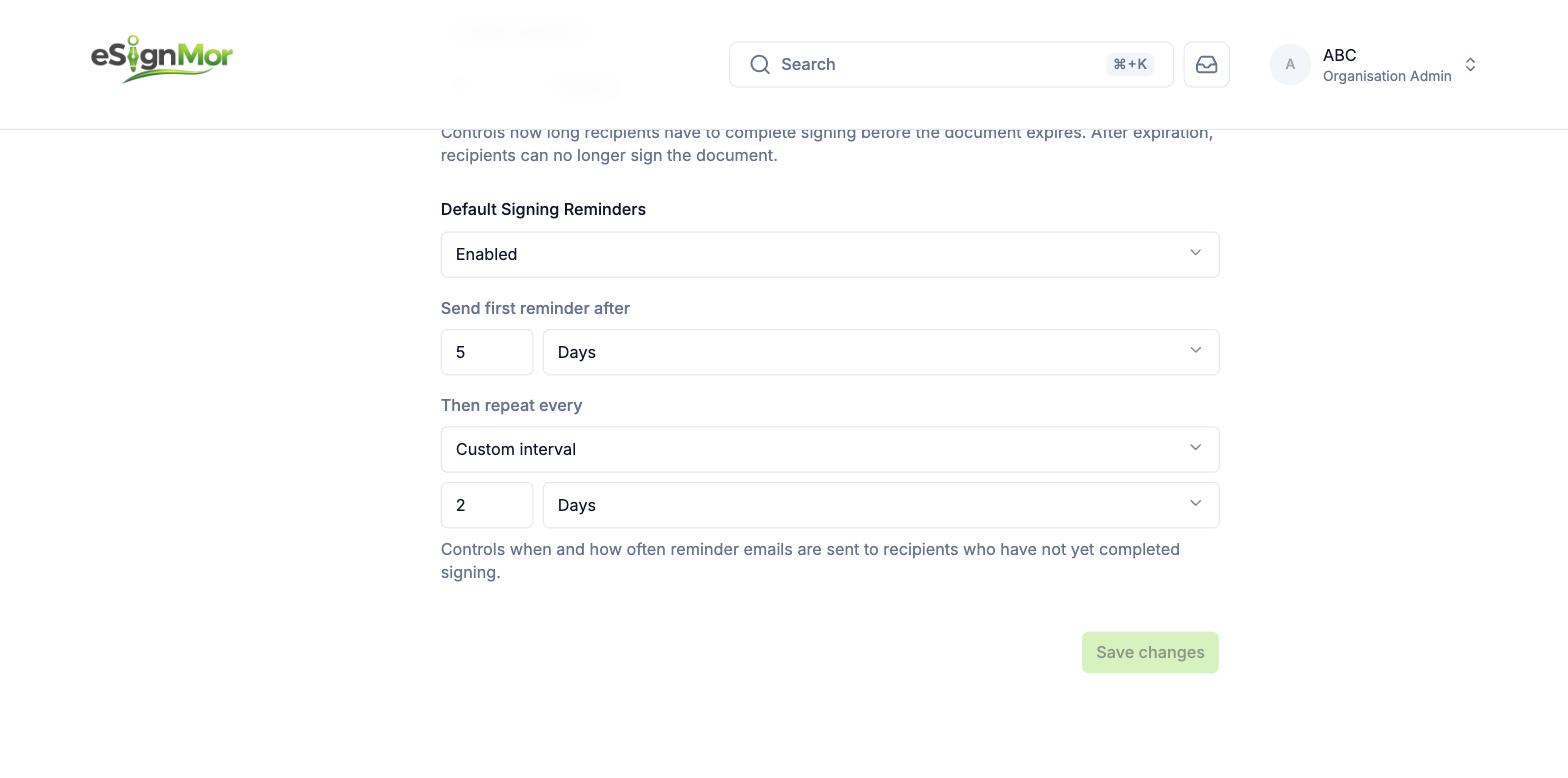 Save the organisation document defaults.
Result: New documents inherit the saved defaults.
Note: Changing defaults does not alter documents that are already pending.
Need a hand? Email support@esignmor.com.