

Configure direct links and public profiles
Let people start a signing workflow themselves from a link you publish.
-
Open the template
Open the template you want to publish as a direct link.
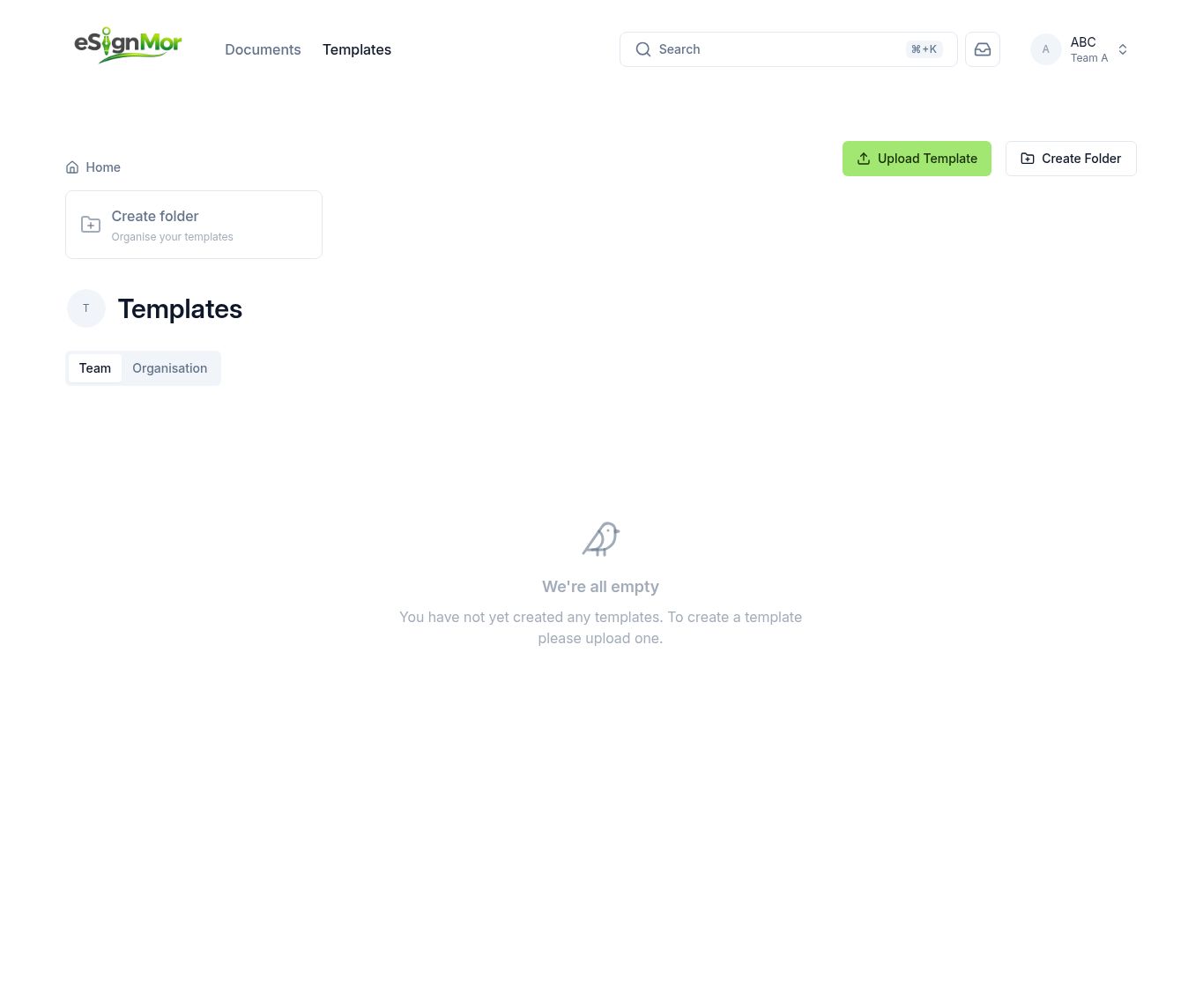 Choose the template to publish.
 -
Enable the direct link
Enable the direct link and choose which recipient role the visitor fills.
-
Set the public profile
Open Team Settings and complete the public profile details visitors will see.
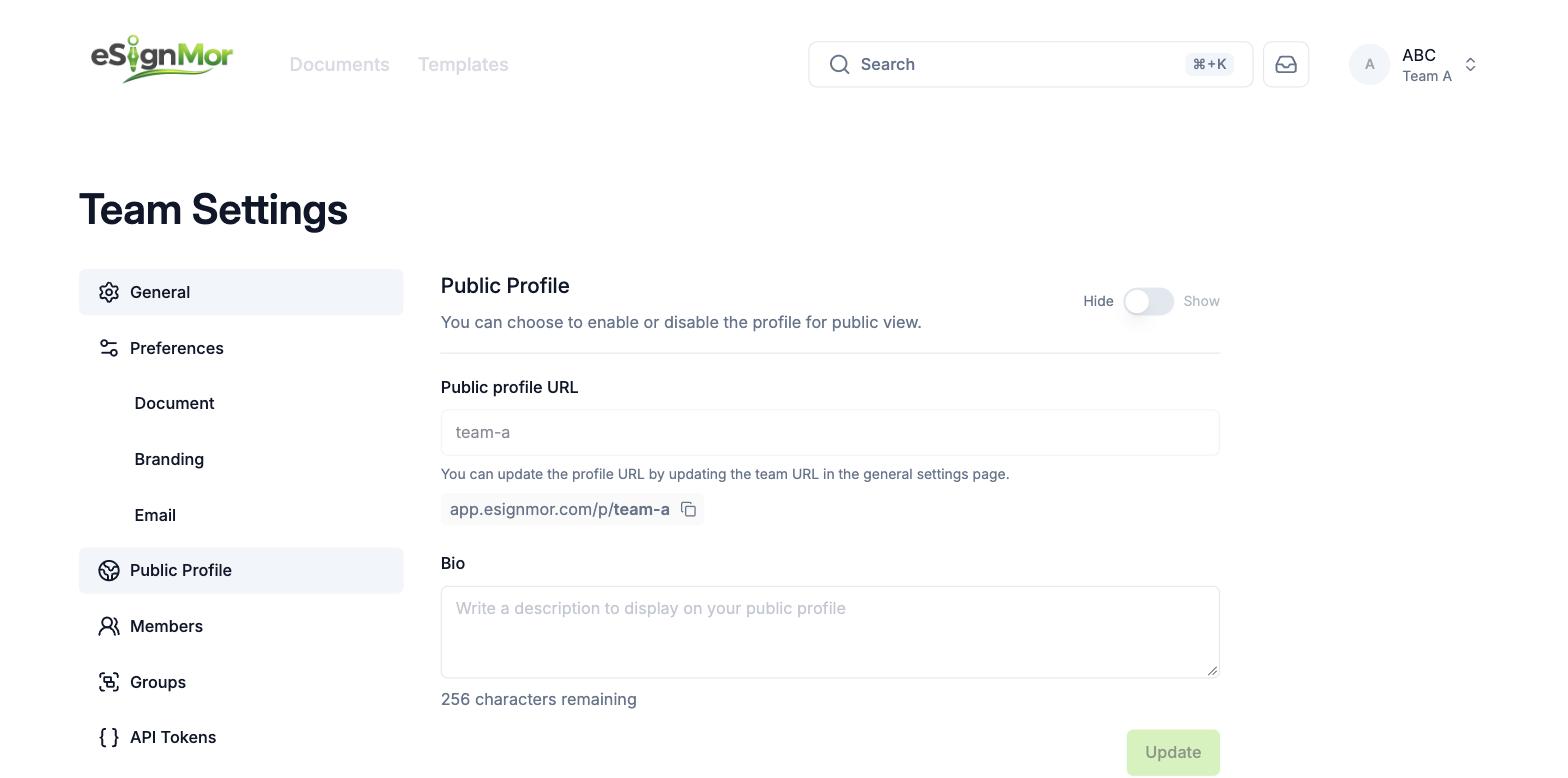 Complete the public profile shown to visitors.
 -
Test and publish
Open the link in a private window, complete a test run, then share it.
Result: Anyone with the link can start the workflow.
Important: Anyone with a direct link can start a document. Do not use direct links for confidential workflows.
Need a hand? Email support@esignmor.com.