

Use a template to create a document
Turn a saved template into a real signature request.
-
Choose the template
Open Templates and choose the template you need.
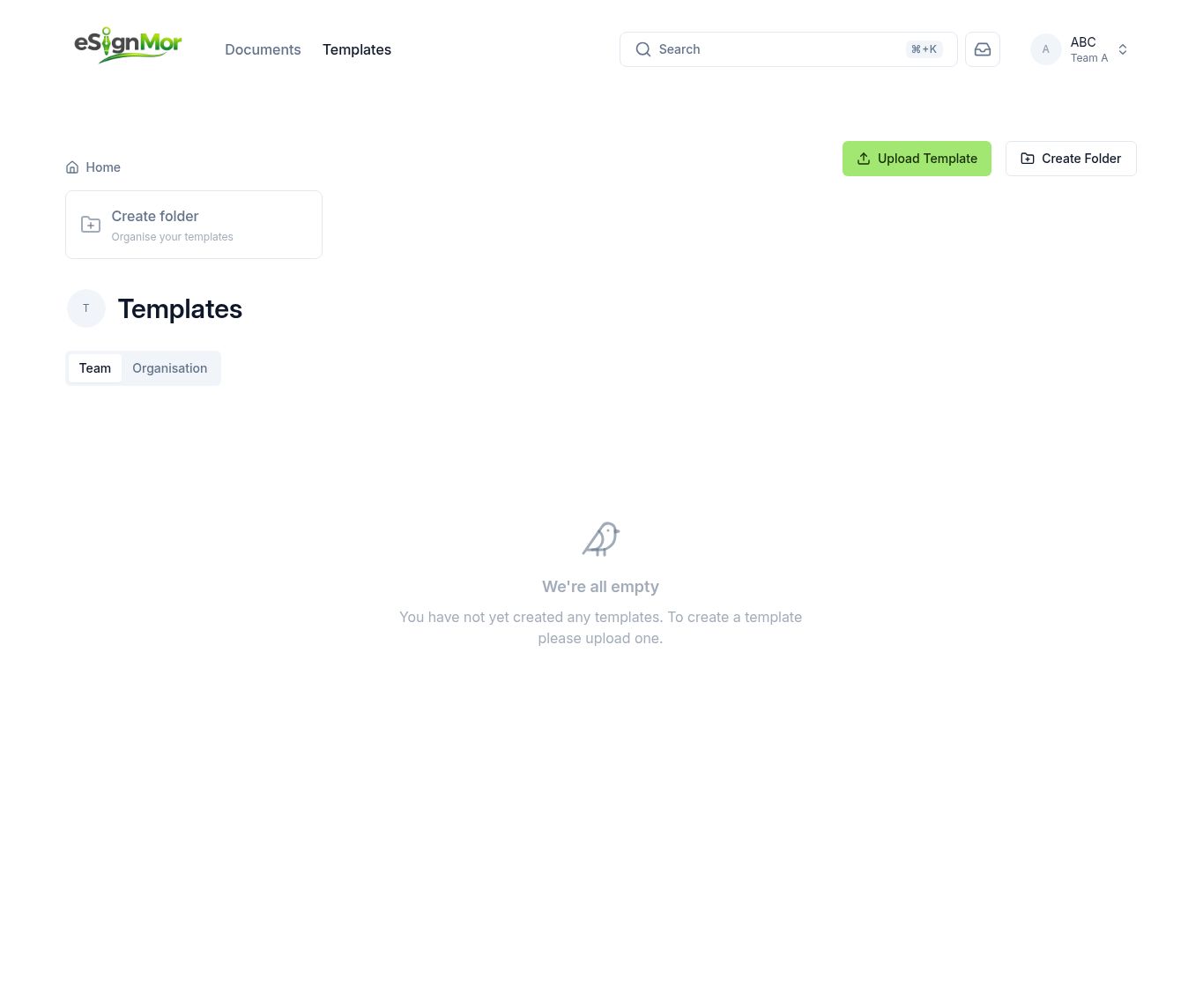 Select the template to use.
 -
Create a document
Select Use template to create a new document.
-
Fill in real recipients
Replace each placeholder with the real recipient’s name and email.
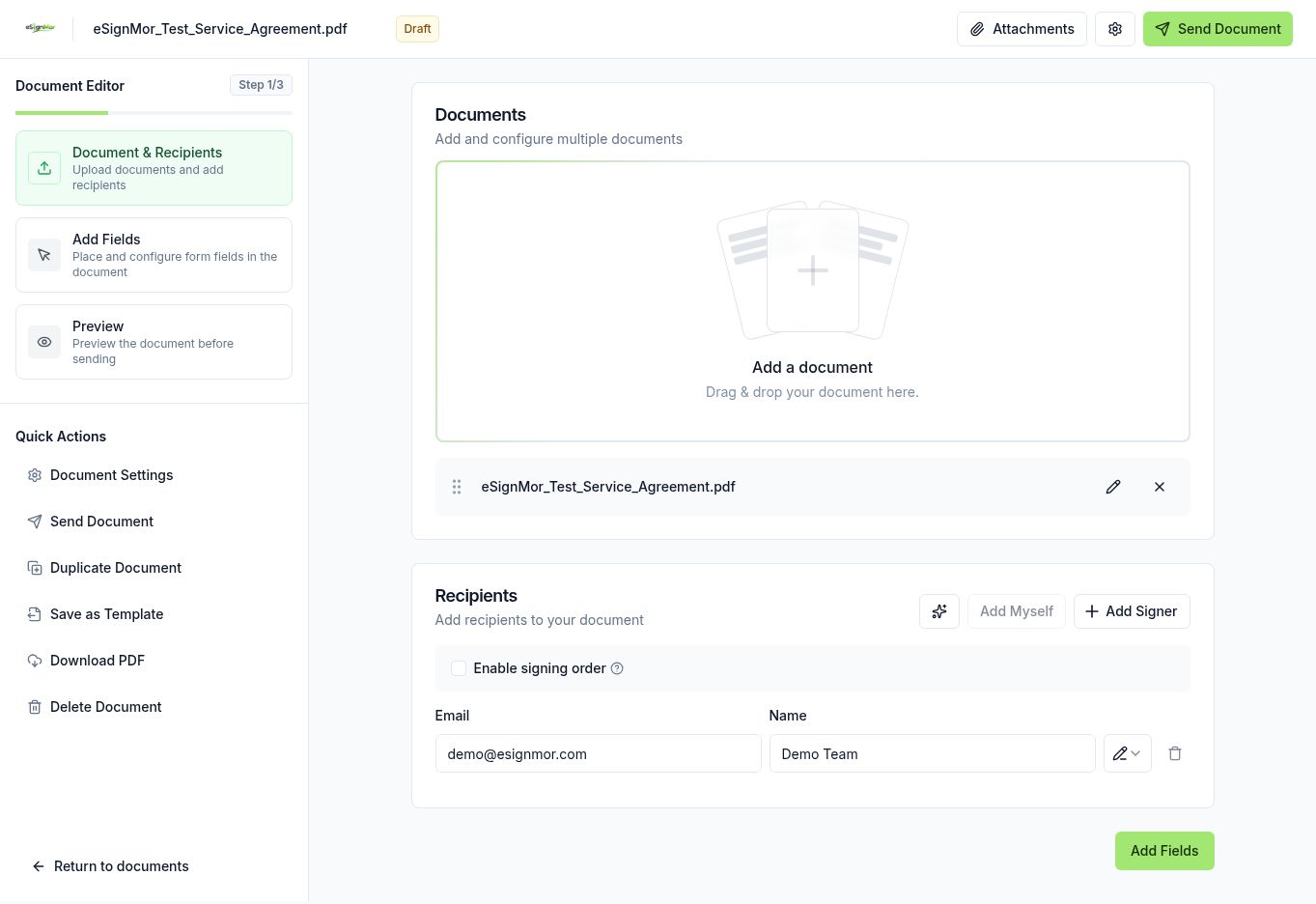 Enter the real recipients for this document.
Important: Check every address — placeholders are easy to leave behind.
-
Review and send
Review the pre-placed fields, then preview and send.
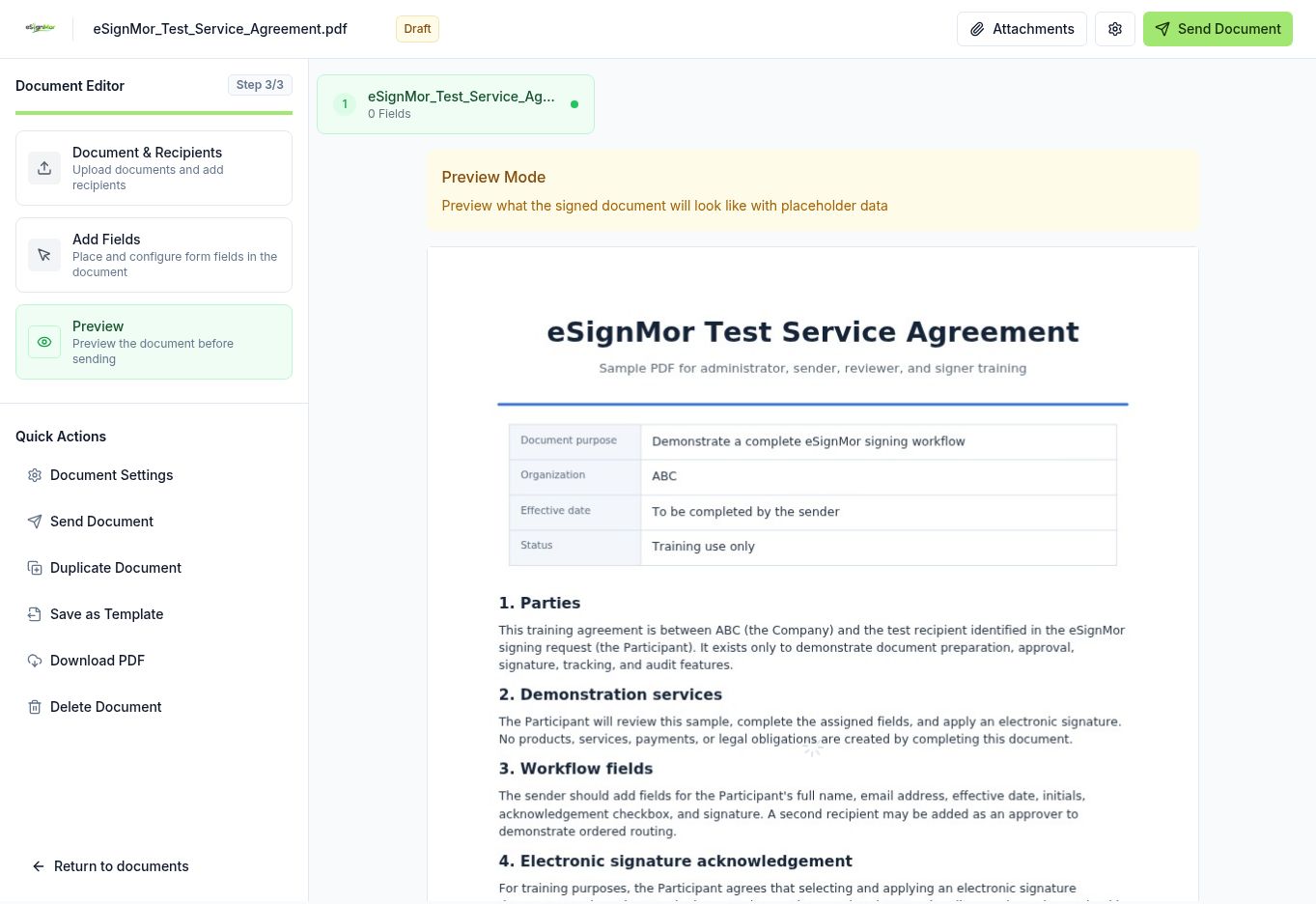 Preview before sending.
Result: The document is sent with the template’s saved layout.
Need a hand? Email support@esignmor.com.