

Create a reusable template
Save a document with its recipients and fields so you can resend it in seconds.
-
Open Templates
Open the correct team and select Templates.
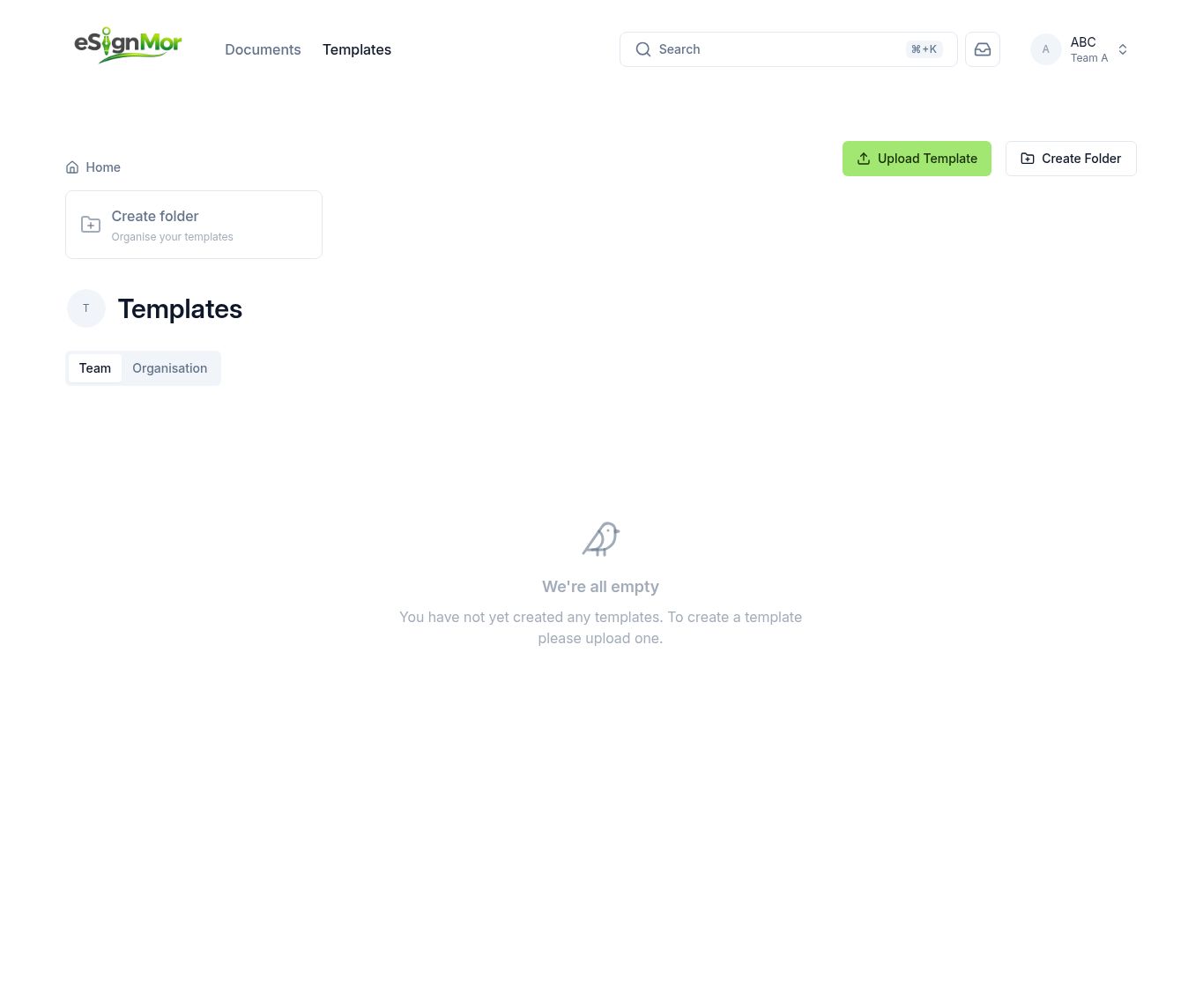 Open the team’s template library.
 -
Create the template
Select Create template and upload the PDF you reuse most often.
-
Add placeholder recipients
Add placeholder recipients with clear role names such as Customer or Manager.
Note: Placeholder names are replaced with real people each time the template is used.
-
Place the fields
Place and configure every field for each placeholder recipient.
-
Save and test
Save the template, then create one test document from it.
Result: The template produces a correct, ready-to-send document.
Need a hand? Email support@esignmor.com.