

Review activity and audit history
Read the event timeline that proves who did what, and when.
-
Open the document
Open the document whose history you need to inspect.
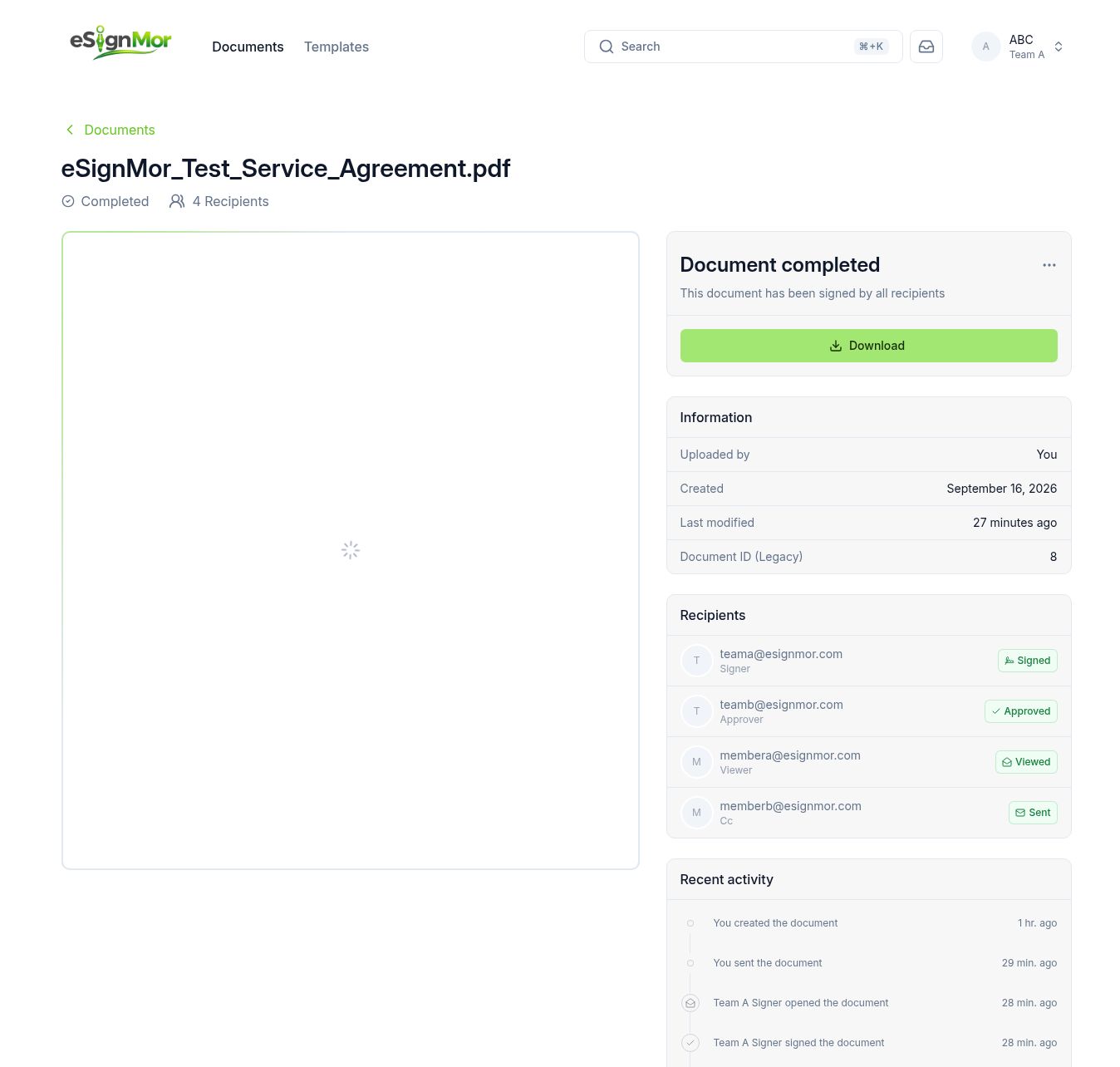 Open the document record.
 -
Read the timeline
Review every recorded event: sent, opened, viewed, signed, approved, rejected, and completed.
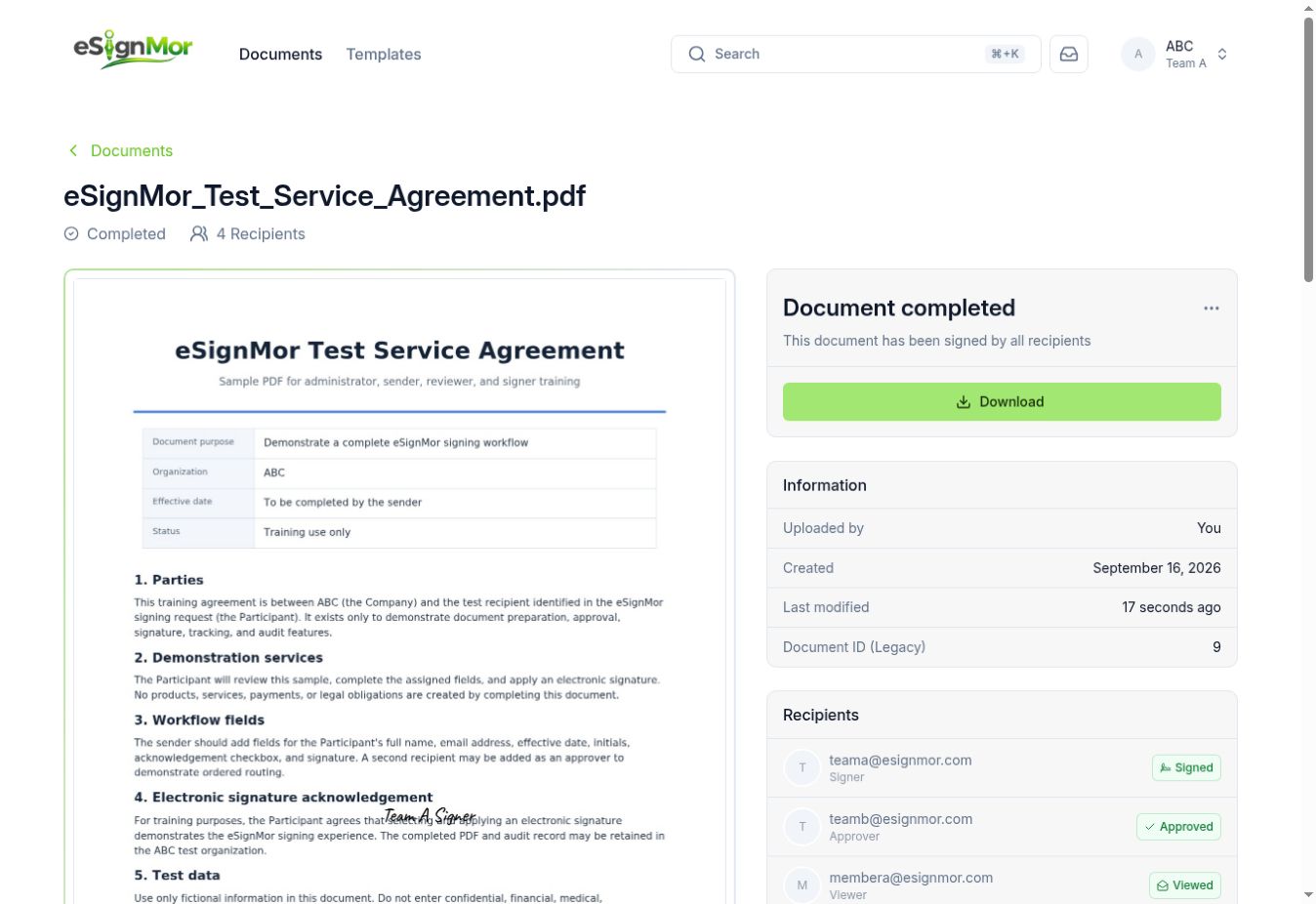 Review the complete event history.
 -
Export the evidence
Export or download the audit record where your policy requires a stored copy.
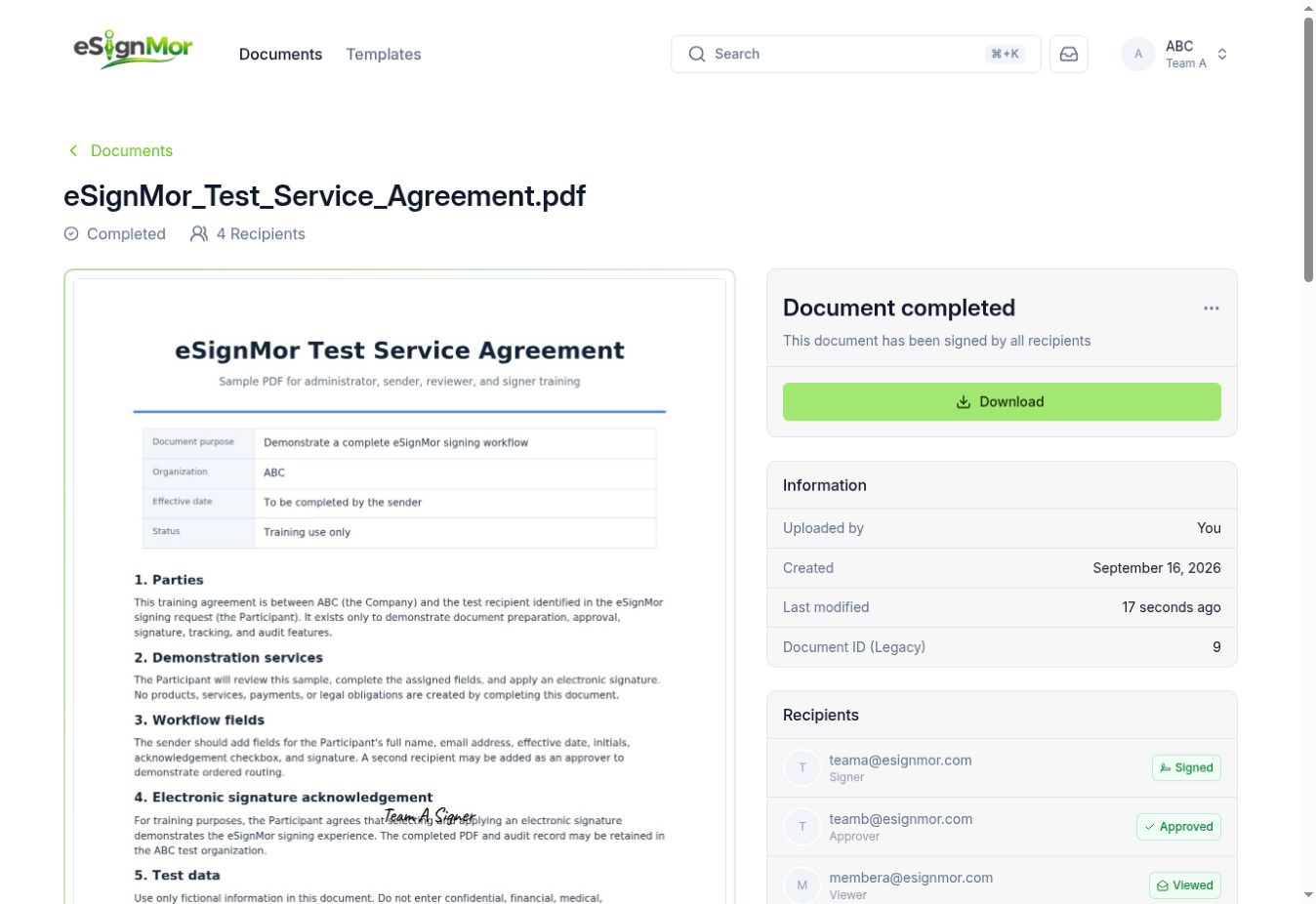 Export the audit history.
Result: The audit trail is preserved outside the application.
Need a hand? Email support@esignmor.com.