

Review completed documents
Find a finished document and confirm the final result for every recipient.
-
Open Completed documents
Open Documents and filter by Completed.
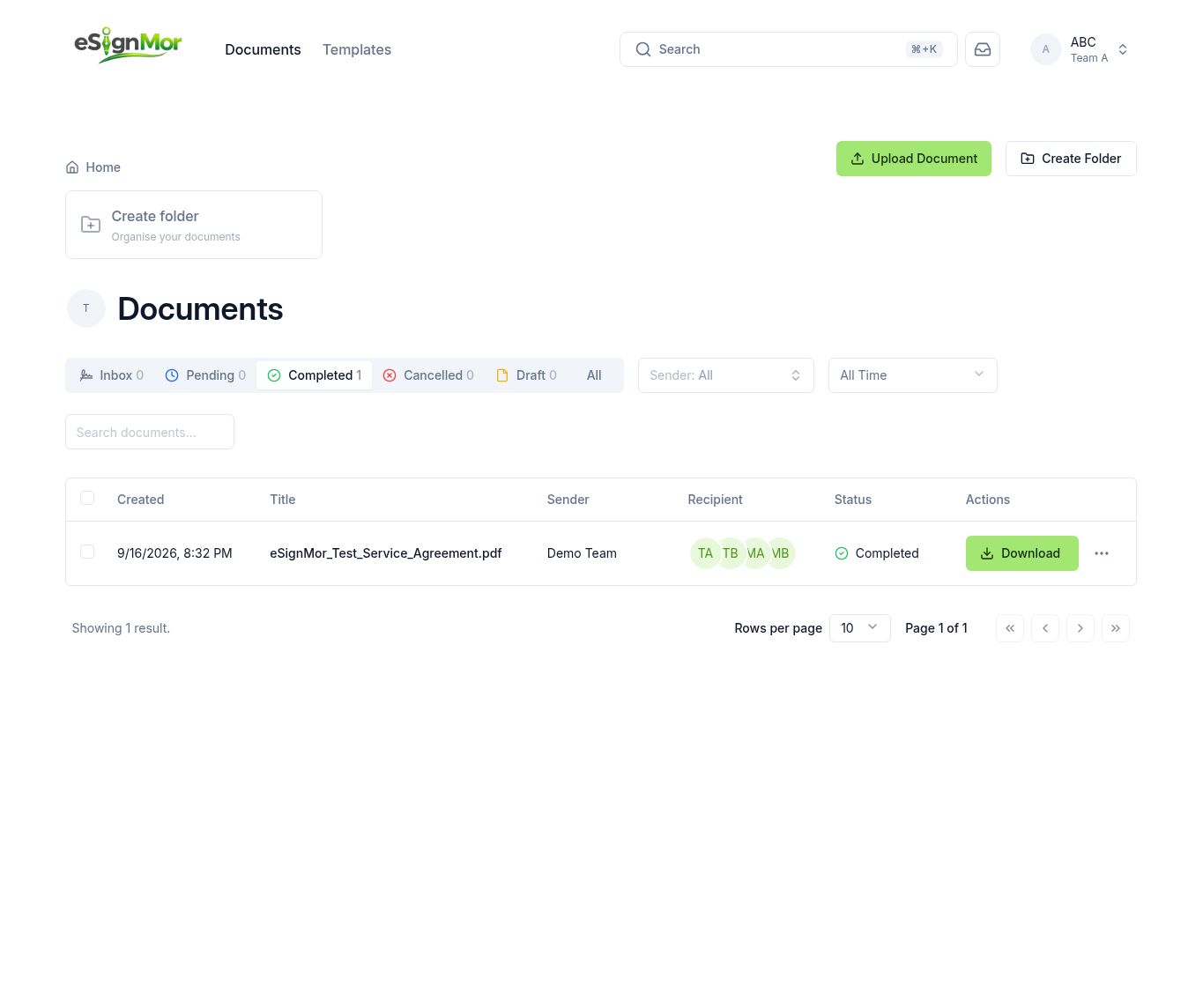 Locate the completed record.
 -
Check final statuses
Confirm the final status for every recipient.
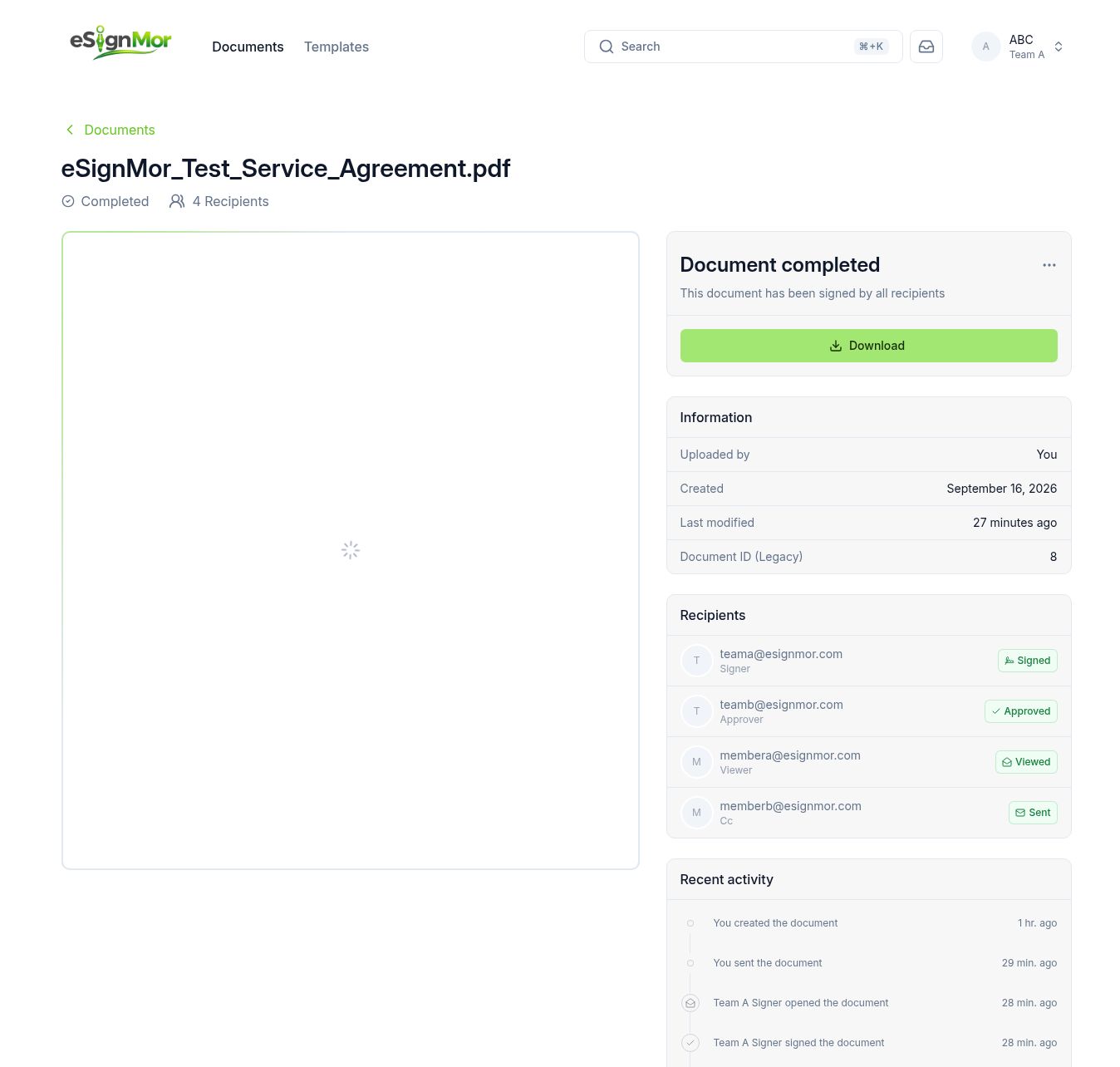 Verify the final result for every recipient.
Result: Every required action is recorded as complete.
-
Open the activity history
Open the document activity or history view.
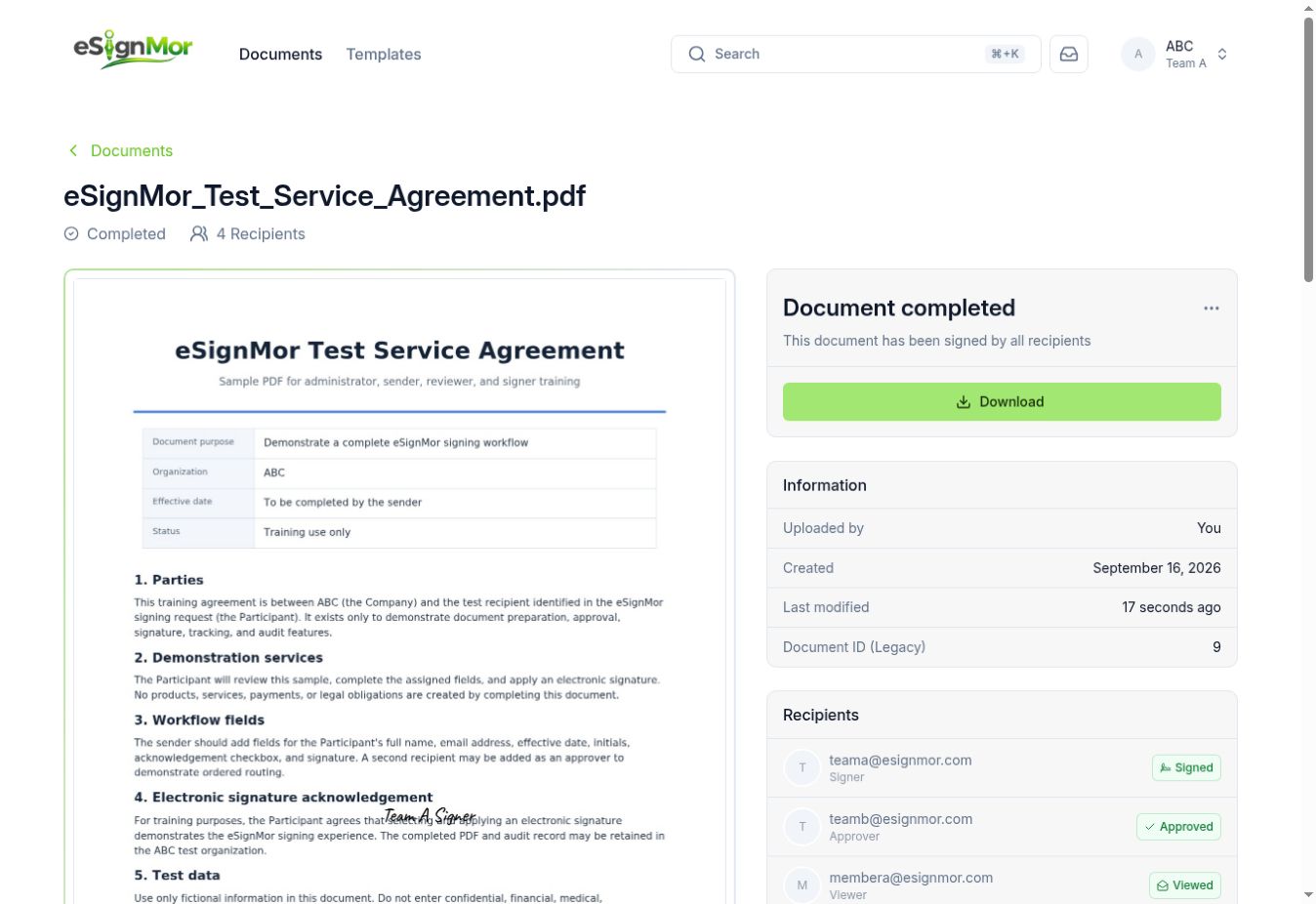 Review the event timeline.
Need a hand? Email support@esignmor.com.