

Configure team settings and inherited branding
Decide what a team inherits from the organisation and what it overrides.
-
Open Team Settings
Open the team and select Settings, then General.
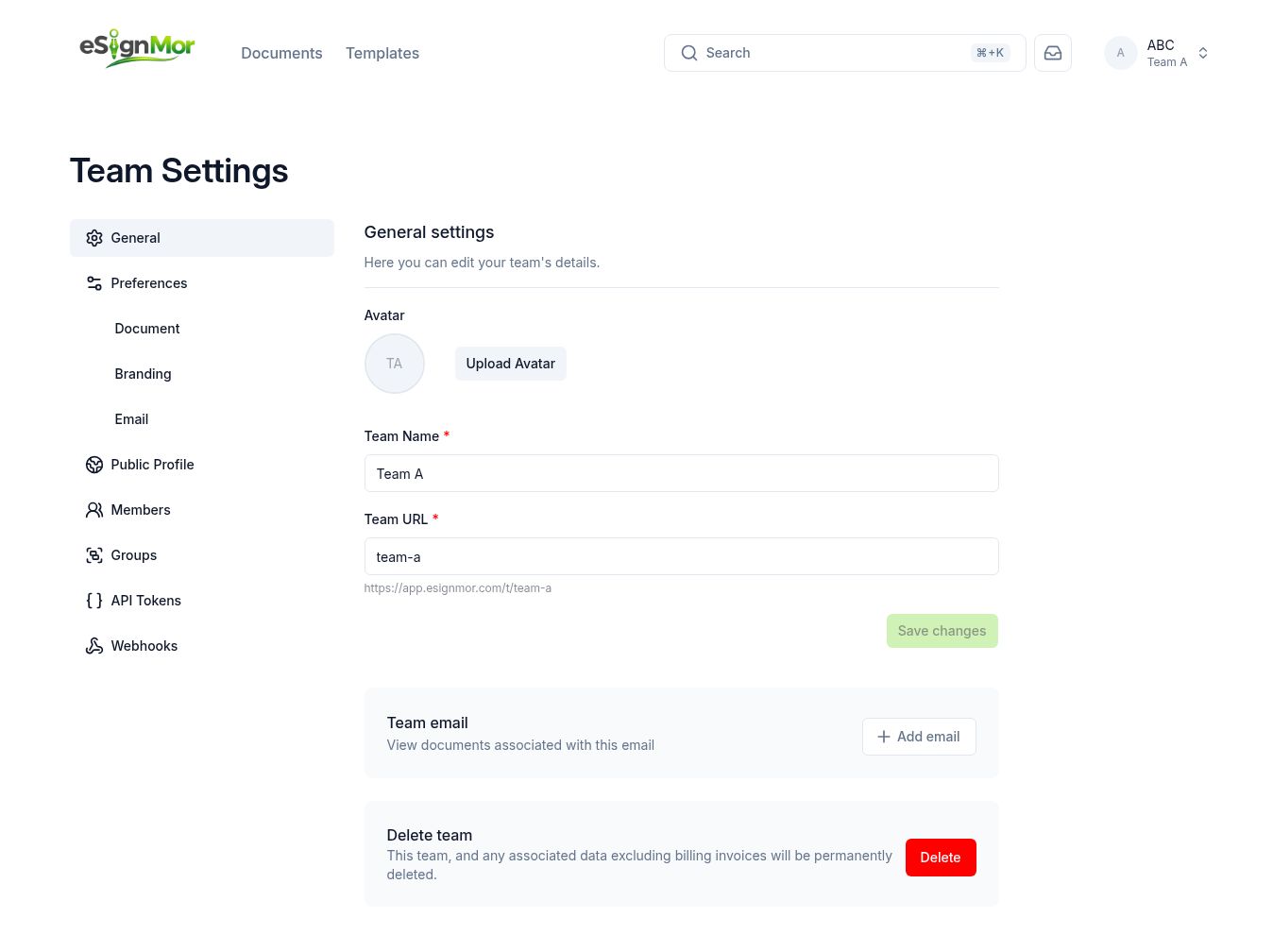 Open team general settings.
 -
Review inherited document settings
Review which document settings the team inherits from the organisation.
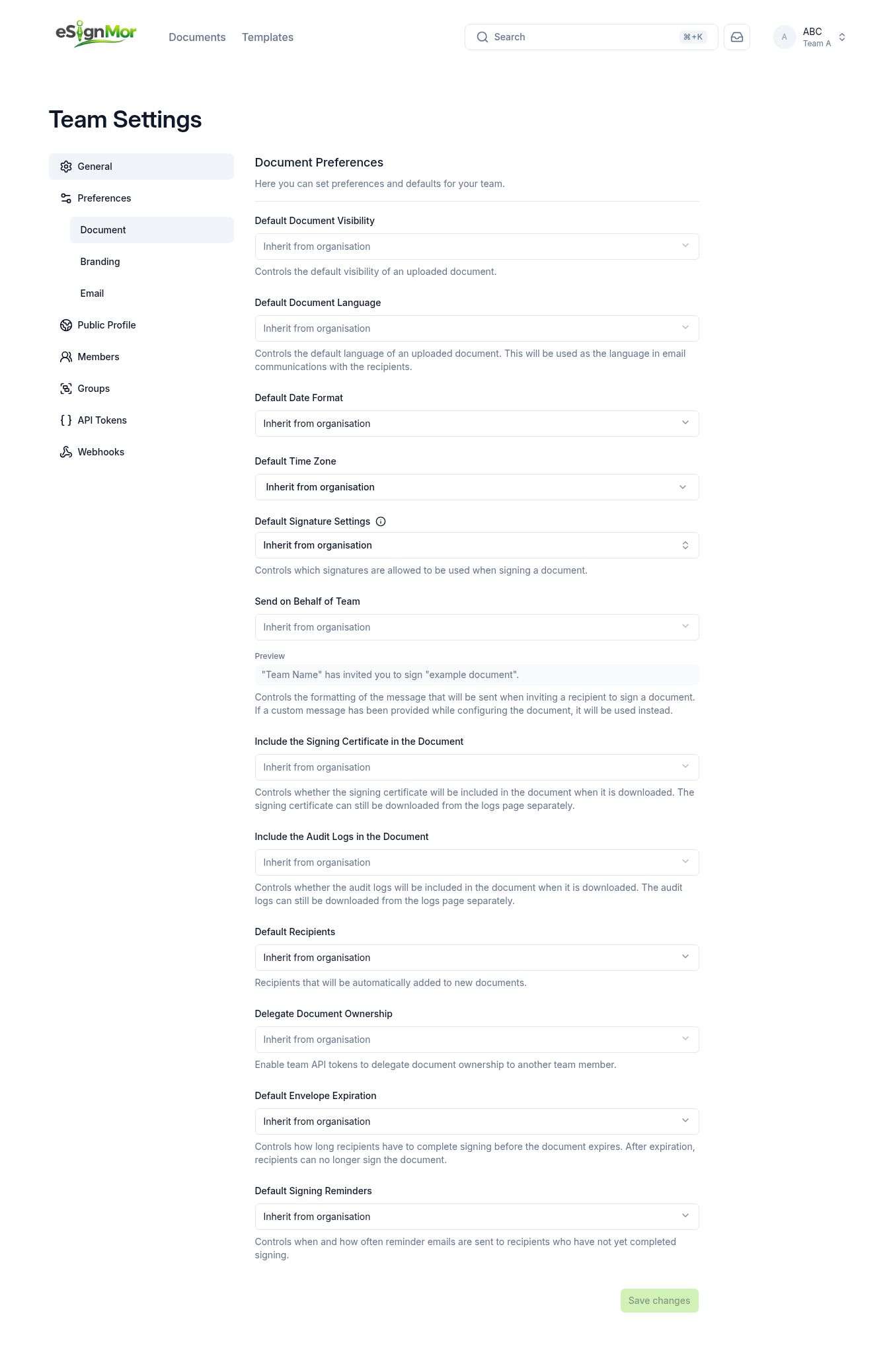 Review inherited document settings.
 -
Override branding if required
Review branding inheritance and override it only when the team needs its own identity.
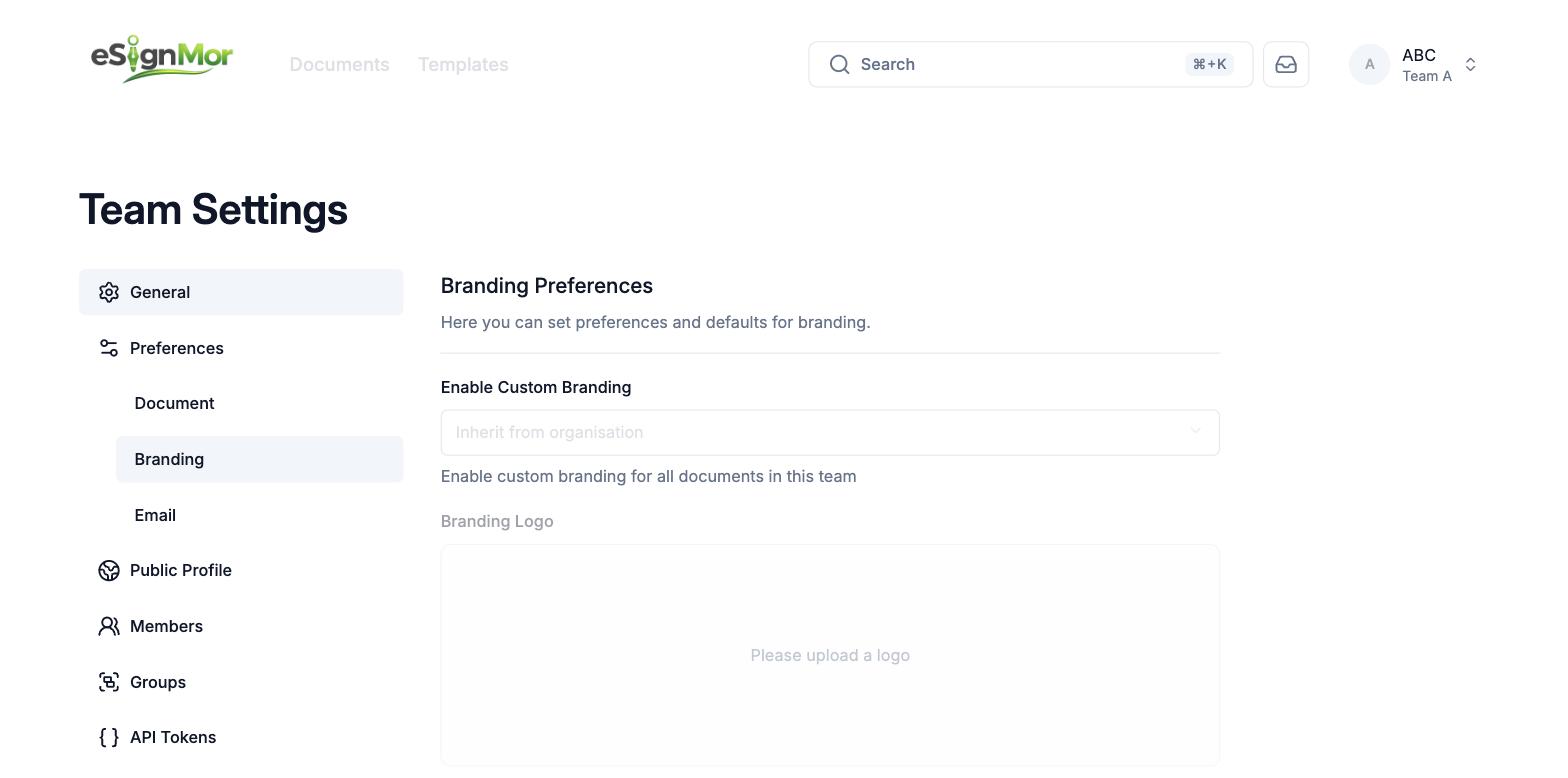 Override branding only when necessary.
 -
Check team access
Review the team’s Members and Groups.
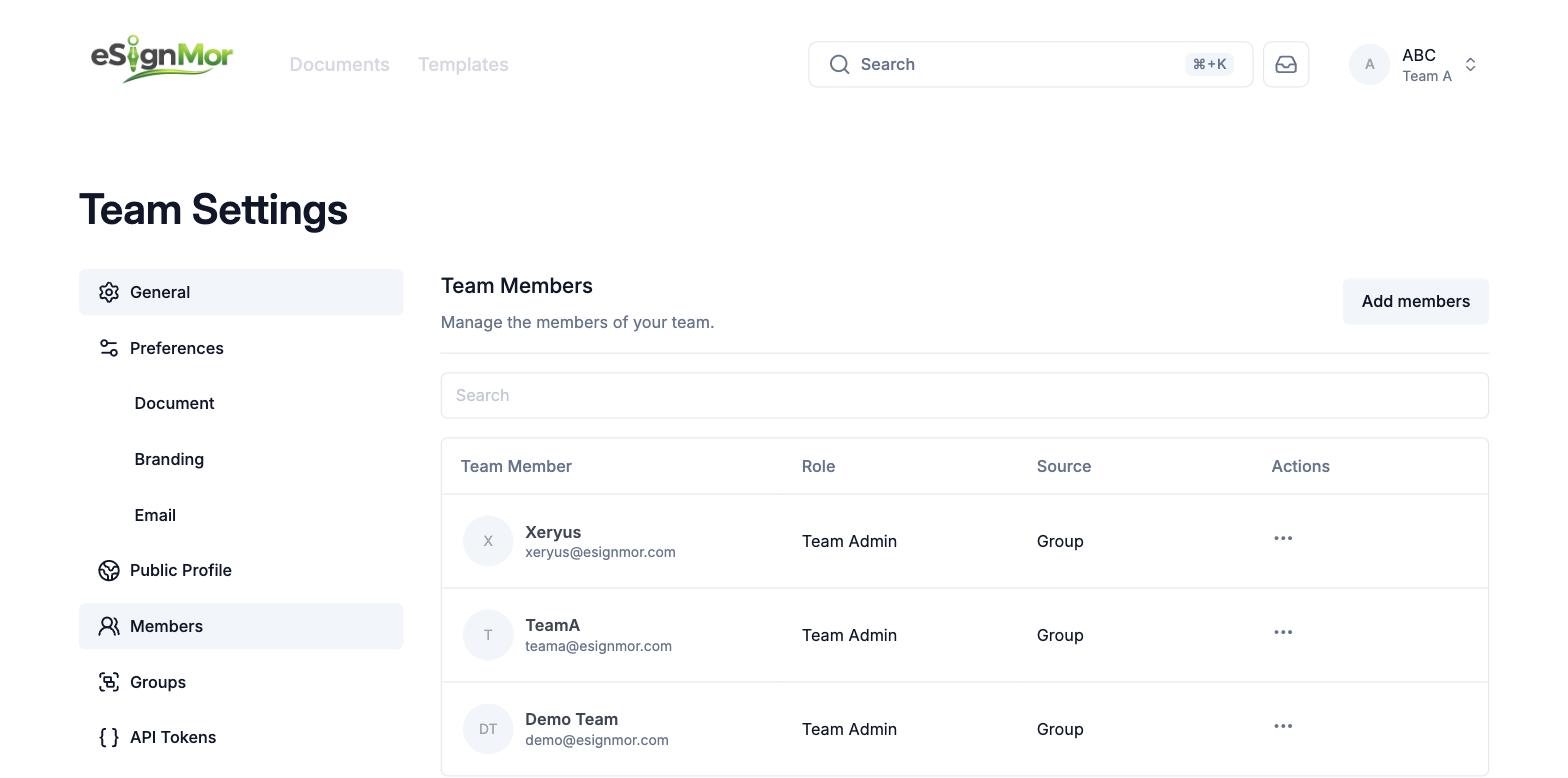 Confirm who can access the team.
Result: Only intended people can reach the team’s documents.
Need a hand? Email support@esignmor.com.