

Configure and test webhooks
Receive document events in your own system, verified and deduplicated.
-
Prepare an endpoint
Publish an HTTPS endpoint that responds quickly with a 2xx status.
-
Open Webhooks
Open Team Settings and select Webhooks.
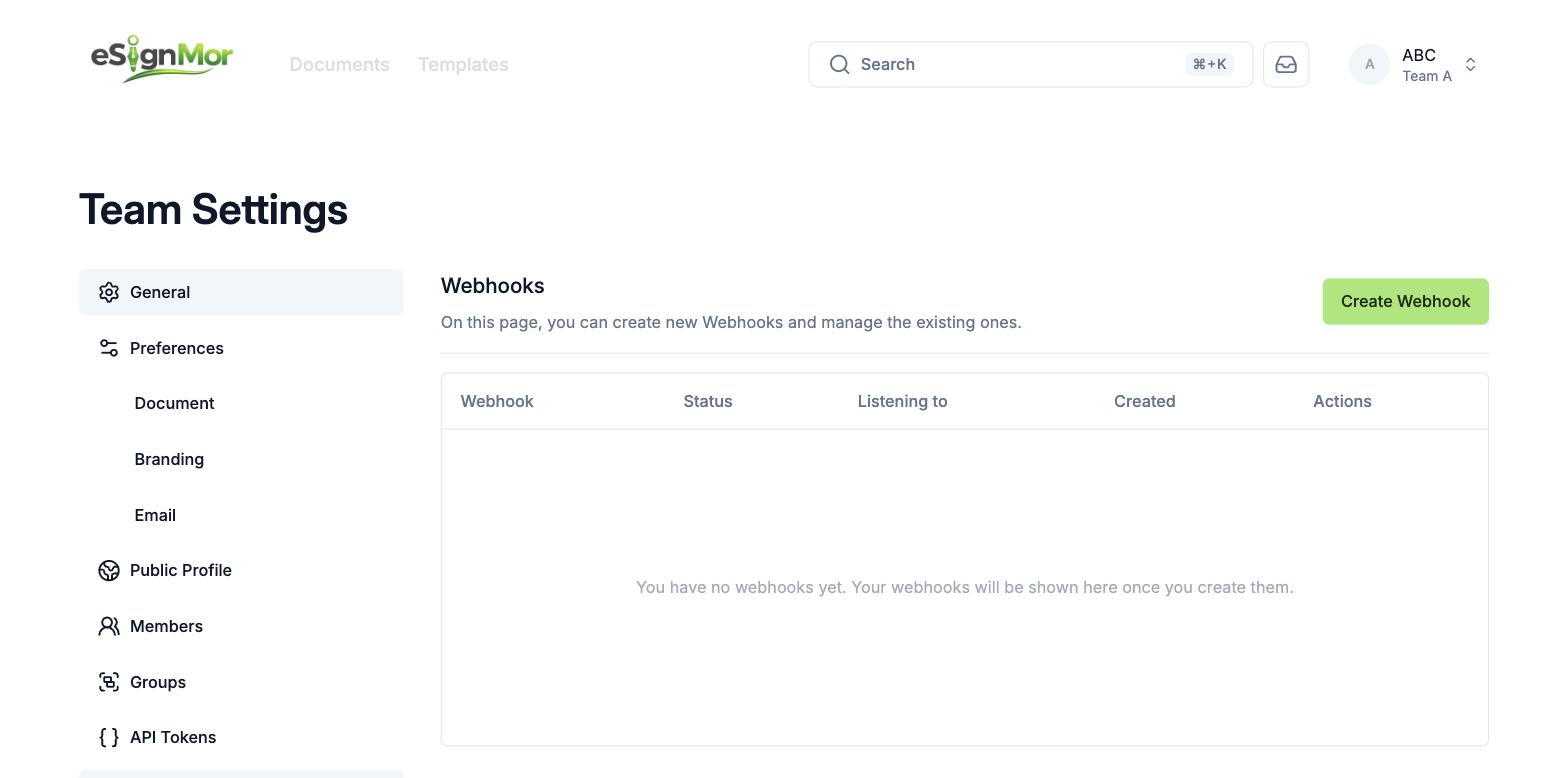 Open the team’s webhook configuration.
 -
Create the webhook
Select Create Webhook and configure the endpoint URL and the events you need.
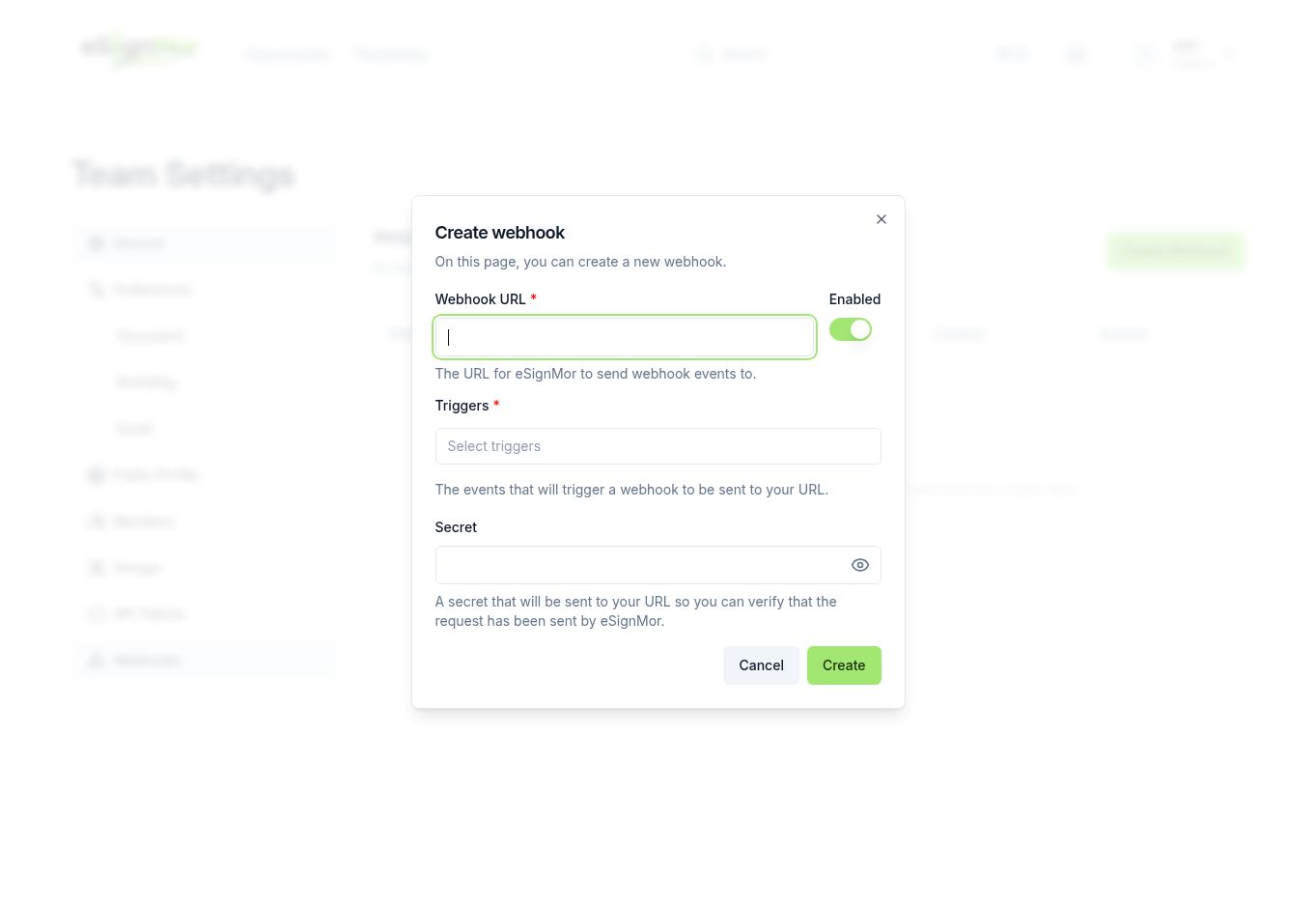 Configure the endpoint and the events to receive.
 -
Verify every request
Validate the webhook signature on your server before trusting the payload.
Important: An endpoint that skips verification can be spoofed. Never log the verification secret.
-
Handle retries
Deduplicate by event ID, make handlers idempotent, and monitor failures.
Result: Events are processed exactly once, even when retried.
Need a hand? Email support@esignmor.com.